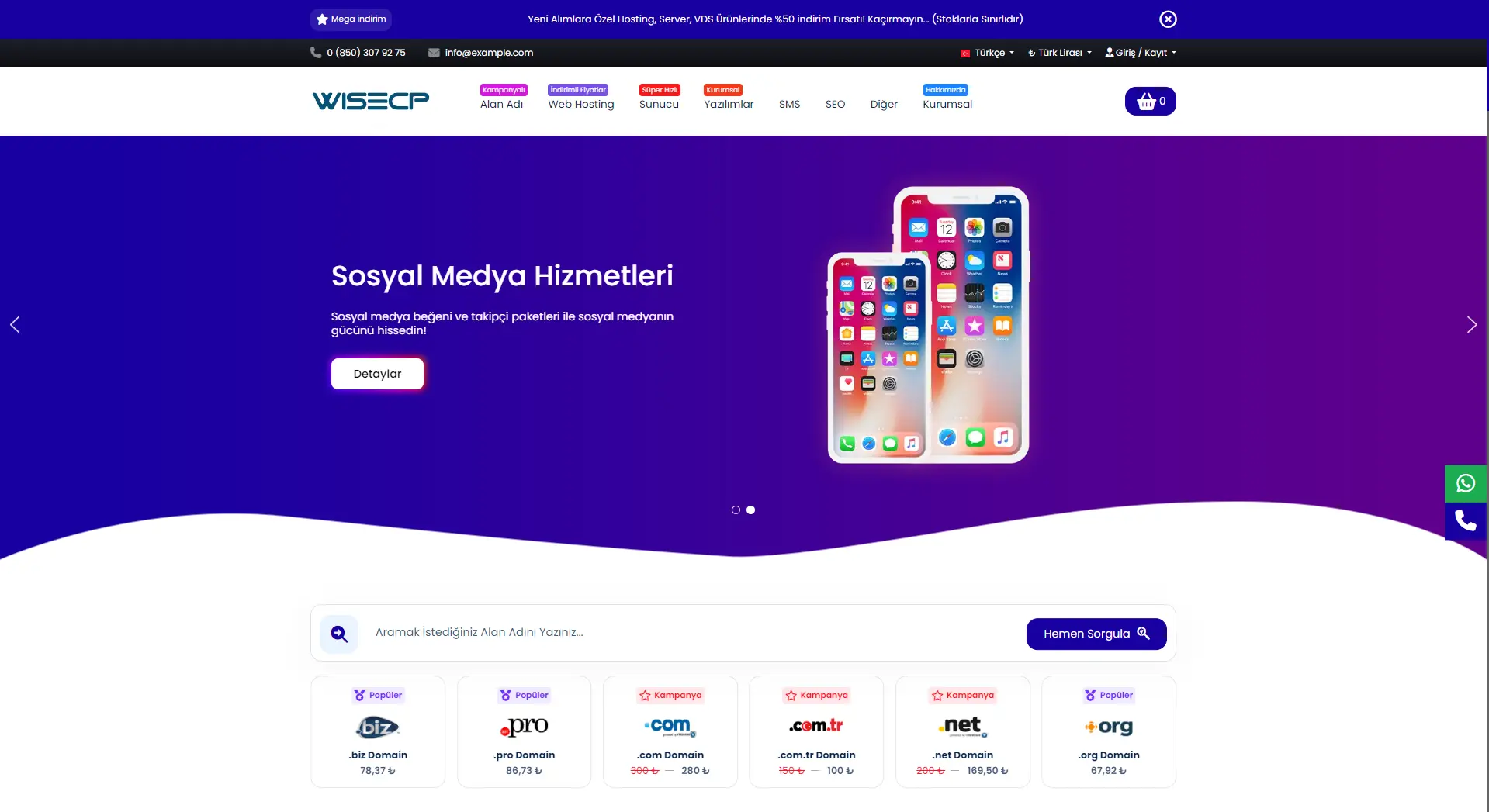
WISECP sitenize eksiksiz bir hosting vitrini: Tema Ayarlarından şekillenir, fiyatları kendi kataloğunuzdan canlı okur.
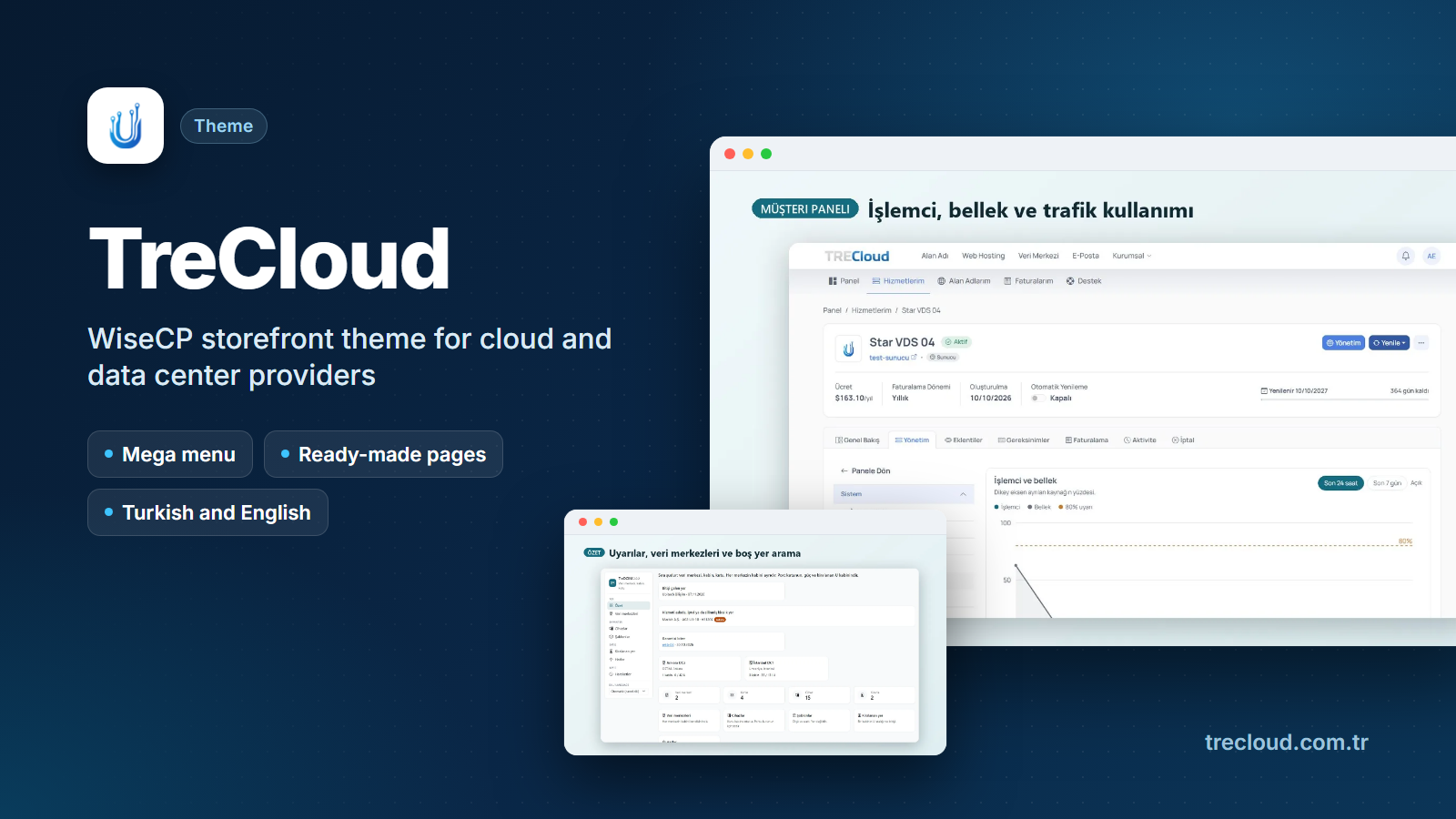
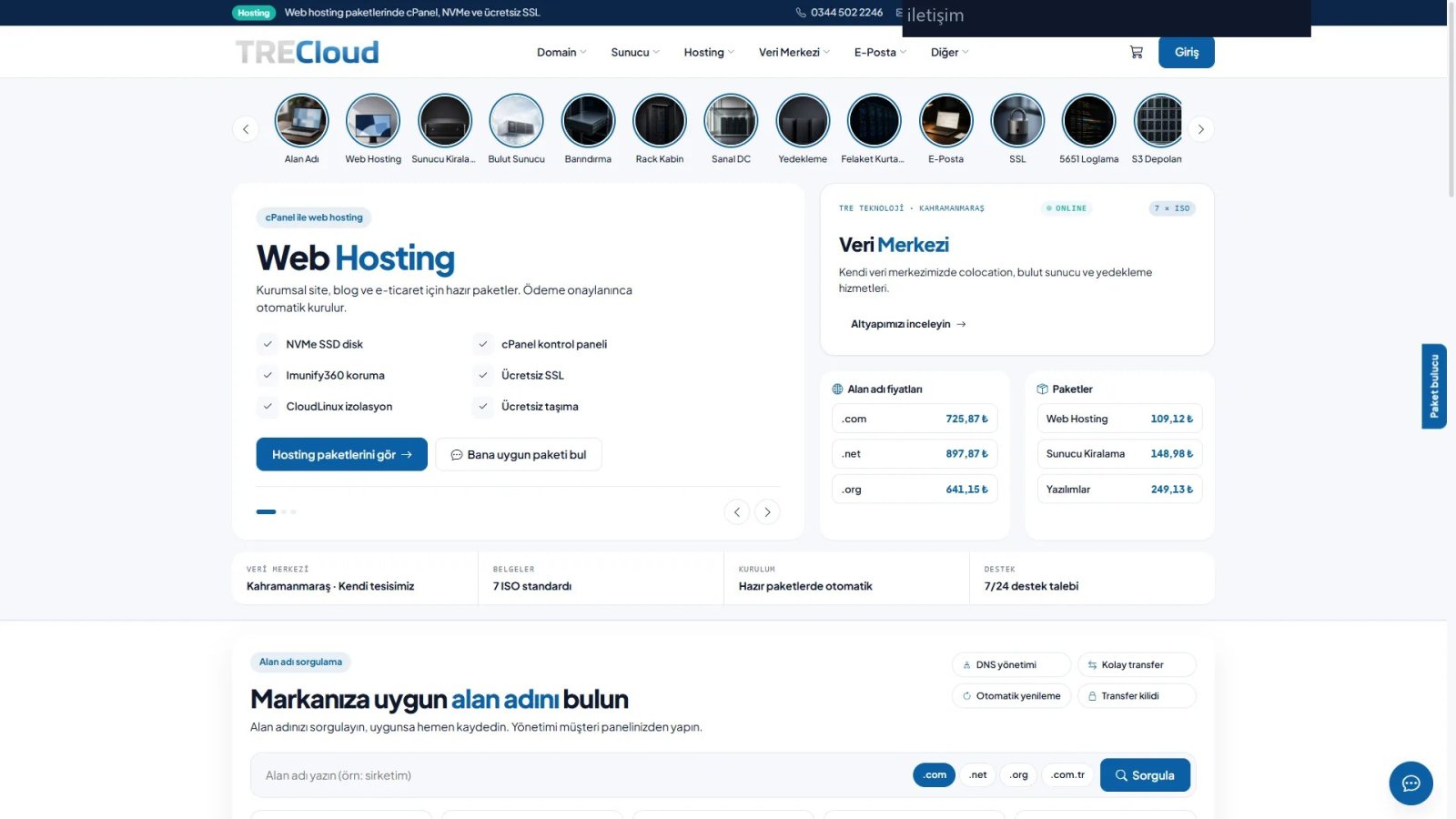
TreCloud, hosting, sunucu, barındırma ve alan adı satan firmalar için WISECP 5 vitrin temasıdır. Ana sayfadan ödeme adımlarına ve müşteri paneline kadar sitenin ziyaretçi tarafını tek bir tasarımda toplar. Düzeni ve metinleri kod yazmadan değiştirirsiniz; logo, iletişim, menü ve ürünler doğrudan WISECP'den gelir.
Kataloğunuz kopyalanmaz
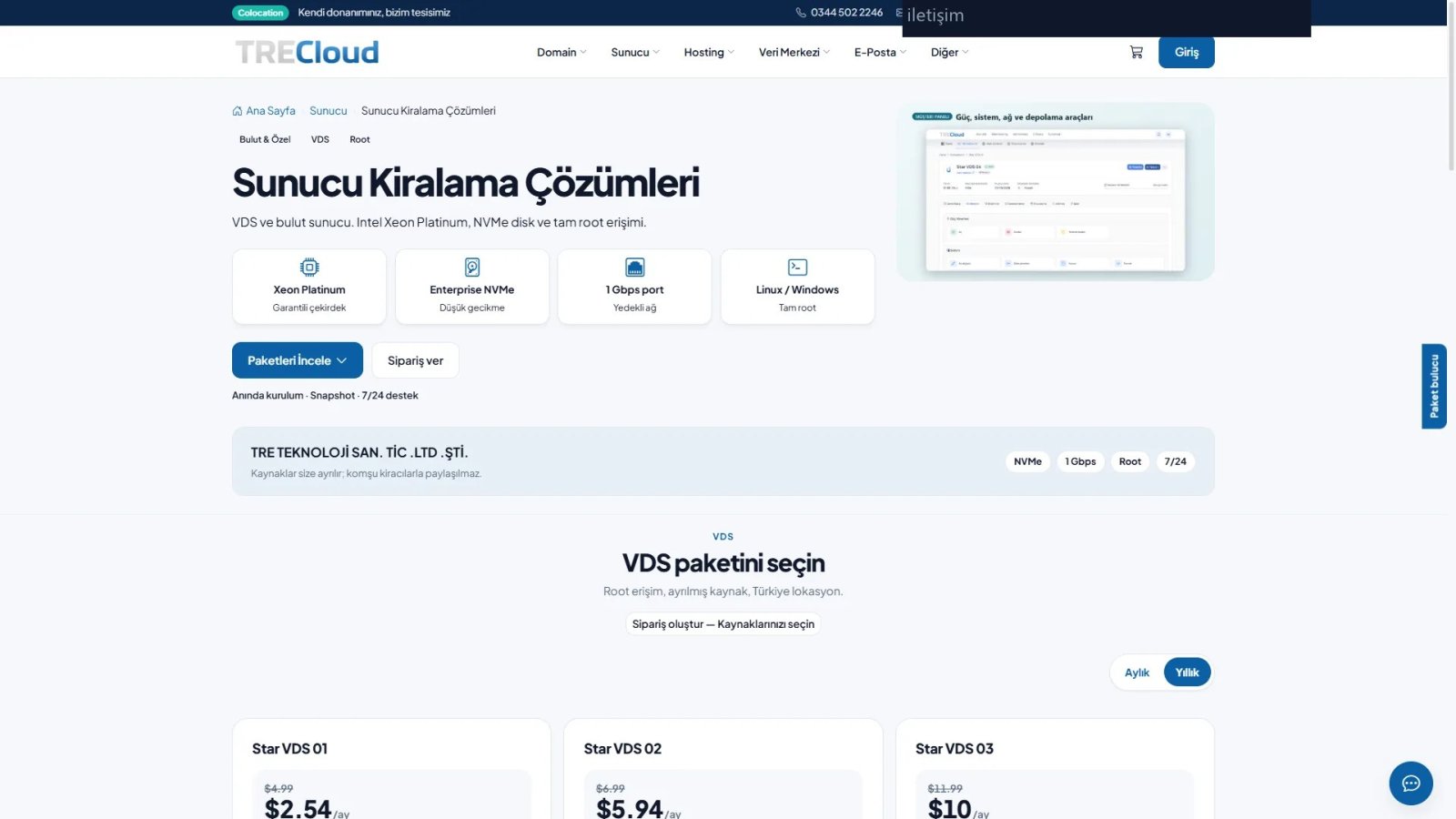
Fiyatlar hep doğru: kartlar, paket tabloları ve megamenü fiyatları WISECP ürünlerinizden gelir. Fiyatı olmayan üründe sizin yazdığınız etiket görünür, örneğin "Teklif ile".
İçeriği boş olan bölüm sitede görünmez.
Paket, üst menüde seçilen para biriminden farklı bir birimle faturalanıyorsa altında not çıkar.
Kod yazmadan şekillenen vitrin
Tema Ayarları yedi bölümden oluşur: Genel, Üst kısım, Görünüm, Ana sayfa, Alt bilgi, Sayfalar ve Megamenü. İçerik ve Metinler sekmesinden vitrindeki her cümleyi değiştirebilirsiniz.
Kaydetmeden önizleyin: beş üst menü düzeni, beş alt bilgi düzeni, beş vitrin çeşidi ve dört fiyat tablosu stili.
Ana sayfa bölümlerini sürükleyerek sıralayın: kaydırıcı, sayaçlar, müşteri yorumları, alan adı sorgusu, hizmet kartları, ağ, altyapı, SSS, blog ve diğerleri.
Hosting, sunucu, e-posta, alan adı, veri merkezi, colocation, kabin, bulut, yedekleme, SSL ve loglama için ürün sayfası kahramanları.
Ziyaretçiyi doğru pakete götüren araçlar
Paket bulucu ziyaretçiye ne istediğini sorar ve sizin belirlediğiniz paket sayfasını açar.
Sipariş sihirbazı VDS, bulut, VDC, hosting ve e-posta için birim fiyatlardan teklif kurar.
Dijital asistan sizin yazdığınız hazır cümlelerle yanıt verir. Harici bir yapay zekâ servisine bağlanmaz.
Whois sorgusu, teklif formu, duyuru penceresi, kayan duyurular ve geri sayımlı kampanya bandı.
Müşteri paneli ve site ayarları
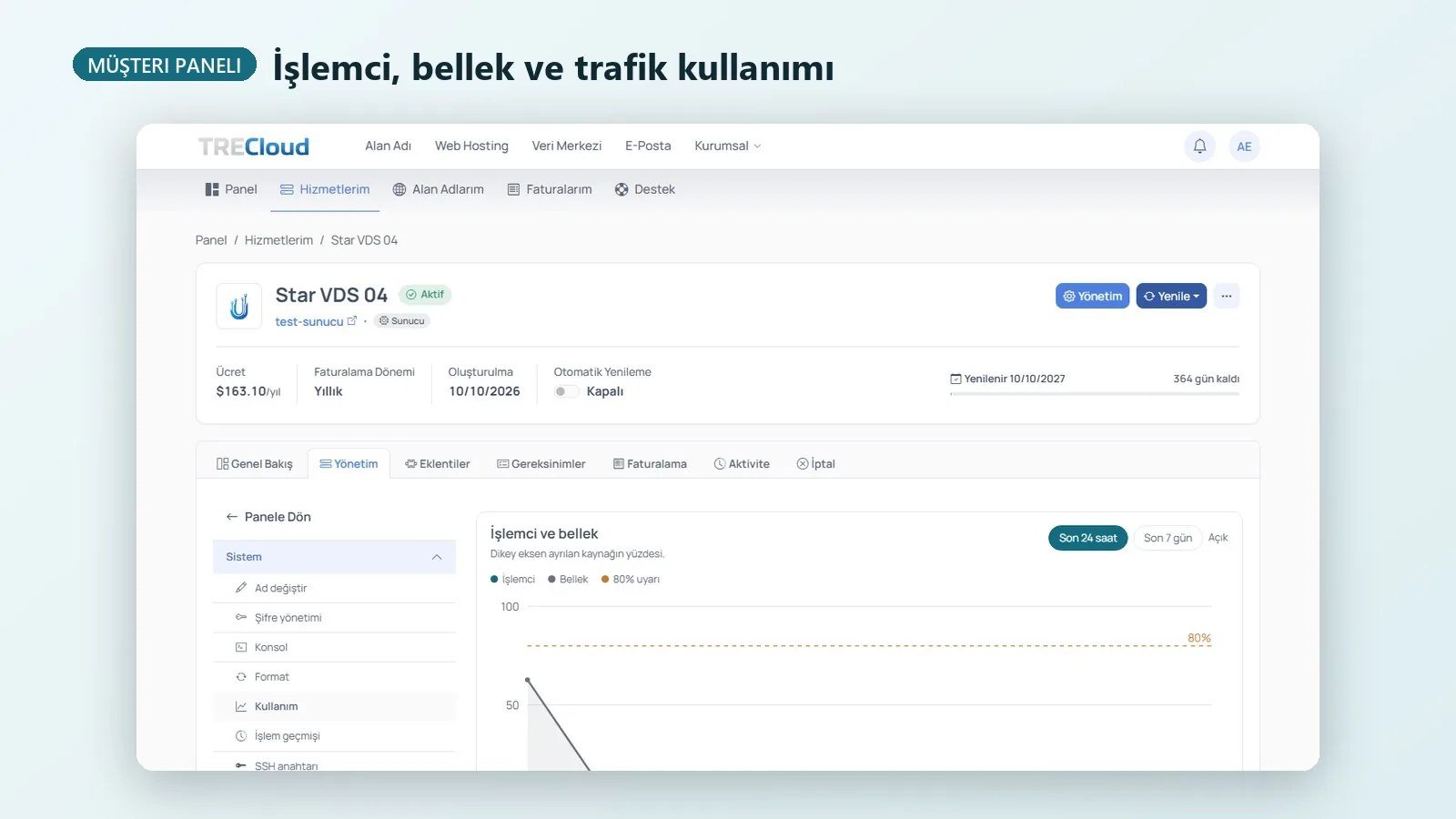
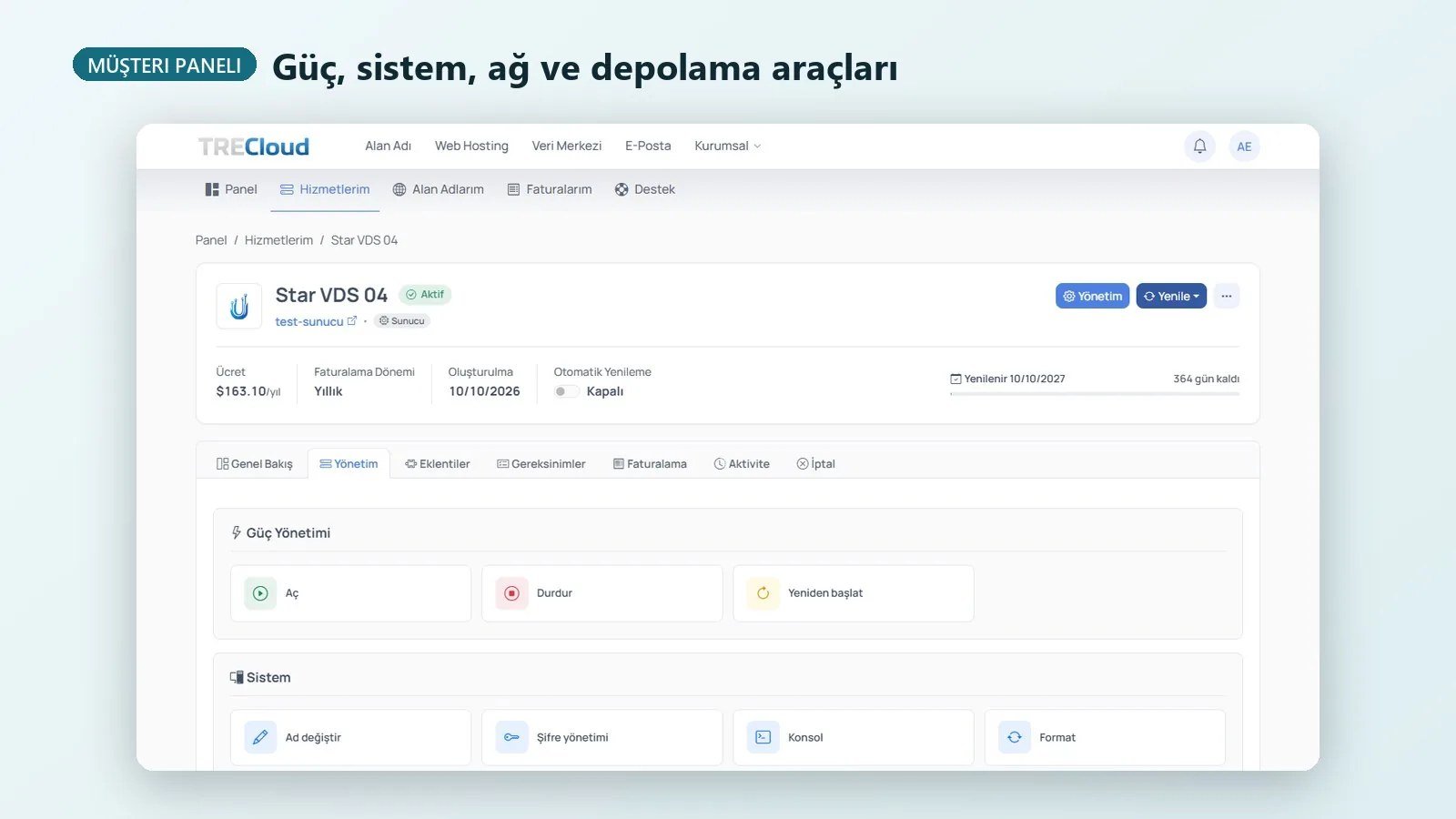
Müşteri paneli Modern ya da Klasik düzende; açık ve koyu görünüm desteklenir.
Giriş yapmamış ziyaretçiler için sayfa önbelleği; sepet ve ödeme sayfaları önbelleğe alınmaz.
Tag Manager, Pixel ve özel JS yalnız çerez onayından sonra yüklenir.
Dil ve lisans
Vitrin metinleri Türkçe ve İngilizce tamdır; diğer dillerde İngilizce kullanılır. Tema Ayarları ve megamenü düzenleyicisi panel diline göre Türkçe ya da İngilizce açılır (diğer panel dillerinde İngilizce). Vitrininiz hiç kapanmaz: lisans, lisans sunucusundan doğrulanır; doğrulanamazsa yalnız sayfa önbelleği ve megamenü düzenleyicisi durur.
Lisansı trecloud.com.tr'den satın alırsınız. Lisans anahtarı WISECP panelinizin alan adı ve sunucusuna üretilir; temayı bu lisansla WISECP Marketplace'ten indirirsiniz. Güncellemeler Marketplace üzerinden gelir.
Bu ürünün sizde nasıl çalıştığını ilk anlatan siz olun.
Sürüm geçmişi
TreCloud - WISECP için Hosting ve Veri Merkezi Vitrin Teması ürününde neler değişti
Arayüz iyileştirmeleri, uyumluluk çalışmaları ve yeni yetenekler; sürüm sürüm.
1.4.40Güncel
Optional "package + quantity add-ons" mode for the Customize wizard (off by default): the best-value mapped package is picked and extra CPU, RAM, disk and IPv4 are pre-selected as quantity add-ons on the order page.
The wizard's server fit mode, price currency, location name, operating system list and virtualization platform list are theme settings. The software category documentation button takes its URL from a setting and is hidden when empty.
The installation guide has a new "Customize wizard mapping" section with the line formats and an example.
Compatibility with WISECP 5.0-beta.4: order, cart, checkout, account, domain and service pages are in sync with the new core templates and scripts. Requires WISECP 5.0-beta.4 or newer.
Every inline script in the theme carries the CSP nonce, matching the core's content security policy.
Customize wizard: packages, add-ons and requirements are read only from the theme settings (Settings > Theme > Checkout, "Wizard: ..." fields). The package holds no product, add-on or requirement IDs. A family or package without a mapping never goes to the cart; its buy button opens the quote form.
Removed the code that rewrote order links of fixed product IDs to the quote form and removed specific images from page content. It now runs only if the site owner fills in the "Product IDs sent to the quote form" and "Images to hide" settings; both are empty by default.
1.4.37
Prices show in the currency selected in the header, with a note when a product is billed in another currency.
Hosting, email and SSL category pages: own type picker heading, equal-height category cards, a single FAQ section and balanced plan and related services grids.
Related services are chosen by page type and never suggest the current page; plan feature units (GB, vCPU, RAM) are spelled consistently.
Missing fields no longer write warnings to the server error log; the catalog menu file is rewritten only when its content changes.
The mega menu editor and page cache clearing require a signed-in administrator and a form token; the mega menu upload folder blocks directory listing and PHP execution.
Wider protection in the Marketplace package: every PHP file that carries logic is encoded.
Theme Settings and the mega menu admin screen follow the admin language: an English panel shows them in English.
Hard-coded Turkish texts in the header quick button, package finder tab, footer call band, contact/quote form, corporate pages and speed test page now come from the language files and show in English on the English interface.
Text that disappeared on light backgrounds (buttons, active tabs, client menu, plan cards, comparison table prices and Select buttons) is readable again.
Broken links fixed: the BGP server link opens the quote form and the physical server tile opens the server page instead of a 404.
Blog pagination no longer overflows on tablet and mobile; PayPal/Stripe logos in the checkout footer show only when those methods are enabled.
On phones the chat bubble, Customize tab and package finder tab no longer cover the content, and the announcement bar fits on one line.
The 'Cannot declare class' error when several Tre modules load on the same page is fixed.
Gereksinimler
Ek gereksinimler
Burada yalnızca standart WISECP ortamının ötesindeki gereksinimler listelenir.
Gereken en düşük sürüm
5.0-beta.4
Desteklenen en yüksek sürüm
5.0-beta.4
- Yalnız WISECP 5. WISECP 3.x ile uyumlu değildir.
- PHP 8.1 veya üstü ve PHP sürümüne uygun ionCube Loader.
- Yazılabilir templates/website ve coremio/storage klasörleri.
- Lisans doğrulaması için wisecp.trecloud.com.tr adresine 443 portundan (HTTPS) çıkış.
- Zip'i WISECP kök dizinine açın (dosyalar templates/website/TreCloud altına yerleşir), ardından temayı Ayarlar › Tema › Tema Yönetimi ekranından etkinleştirin.
Geliştirici desteği
TreCloud - WISECP için Hosting ve Veri Merkezi Vitrin Teması ürününü geliştiren ekipten destek
Bu ürünün yönlendirmesini ve desteğini UBİTECH BİLİŞİM SANAYİ VE TİCARET LİMİTED ŞİRKETİ sağlıyor.