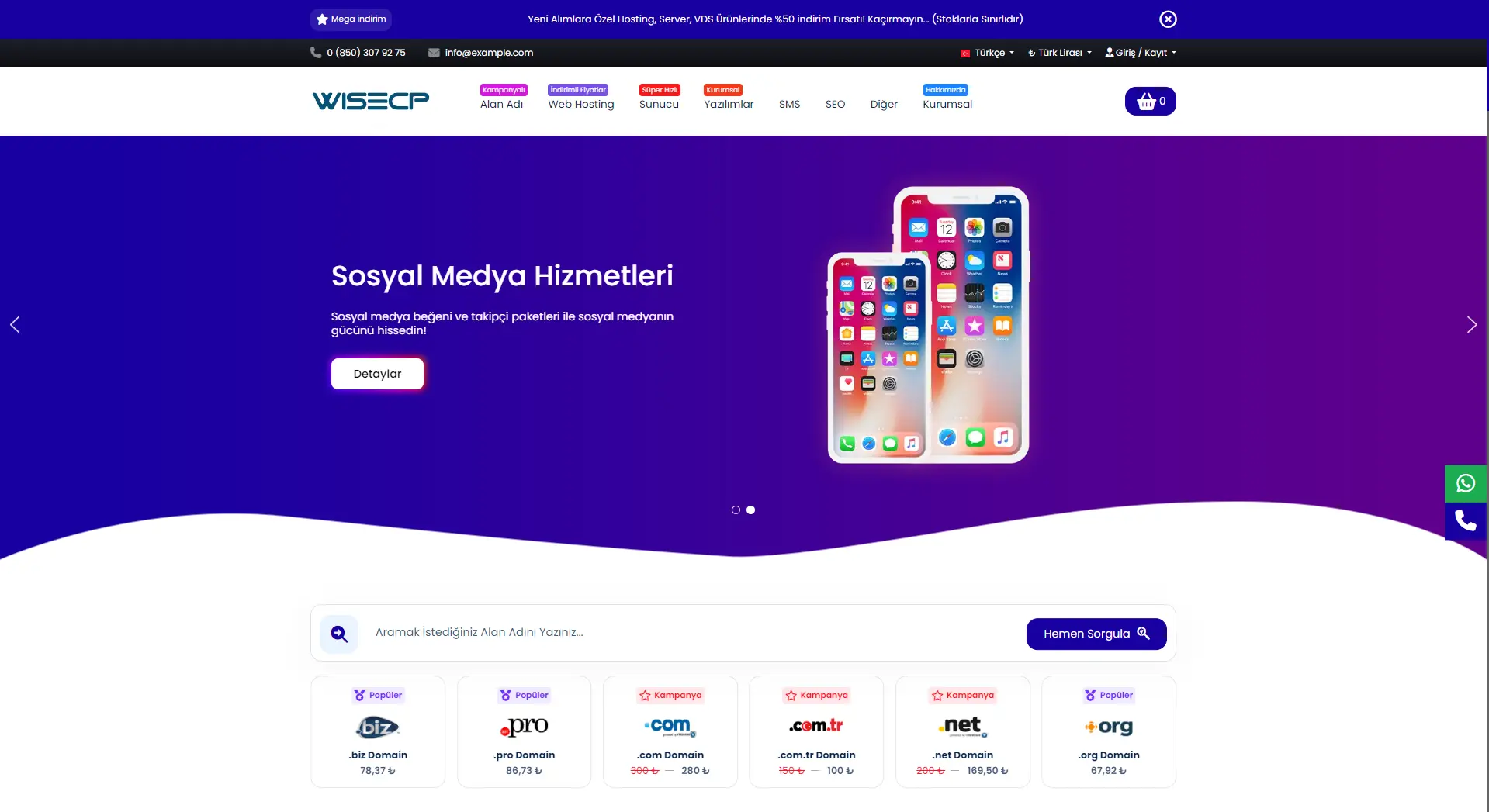
A complete hosting storefront for WISECP, shaped from Theme Settings, with prices read live from your own catalogue.
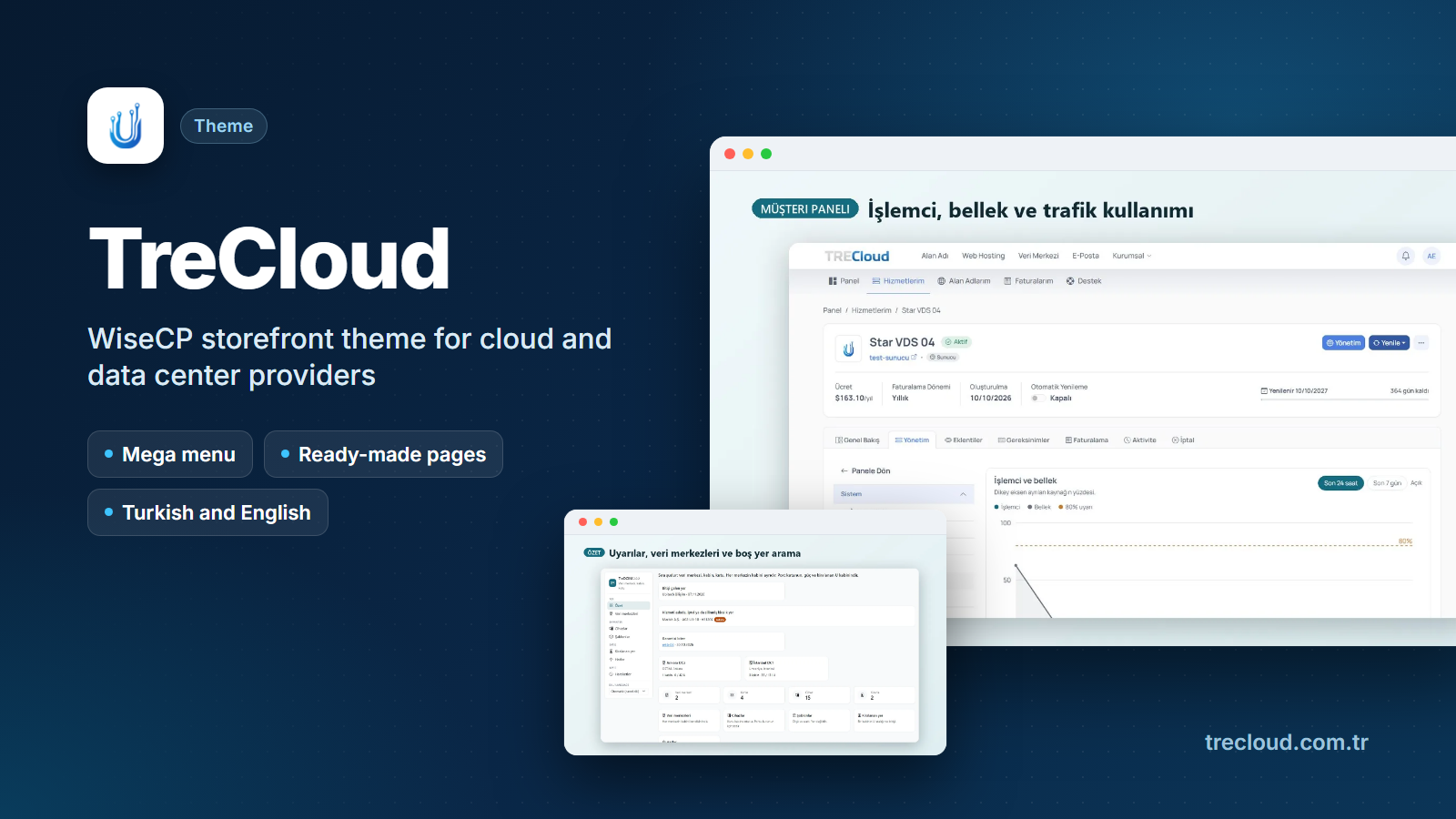
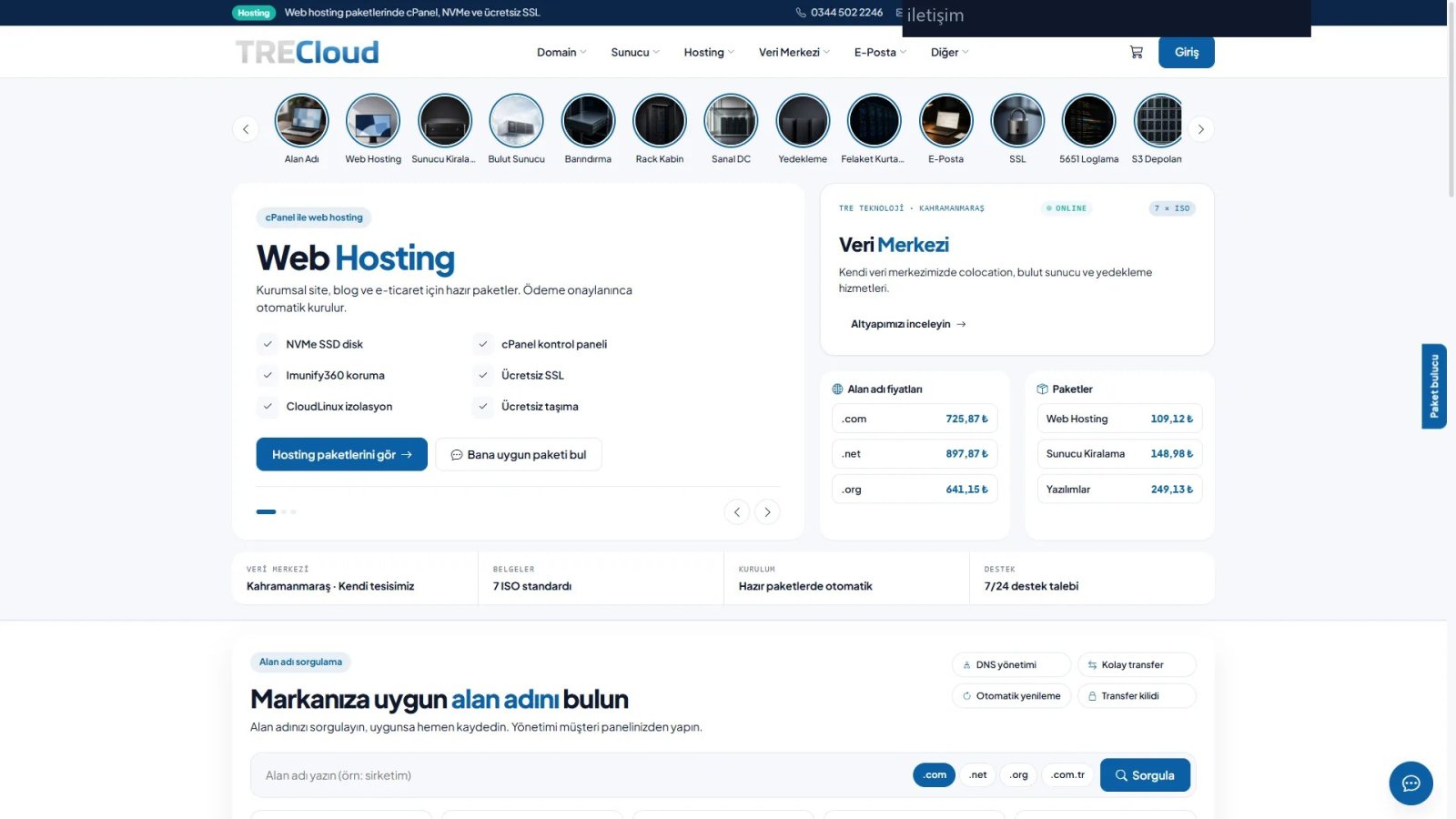
TreCloud is a WISECP 5 storefront theme for companies that sell hosting, servers, colocation and domains. It redesigns the whole visitor side in one style, from the home page to checkout and the customer area. You change layouts and texts without code; logo, contacts, menus and products come straight from WISECP.
Your catalogue, never copied
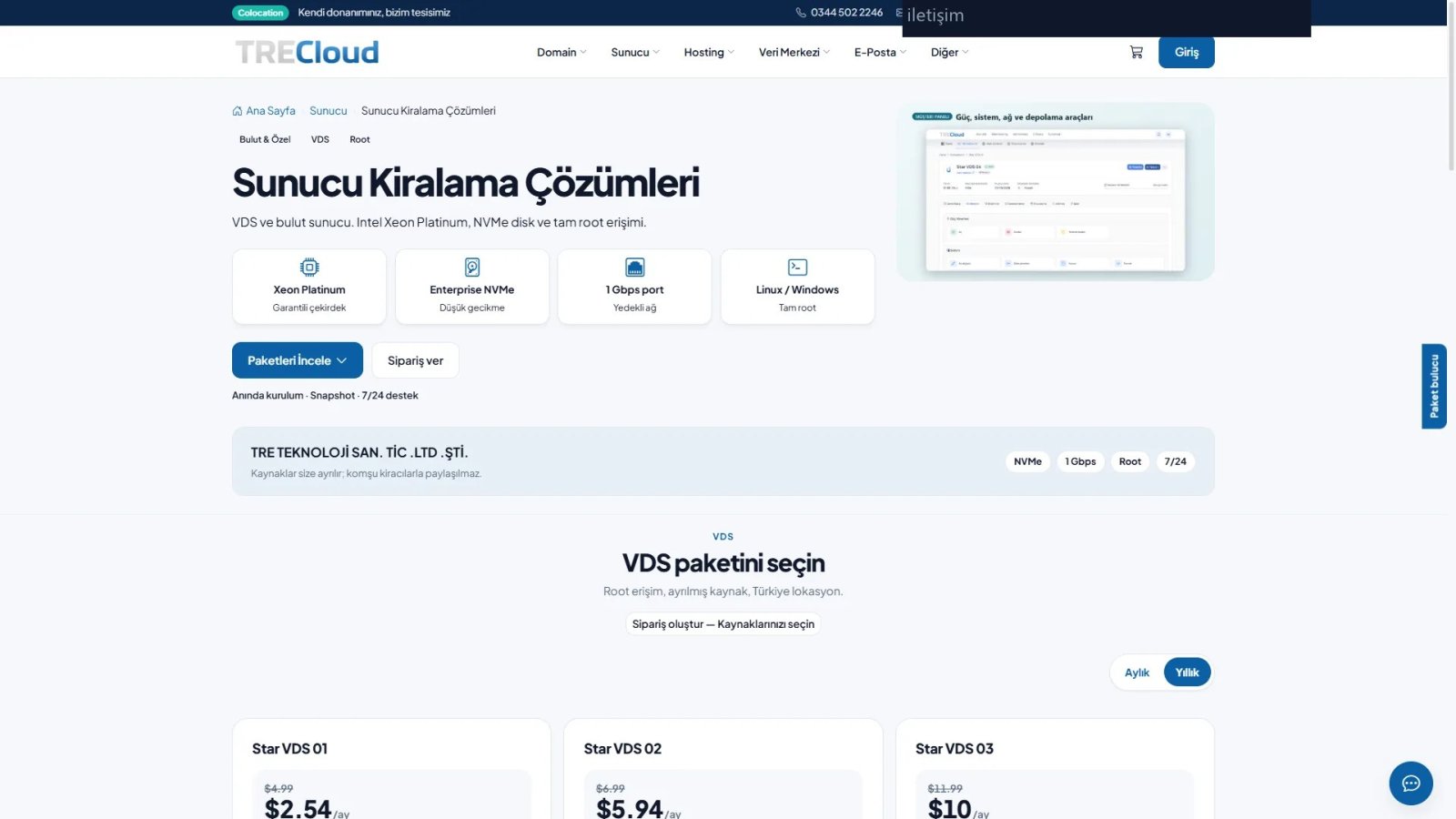
Prices stay correct: cards, plan tables and mega menu prices come from your WISECP products. With no price, your own label shows, such as "On request".
Empty sections hide themselves.
When a plan is billed in another currency than the one picked in the header, a note says so.
A storefront you shape without code
Theme Settings has seven sections: General, Header, Appearance, Home, Footer, Pages and Mega menu. The Content and Texts tab changes any storefront sentence.
Preview before you save: five header layouts, five footer layouts, five home showcase styles and four price table styles.
Drag home sections into order: hero slider, counters, testimonials, domain search, service cards, network, facility, FAQ, blog and more.
Product heroes for hosting, server, mail, domain, data center, colocation, rack, cloud, backup, SSL and logging.
Tools that lead visitors to the right plan
The package finder asks what the visitor needs and opens the package page you set.
The order wizard builds a quote from unit rates for VDS, cloud, VDC, hosting and mail.
Digital assistant answers with your prepared sentences. No external AI service.
Whois search, quote form, popup, sliding announcements and a campaign band with countdown.
Customer area and site basics
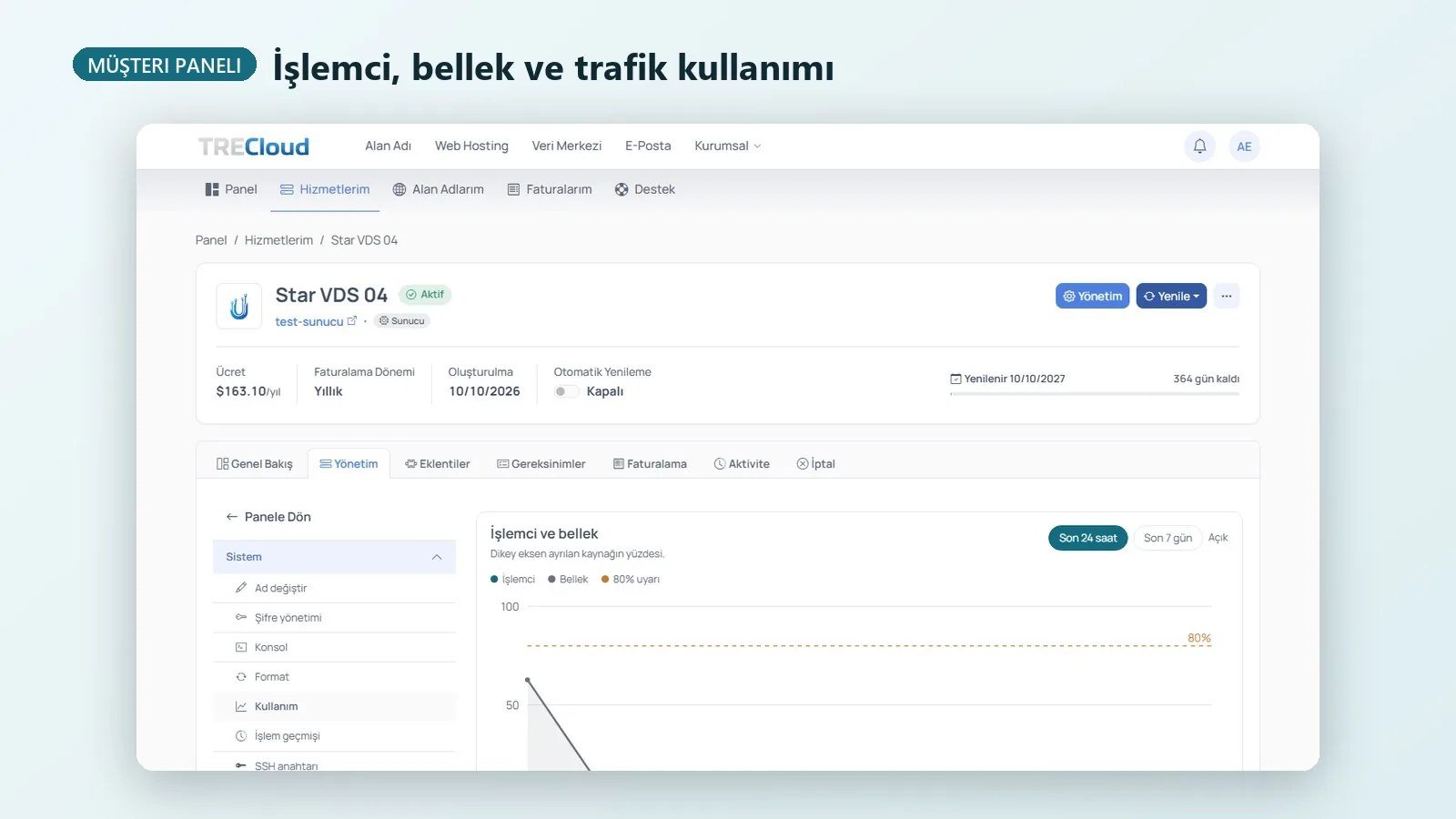
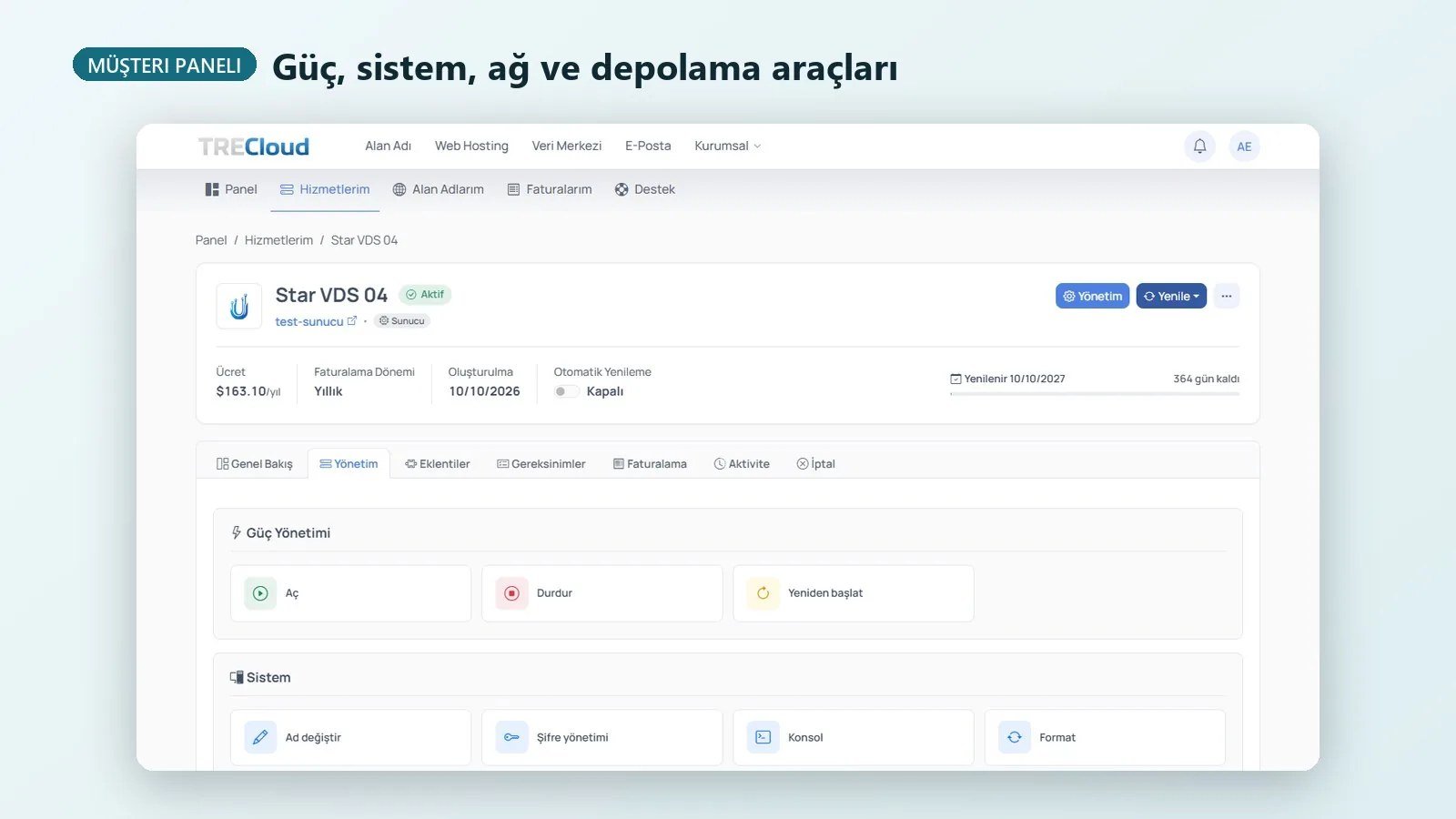
Customer area in a Modern or Classic layout, with light and dark mode.
Page cache for logged-out visitors; cart and checkout are never cached.
Tag Manager, Pixel and custom JS load only after cookie consent.
Languages and licence
Storefront texts are complete in Turkish and English; other languages fall back to English. Theme Settings and the mega menu editor open in Turkish or English based on the panel language (English for other panel languages). Your storefront never goes dark: the licence is checked against the licence server, and if it cannot be verified only the page cache and mega menu editor pause.
Buy the license at trecloud.com.tr. The license key is issued for your WISECP domain and server, and you download the theme from the WISECP Marketplace with that license. Updates arrive through the Marketplace.
Be the first to tell other businesses how this product worked for you.
Release history
What changed in TreCloud - Hosting and Data Center Storefront Theme for WISECP
Interface improvements, compatibility work and new capabilities, by version.
1.4.40Current
Optional "package + quantity add-ons" mode for the Customize wizard (off by default): the best-value mapped package is picked and extra CPU, RAM, disk and IPv4 are pre-selected as quantity add-ons on the order page.
The wizard's server fit mode, price currency, location name, operating system list and virtualization platform list are theme settings. The software category documentation button takes its URL from a setting and is hidden when empty.
The installation guide has a new "Customize wizard mapping" section with the line formats and an example.
Compatibility with WISECP 5.0-beta.4: order, cart, checkout, account, domain and service pages are in sync with the new core templates and scripts. Requires WISECP 5.0-beta.4 or newer.
Every inline script in the theme carries the CSP nonce, matching the core's content security policy.
Customize wizard: packages, add-ons and requirements are read only from the theme settings (Settings > Theme > Checkout, "Wizard: ..." fields). The package holds no product, add-on or requirement IDs. A family or package without a mapping never goes to the cart; its buy button opens the quote form.
Removed the code that rewrote order links of fixed product IDs to the quote form and removed specific images from page content. It now runs only if the site owner fills in the "Product IDs sent to the quote form" and "Images to hide" settings; both are empty by default.
1.4.37
Prices show in the currency selected in the header, with a note when a product is billed in another currency.
Hosting, email and SSL category pages: own type picker heading, equal-height category cards, a single FAQ section and balanced plan and related services grids.
Related services are chosen by page type and never suggest the current page; plan feature units (GB, vCPU, RAM) are spelled consistently.
Missing fields no longer write warnings to the server error log; the catalog menu file is rewritten only when its content changes.
The mega menu editor and page cache clearing require a signed-in administrator and a form token; the mega menu upload folder blocks directory listing and PHP execution.
Wider protection in the Marketplace package: every PHP file that carries logic is encoded.
Theme Settings and the mega menu admin screen follow the admin language: an English panel shows them in English.
Hard-coded Turkish texts in the header quick button, package finder tab, footer call band, contact/quote form, corporate pages and speed test page now come from the language files and show in English on the English interface.
Text that disappeared on light backgrounds (buttons, active tabs, client menu, plan cards, comparison table prices and Select buttons) is readable again.
Broken links fixed: the BGP server link opens the quote form and the physical server tile opens the server page instead of a 404.
Blog pagination no longer overflows on tablet and mobile; PayPal/Stripe logos in the checkout footer show only when those methods are enabled.
On phones the chat bubble, Customize tab and package finder tab no longer cover the content, and the announcement bar fits on one line.
The 'Cannot declare class' error when several Tre modules load on the same page is fixed.
Requirements
Additional requirements
Only requirements beyond the standard WISECP environment are listed here.
Requires at least
5.0-beta.4
Supported up to
5.0-beta.4
- WISECP 5 only. Not compatible with WISECP 3.x.
- PHP 8.1 or later with a matching ionCube Loader.
- Writable templates/website and coremio/storage folders.
- Outbound HTTPS (port 443) to wisecp.trecloud.com.tr for the licence check.
- Extract the zip into the WISECP root (files land in templates/website/TreCloud), then activate the theme under Settings › Theme › Theme Management.
Developer support
Help from the team that built TreCloud - Hosting and Data Center Storefront Theme for WISECP
UBİTECH BİLİŞİM SANAYİ VE TİCARET LİMİTED ŞİRKETİ handles guidance and support for this product.