产品概览
更快回复工单:TreCloud AI 读取客户账户,找出可能原因并起草回复。
面向在 WISECP 中提供支持的主机和邮件服务商。团队不必再逐一检查 DNS、邮件、服务器和账单:助手在工单旁读取实时账户,每项更改仍需人工批准。
### 工单旁的诊断 - 用通俗语言给出可能原因:Diagnose 读取工单关联的服务、域名和账单。 - 检查 TreMail 的 SPF、DKIM、DMARC 和隔离区,VPS 或独立服务器的电源,以及主机的暂停、SSL 和备份。 - 发现 TreIP Edge 封禁、未付账单或暂停,并给出修复建议。
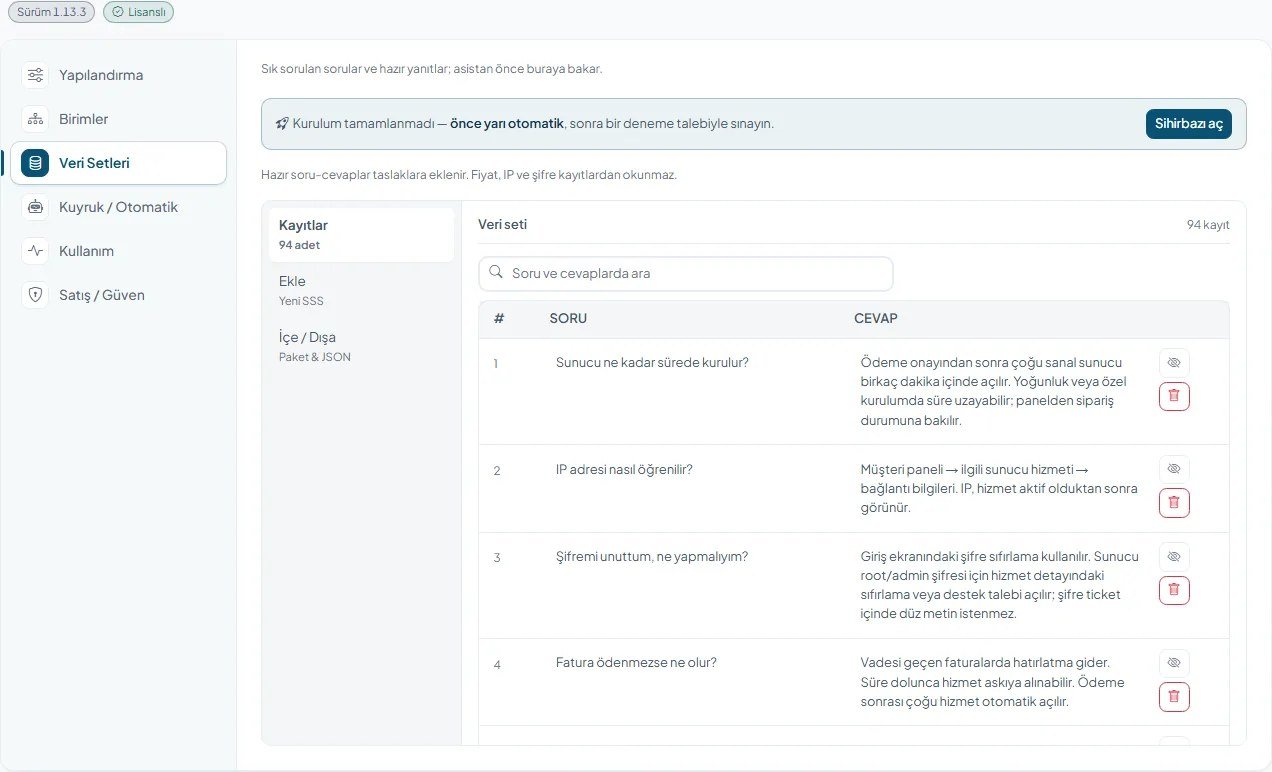
### 团队只需审核的回复 - 基于您自己答案的草稿:Draft 根据工单和您的 FAQ 数据集撰写回复。 - Improve、Summarize 和 Ask 辅助处理;Reply 在确认后发布文本。 - 还没有 AI 密钥?关联服务的工单仍会得到简单草稿。 - 密码、银行卡信息和转移码绝不会发送给模型。
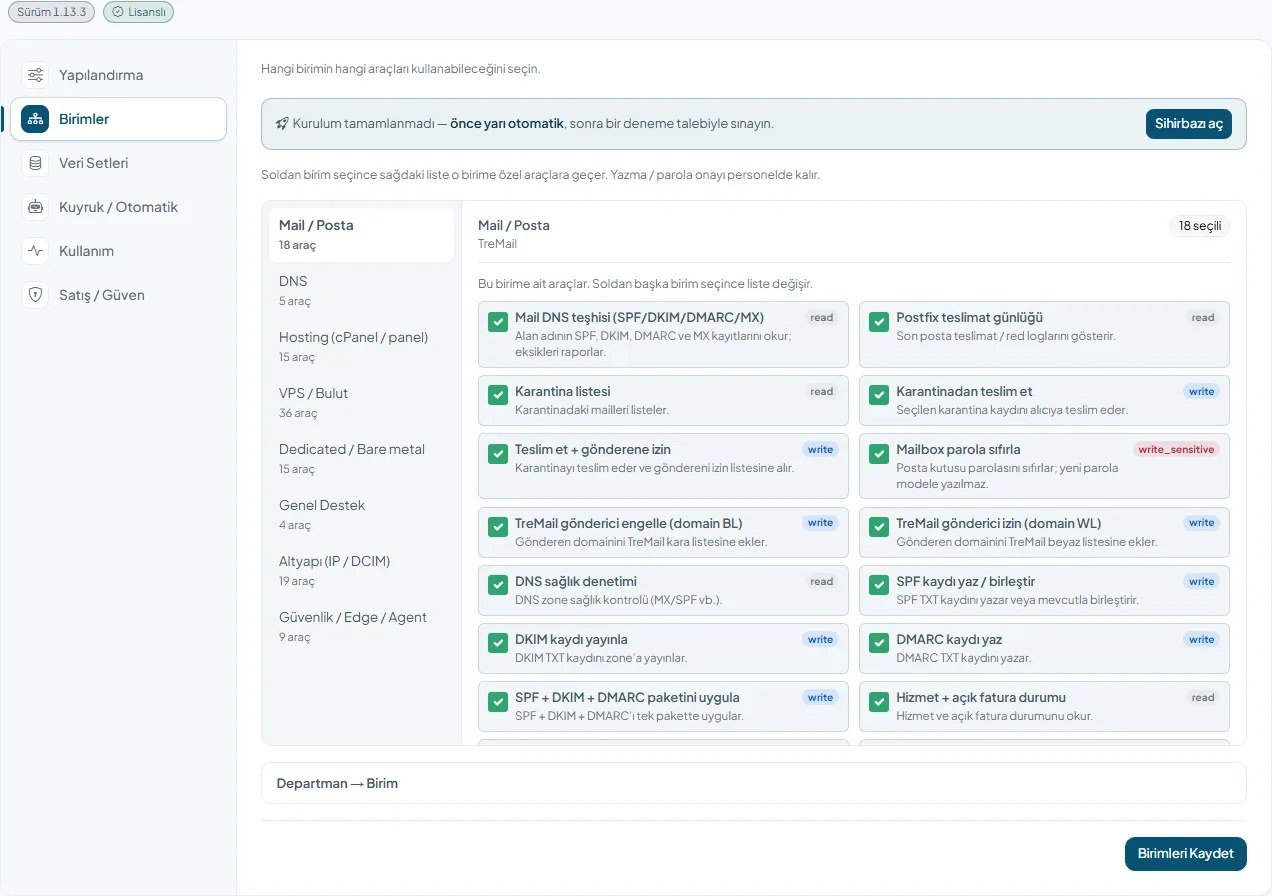
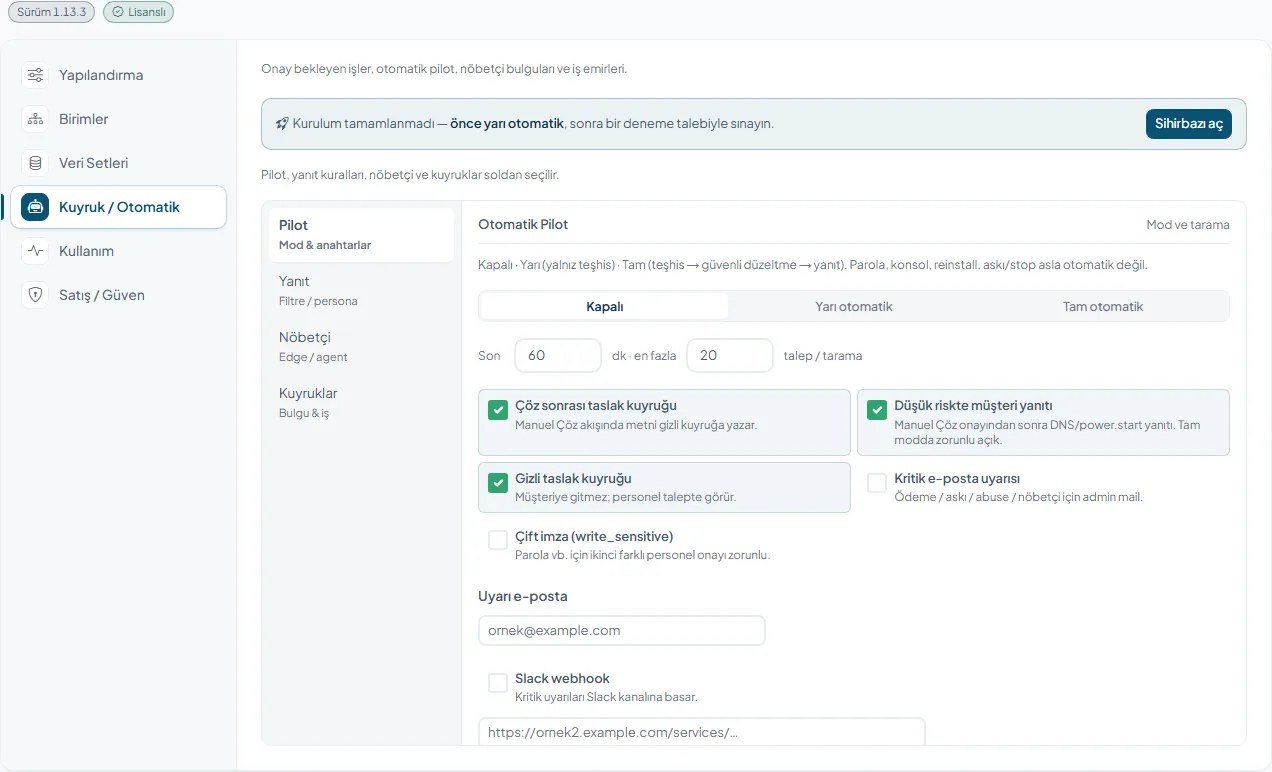
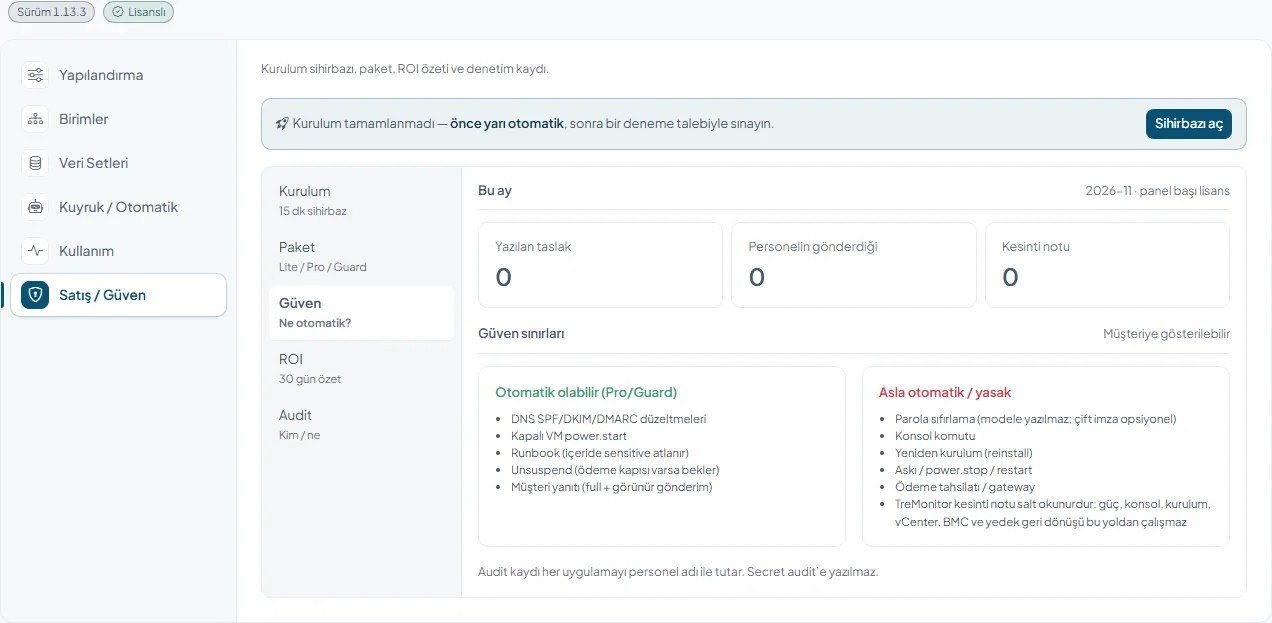
### 一次批准即可修复(Pro) - 一次批准,任务完成:同时写入 SPF、DKIM 和 DMARC,放行邮件,启动机器,解除已付款的暂停。 - 现成的步骤包涵盖垃圾邮件投诉、VPS 停机和付款后开通。 - 完全自动驾驶执行安全任务并可回复,但从不回复访客。 - 重置密码、控制台、重装、暂停和收款从不自动执行。 - 双人批准用于敏感任务;审计日志记录谁执行了什么。
### 安全值守(Guard) - Security Watchman 监测重复的管理员登录、TreIP Edge 状态、不一致的 IP 记录、未付账单、过满的隔离区和停机的机器。 - 发现的问题转为工单任务;地址可加入 denylist、TreIP Edge 或 CSF/fail2ban 代理。它不会开机,也不会解除暂停。 - 通过邮件(WISECP 邮件设置)、Slack 或 Telegram 告警。
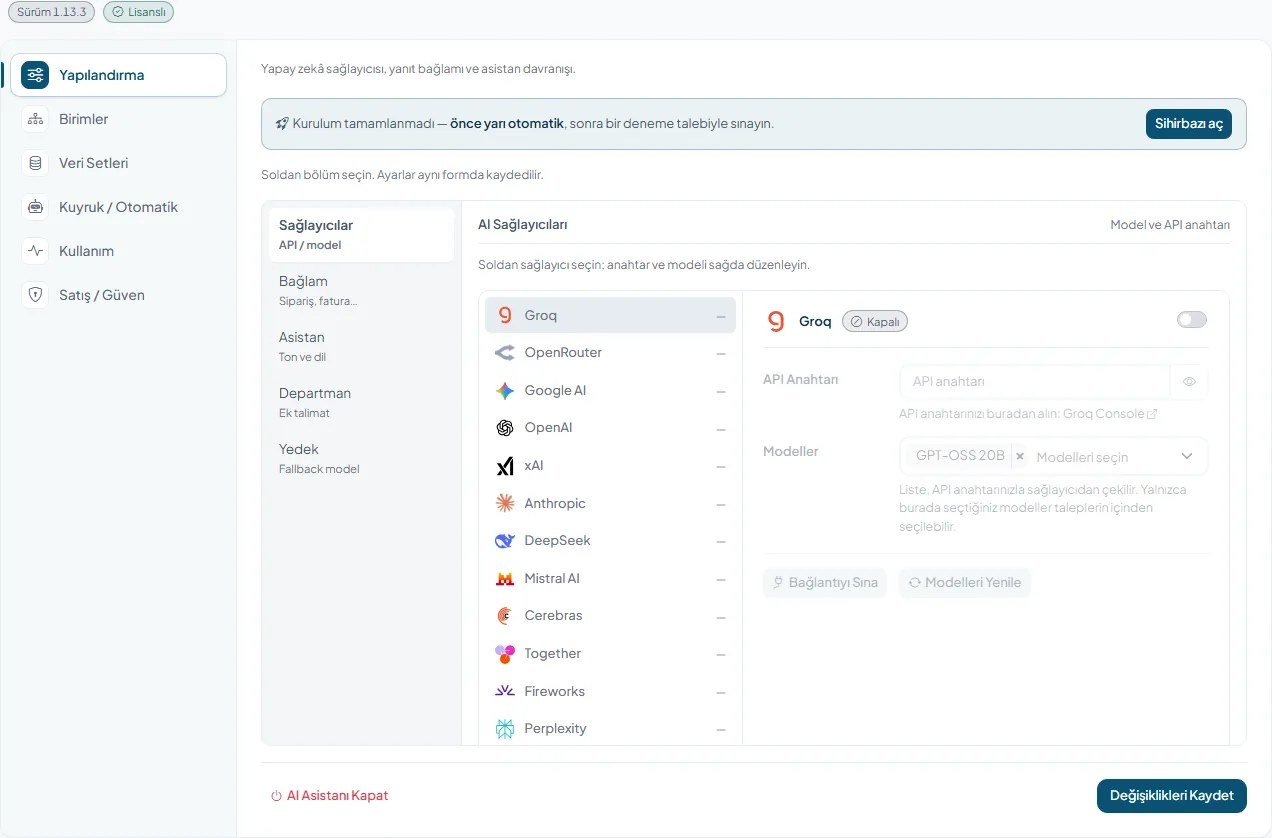
### 套餐与模型 - Lite:诊断(新工单也可自动诊断)、草稿和数据集;不写入服务器。Pro 增加修复、自动驾驶、工单任务和双人批准。Guard 增加值守和封禁。 - 套餐来自您已签名的许可证,更改后一小时内生效。 - 20 家 AI 提供商(OpenAI、Anthropic、Google AI、Groq、本地 Ollama 等),使用您自己的密钥,并可设备用模型。
界面根据面板语言以土耳其语或英语显示(其他语言显示英语)。许可证在许可证服务器上校验;如果过期,工具和自动任务暂停,工单、记录和客户服务保持不变。
请在 trecloud.com.tr 购买许可证。许可证密钥按您的 WISECP 域名和服务器签发,您使用该许可证从 WISECP Marketplace 下载模块。更新通过 Marketplace 提供。
暂无评价
成为第一个向其他企业分享此产品使用体验的人。
版本历史
TreCloud AI - WISECP AI 支持助手 的更新内容
按版本列出的界面改进、兼容性调整和新增功能。
The whole admin screen and the TreCloud AI toolbar inside tickets now follow the panel language (Turkish or English; English in other languages), including tool results, diagnosis summaries, approval, guard, autopilot messages and customer drafts.
New admin layout in WISECP's own add-on style: tabs, logo, version and license badges in the title, grouped section menu that no longer overflows on busy screens, collapsible on mobile.
Alert emails are now sent through WISECP's own mail system.
The license window and Help button follow the panel language; the license badge shows the correct state right after saving.
Reseller VPS power tools recognise the TreBayi server module.
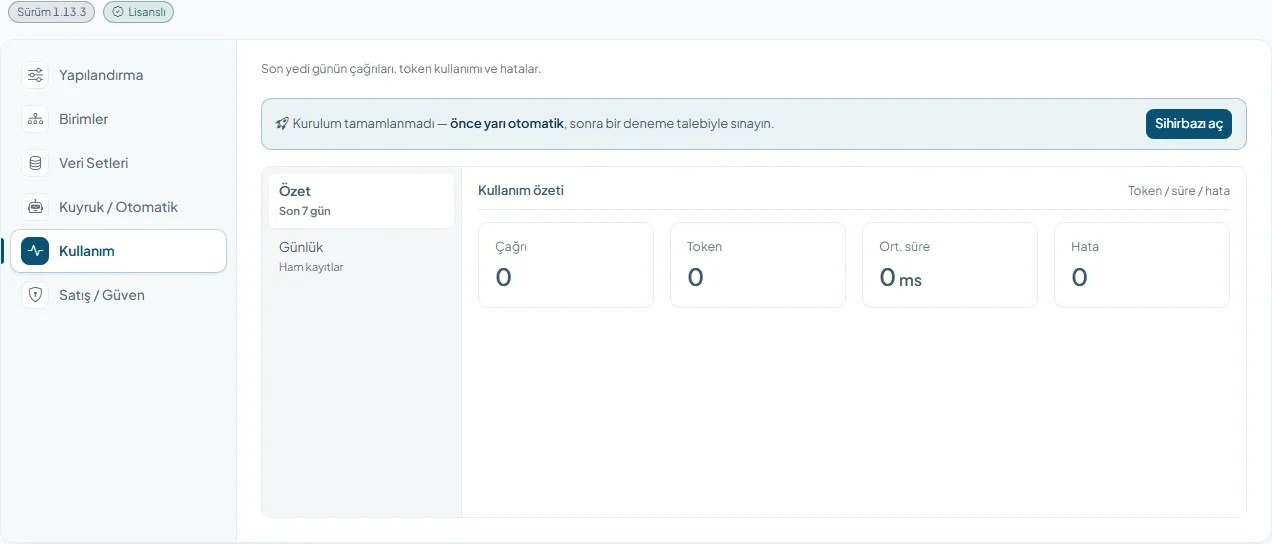
The usage and installation guide was rewritten with real menu and button names and screenshots from a live panel.
Setup screen wording is simpler ("test diagnosis").
Admin actions, AutoPilot and scheduled jobs run only while the license is valid; admin forms and the ticket panel send a CSRF token.
The AI API key and the Slack webhook URL are no longer shown in plain text in settings; leaving the field empty keeps the saved value.
Full AutoPilot never replies to guest (unregistered) senders; the draft stays with staff.
Wider encryption coverage: every PHP file that carries logic is protected in the Marketplace package.
No more "Cannot declare class" error when several Tre modules load on the same page; the product edit page opens.
The TreDNS bridge no longer clashes with the core class; settings are saved through the WISECP file writer.
The side menu suite heading is no longer forced to upper case, so localised letters display correctly.
要求
附加要求
此处仅列出标准 WISECP 环境之外的要求。
- 最低要求
- 5.0-beta.1
- WISECP 5,并运行 WISECP cron(自动诊断和 Security Watchman)
- PHP 8.2 或 8.3,带 curl、openssl 和 PDO MySQL
- ionCube Loader
- 模块目录 coremio/modules/Addons/TreCloudAI 及其 data/ 目录可写
- 受支持 AI 提供商的自有 API 密钥,或本地 Ollama
- 出站 HTTPS(443)可访问 wisecp.trecloud.com.tr(许可证)和您的 AI 提供商
- 可选:TreDNS、TreMail、TreIP、TreHypervisor、TreProxmox、TreMonitor 或 CSF/fail2ban 代理
UB
UBİTECH BİLİŞİM SANAYİ VE TİCARET LİMİTED ŞİRKETİ
查看开发者资料