
All Products

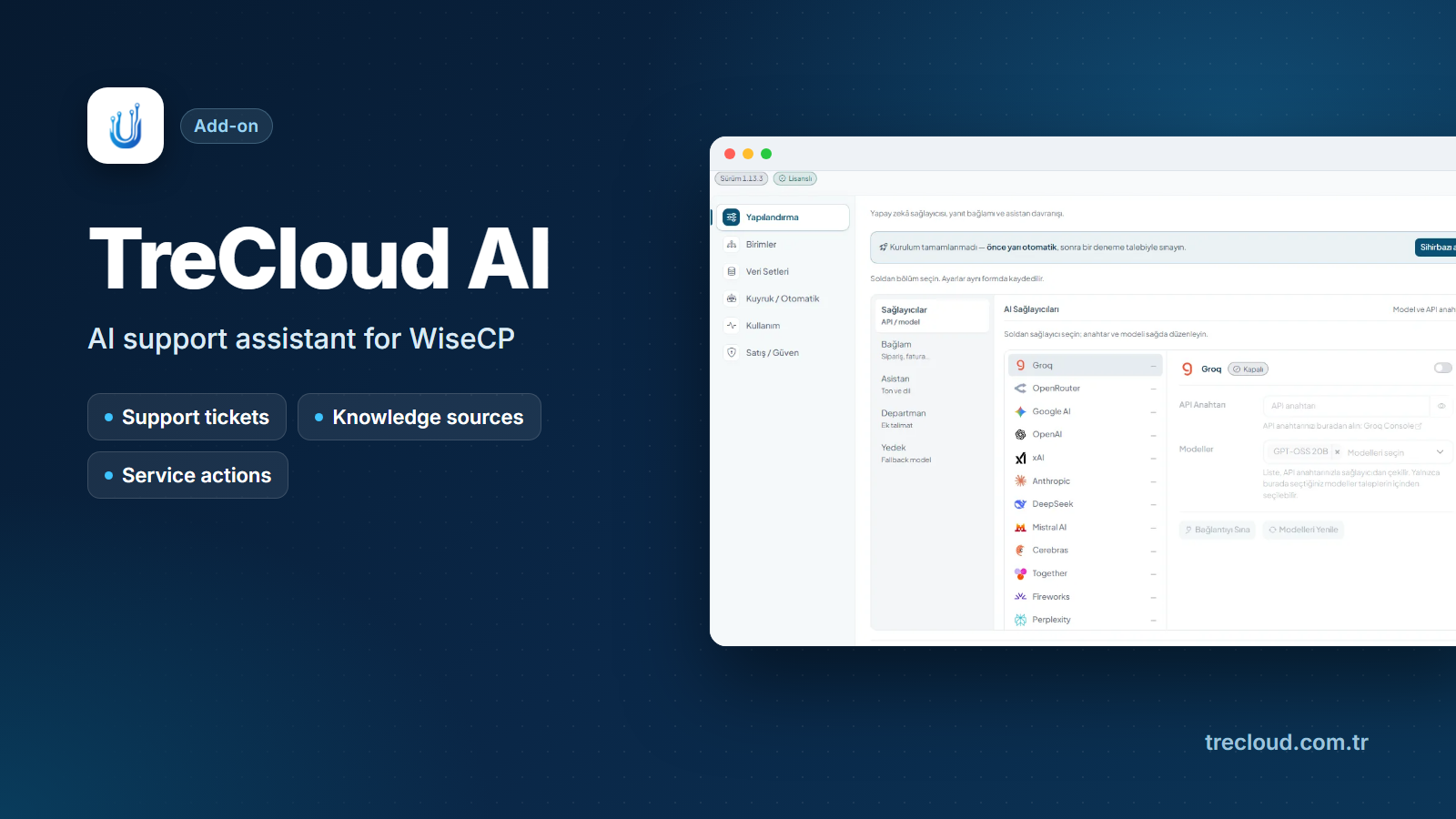
TreCloud AI - AI Support Assistant for WISECP

Answer tickets faster: TreCloud AI reads the customer's account, finds the likely cause and drafts the reply.

Automation by UBİTECH BİLİŞİM SANAYİ VE TİCARET LİMİTED ŞİRKETİ

Current Version1.13.8

Product overview

Answer tickets faster: TreCloud AI reads the customer's account, finds the likely cause and drafts the reply.

For hosting and email providers who run support in WISECP. Staff stop checking DNS, mail, servers and invoices one by one: the assistant reads the live account beside the ticket, and every change waits for approval.

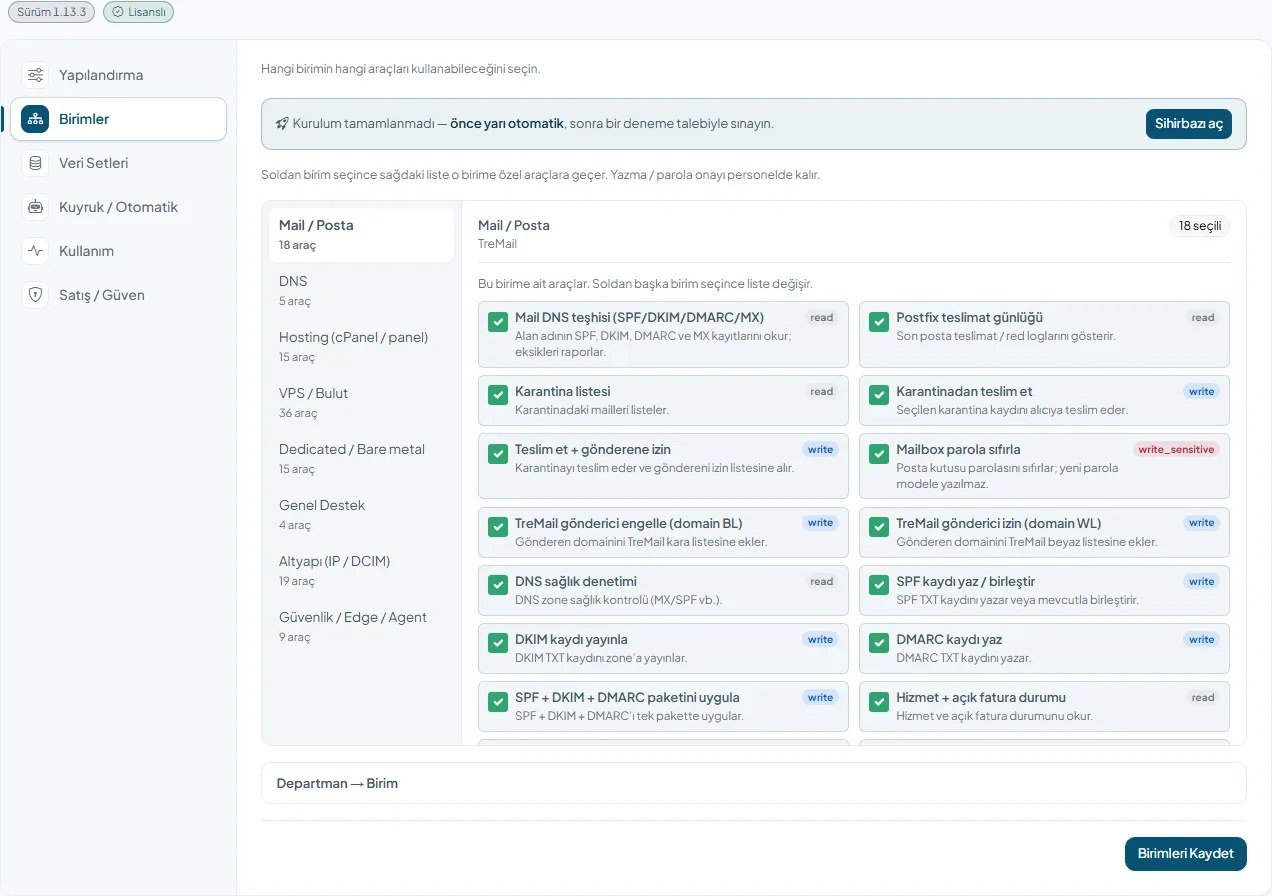
### Diagnosis beside the ticket - The likely cause in plain words: Diagnose reads the service, domain and invoice tied to the ticket. - It checks SPF, DKIM, DMARC and quarantine on TreMail, VPS or dedicated server power, and hosting suspension, SSL and backups. - It spots a TreIP Edge block, an unpaid invoice or a suspension, and proposes the fix.

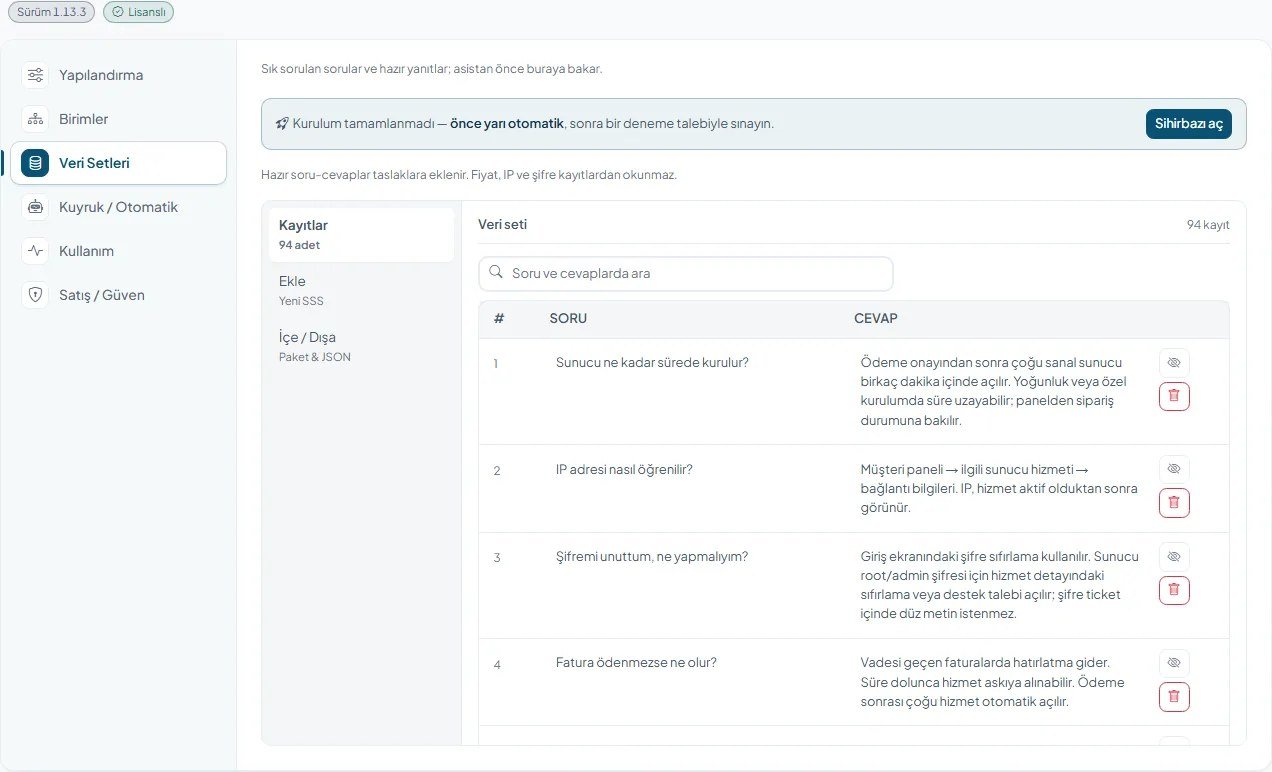
### Replies staff only check - Drafts built on your answers: Draft writes the reply from the ticket and your FAQ dataset. - Improve, Summarize and Ask help; Reply posts the text after a confirmation. - No AI key yet? Service tickets still get a basic draft. - Passwords, card details and transfer codes never go to the model.

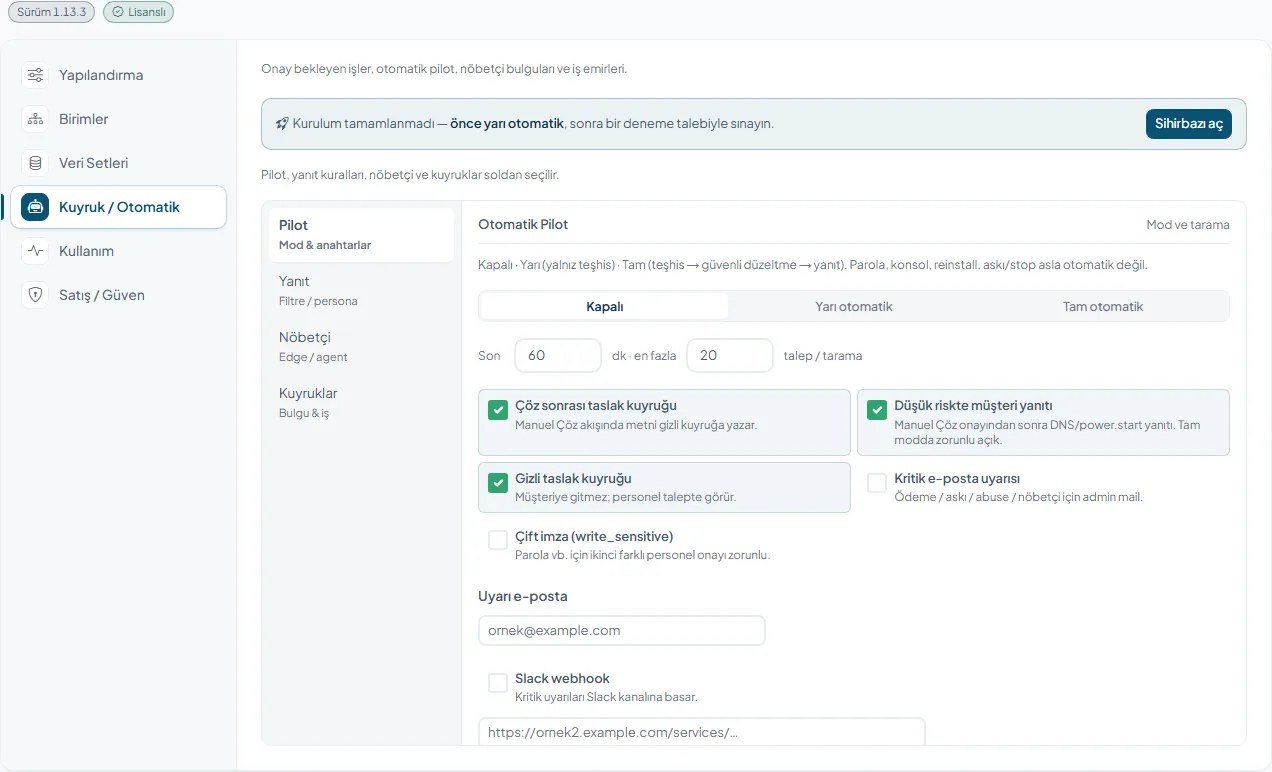
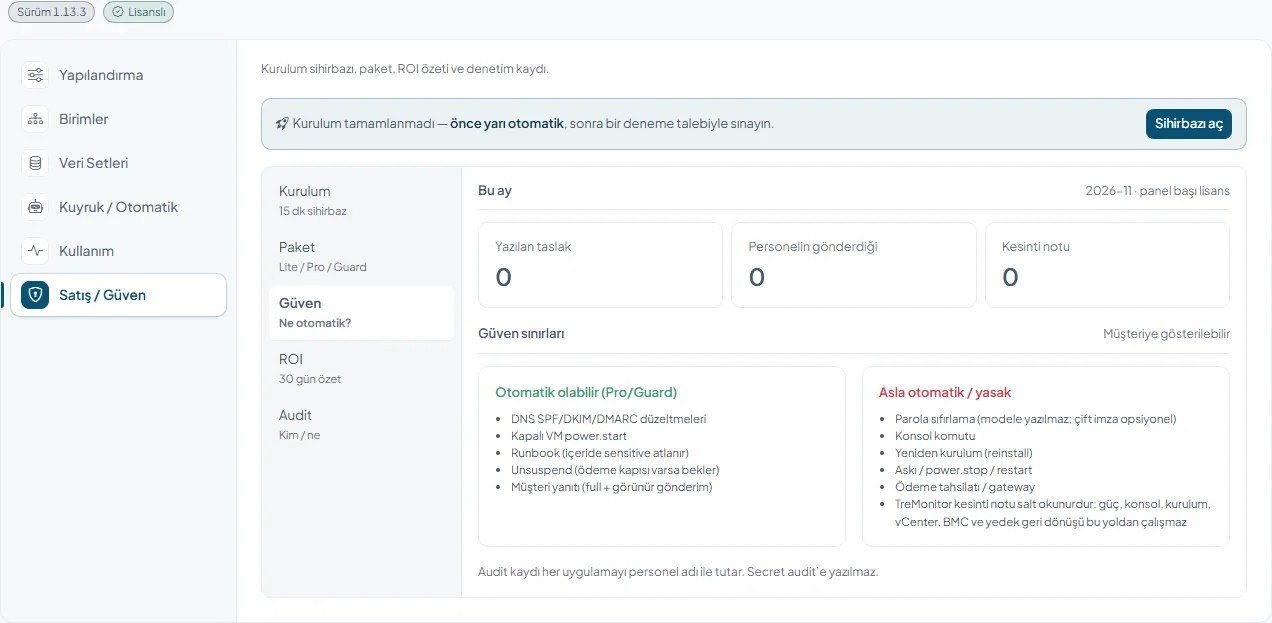
### Fixes in one approval (Pro) - One approval, job done: write SPF, DKIM and DMARC together, release mail, start a machine, lift a paid suspension. - Step packs cover a spam complaint, a stopped VPS and opening a service after payment. - Full autopilot applies safe jobs and can reply; never to guest senders. - Password reset, console, reinstall, suspend and payment never run automatically. - Dual sign-off guards sensitive jobs; the audit log records who applied what.

### Security watch (Guard) - The Security Watchman scans for repeated admin logins, TreIP Edge health, drifted IP records, unpaid invoices, a swollen quarantine and stopped machines. - Findings become work orders; addresses go to the denylist, TreIP Edge or a CSF/fail2ban agent. It never powers on or unsuspends. - Alerts go by email (WISECP mail settings), Slack or Telegram.

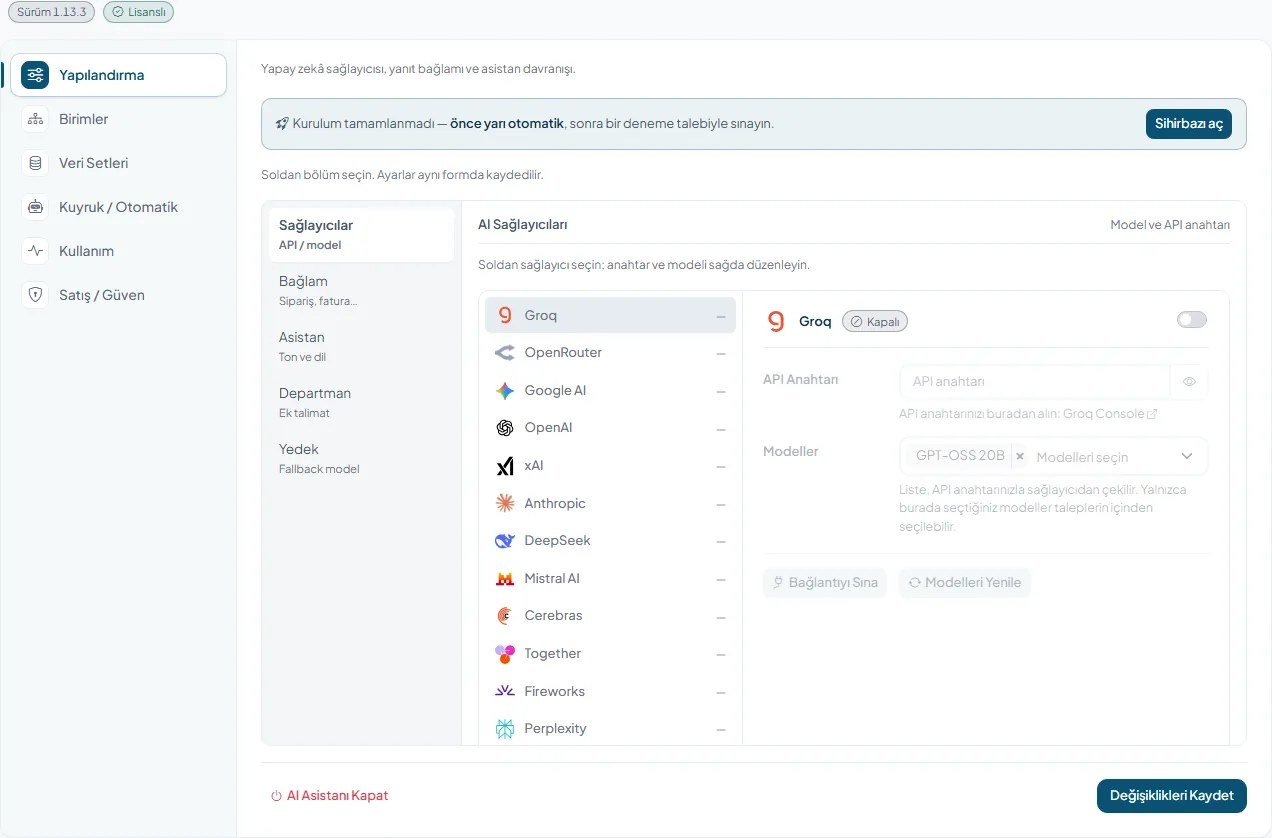
### Plans and models - Lite: diagnosis (also automatic), drafts and dataset; no server writes. Pro adds fixes, autopilot, work orders and dual sign-off. Guard adds the watchman and blocking. - Your plan comes from your signed licence and changes within an hour of a plan change. - 20 AI providers (OpenAI, Anthropic, Google AI, Groq, local Ollama and more), your own key, a fallback model.

Screens open in Turkish or English by panel language (English for others). The licence is checked on the licence server; if it lapses, tools and automatic work pause, while tickets, records and customer services stay untouched.

Buy the license at trecloud.com.tr. The license key is issued for your WISECP domain and server, and you download the module from the WISECP Marketplace with that license. Updates arrive through the Marketplace.

No Reviews Yet

Be the first to tell other businesses how this product worked for you.

Release history

What changed in TreCloud AI - AI Support Assistant for WISECP

Interface improvements, compatibility work and new capabilities, by version.

1.13.8 Current

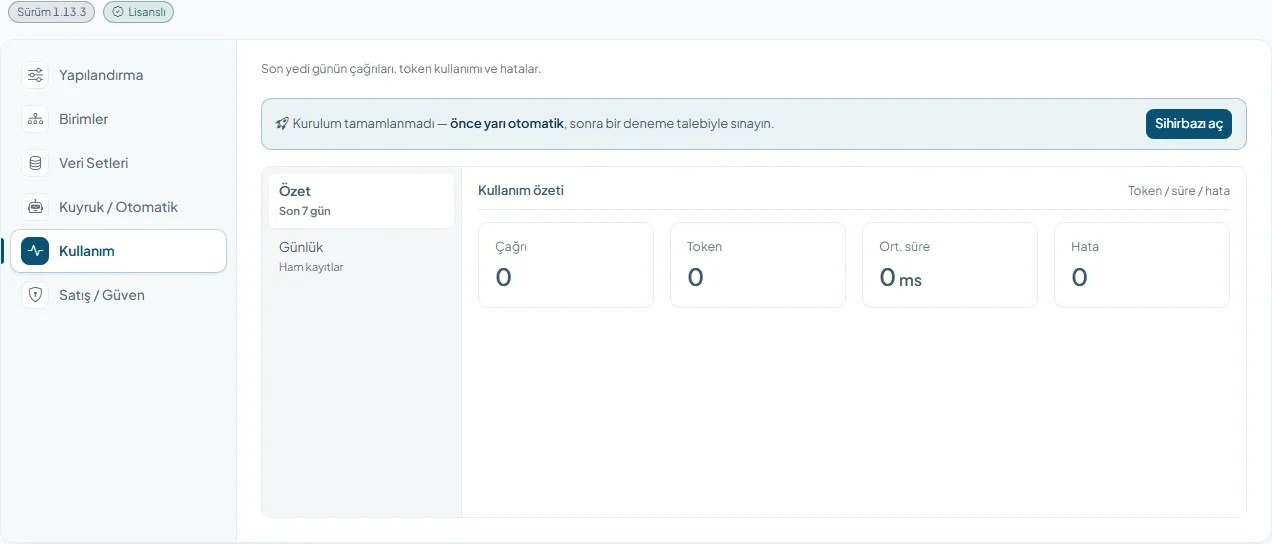
The whole admin screen and the TreCloud AI toolbar inside tickets now follow the panel language (Turkish or English; English in other languages), including tool results, diagnosis summaries, approval, guard, autopilot messages and customer drafts. New admin layout in WISECP's own add-on style: tabs, logo, version and license badges in the title, grouped section menu that no longer overflows on busy screens, collapsible on mobile. Alert emails are now sent through WISECP's own mail system. The license window and Help button follow the panel language; the license badge shows the correct state right after saving. Reseller VPS power tools recognise the TreBayi server module. The usage and installation guide was rewritten with real menu and button names and screenshots from a live panel. Setup screen wording is simpler ("test diagnosis"). Admin actions, AutoPilot and scheduled jobs run only while the license is valid; admin forms and the ticket panel send a CSRF token. The AI API key and the Slack webhook URL are no longer shown in plain text in settings; leaving the field empty keeps the saved value. Full AutoPilot never replies to guest (unregistered) senders; the draft stays with staff. Wider encryption coverage: every PHP file that carries logic is protected in the Marketplace package. No more "Cannot declare class" error when several Tre modules load on the same page; the product edit page opens. The TreDNS bridge no longer clashes with the core class; settings are saved through the WISECP file writer. The side menu suite heading is no longer forced to upper case, so localised letters display correctly.

Requirements

Additional requirements

Only requirements beyond the standard WISECP environment are listed here.

Requires at least
5.0-beta.1
- WISECP 5, with the WISECP cron running (automatic diagnosis and the Security Watchman) - PHP 8.2 or 8.3 with curl, openssl and PDO MySQL - ionCube Loader - Writable module folder coremio/modules/Addons/TreCloudAI and its data/ folder - Your own API key from a supported AI provider, or a local Ollama - Outbound HTTPS (443) to wisecp.trecloud.com.tr (licence) and to your AI provider - Optional: TreDNS, TreMail, TreIP, TreHypervisor, TreProxmox, TreMonitor or a CSF/fail2ban agent

Developer support

Help from the team that built TreCloud AI - AI Support Assistant for WISECP

UBİTECH BİLİŞİM SANAYİ VE TİCARET LİMİTED ŞİRKETİ handles guidance and support for this product.

UBİTECH BİLİŞİM SANAYİ VE TİCARET LİMİTED ŞİRKETİ
View developer profile
Support is provided by the developer: Support Contact

Build for the Marketplace

Publish your own add-ons and themes, and reach businesses running WISECP worldwide.