Productoverzicht
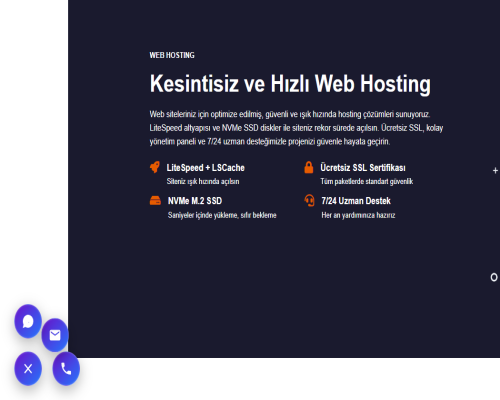
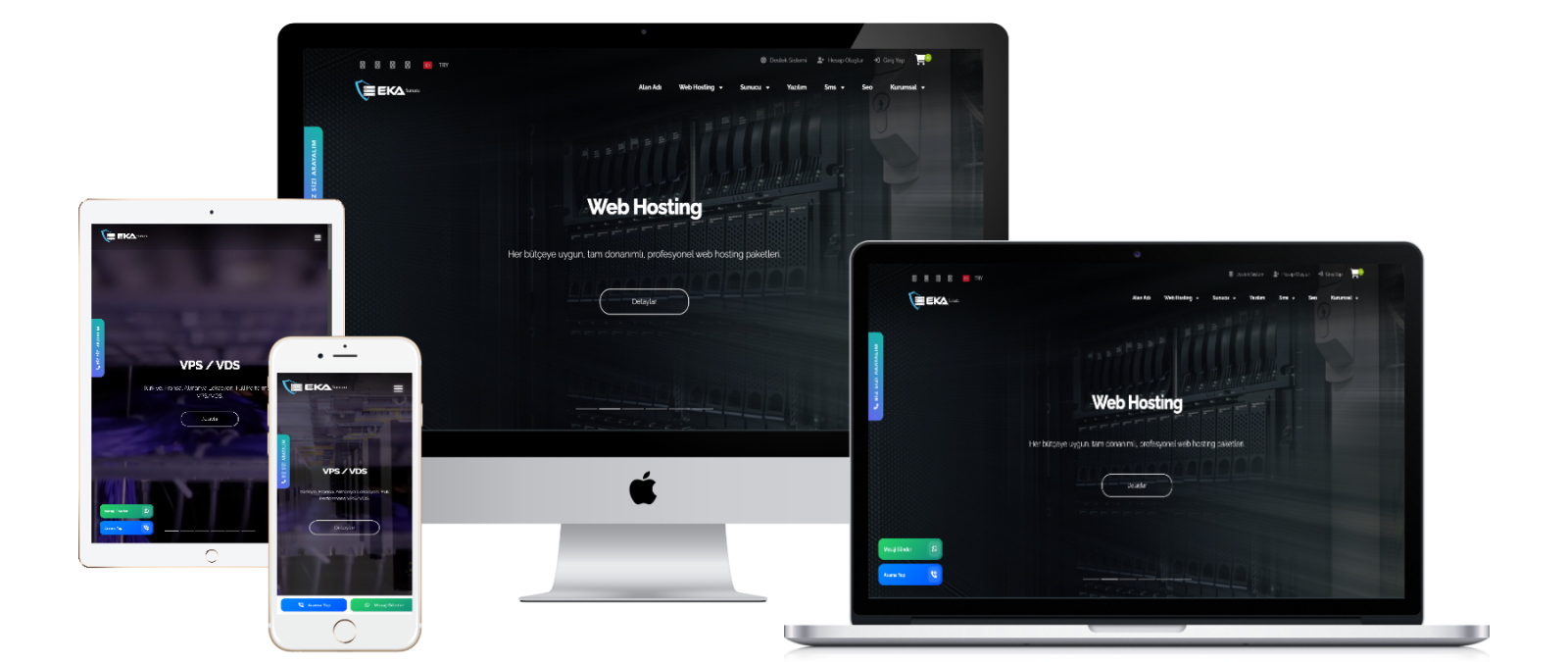
Whatsapp Button and Call Button Plugin is a customer interaction tool developed for the WISECP platform. With this plugin, you can provide fast and effective communication with both desktop and mobile users on your website.
Installation Instructions (English)
Thank you for downloading the WISECP Whatsapp and Call Plugin!
Installation Steps:
-
Login to Your Hosting Control Panel:
- Access your hosting control panel where WISECP is installed.
-
Upload Files:
- Upload the downloaded WISECP Whatsapp and Call Plugin.zip file to the
/coremio/modules/Addonsdirectory.
- Upload the downloaded WISECP Whatsapp and Call Plugin.zip file to the
-
Activate the Plugin:
- Activate the WISECP Whatsapp and Call plugin from your panel.
-
Configure Plugin Settings:
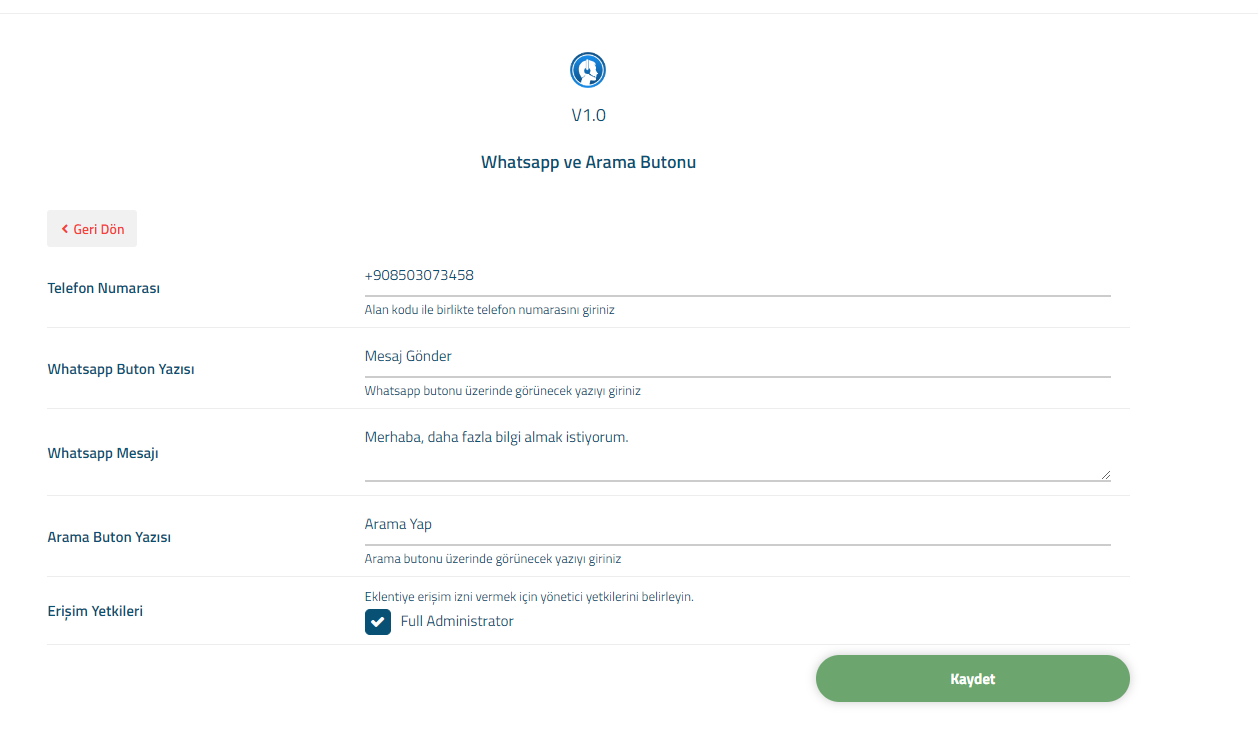
- After activating the plugin, go to the settings screen and update your phone number.
- Set the text for the WhatsApp button and the call button.
- Customize the WhatsApp message field according to your preferences.
- Set the administrative permissions for access to the plugin.
- After configuring all settings, click the Save button to finalize the setup.
-
Installation Complete:
- Your plugin is now ready to use! Your phone number and messages are automatically set.
Contact:
- Web: www.ekasunucu.com
- Email: [email protected]