Productoverzicht
Accept payments using Billplz.
Billplz for WISECPAccept payments using Billplz.
Installation
- Download the latest release.
- Extract the archive and upload
Billplzfolder to/path/to/wisecp/coremio/modules/Payment.
Configuration
Enable Billplz as a Payment Method
- Log into admin area.
- Navigate to
Settings>Billing>Payment Gateways. - Click
Initial Settingstab inPayment Gatewayssettings page. - On
Enabled Module Selectionfield, search forBillplz. - Click
Save Settingsto save the payment gateway settings.
Update Billplz API Credentials in Payment Gateway Settings
- Log into admin area.
- Navigate to
Settings>Billing>Payment Gateways. - Click
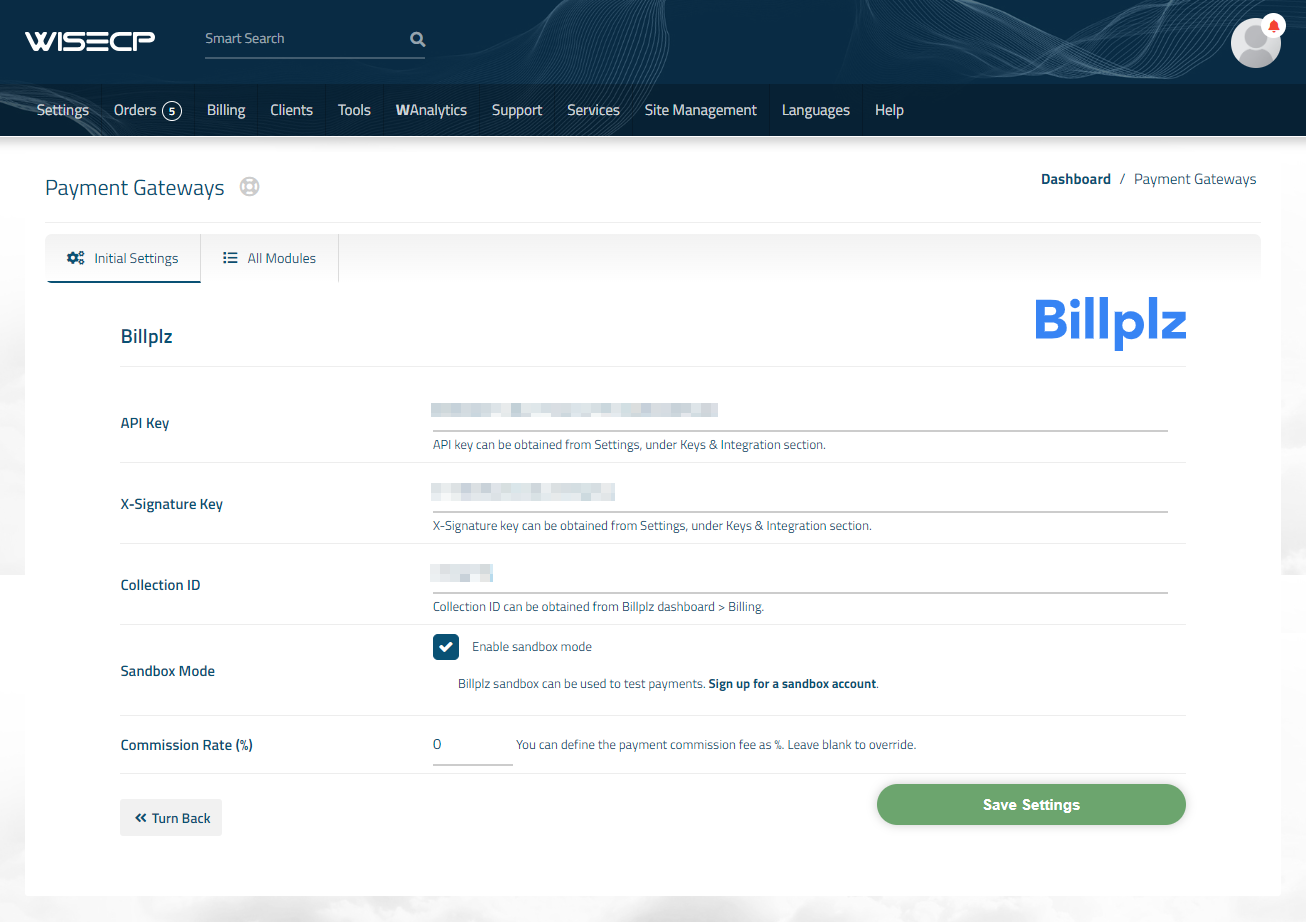
All Modulestab inPayment Gatewaysettings page. - Under
Enabled Modulessection, clickBillplzmodule. - Fill in your API credentials in the plugin settings.
- Click
Save Settingsto save the payment gateway settings.
Update Currency Settings
- Log into admin area.
- Navigate to
Settings>Billing>Currencies. - Search for
MYRand enable the currency.