Product overview
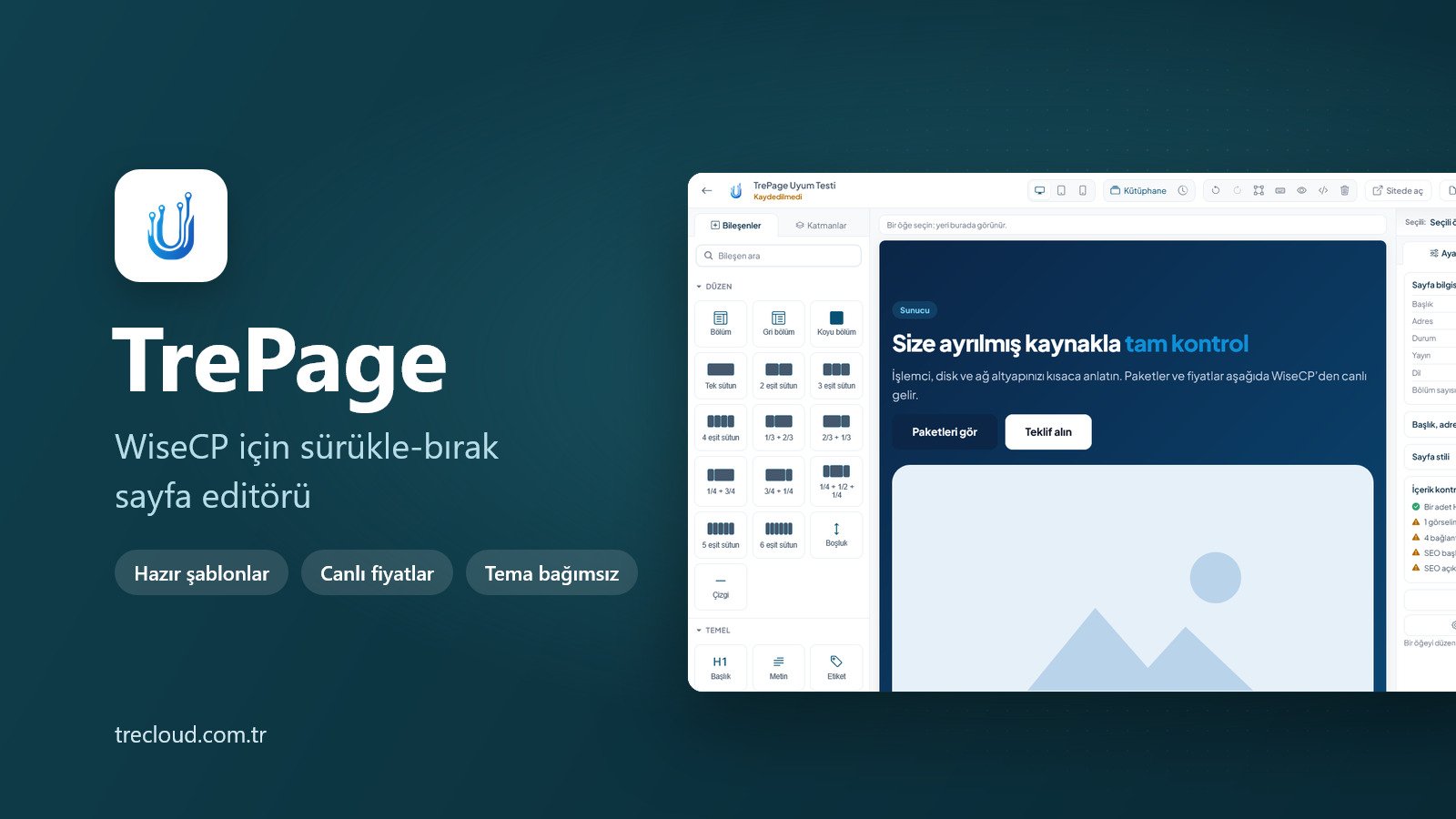
Build your WISECP pages with drag and drop, no code needed. Your packages and prices show up on the page by themselves.
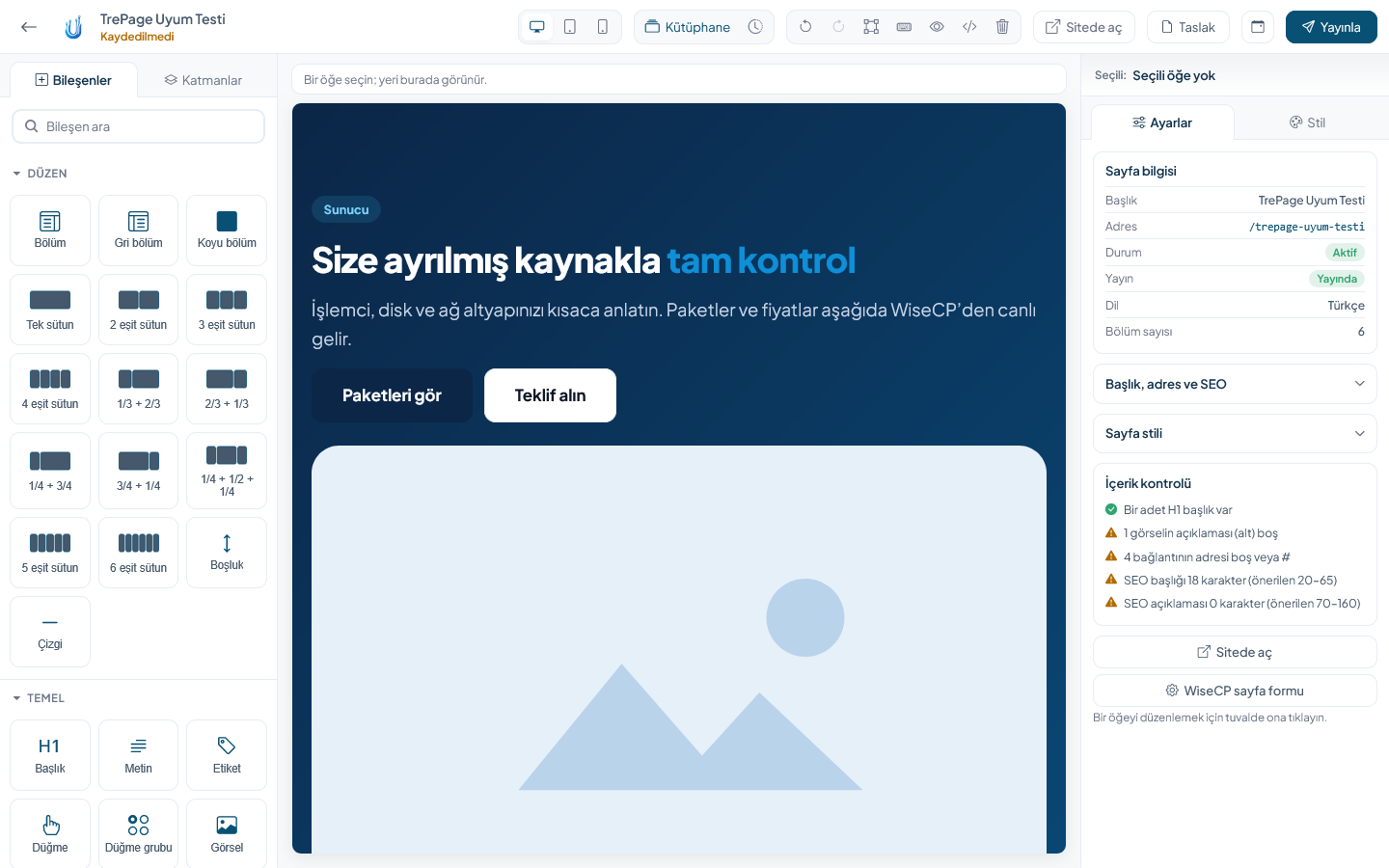
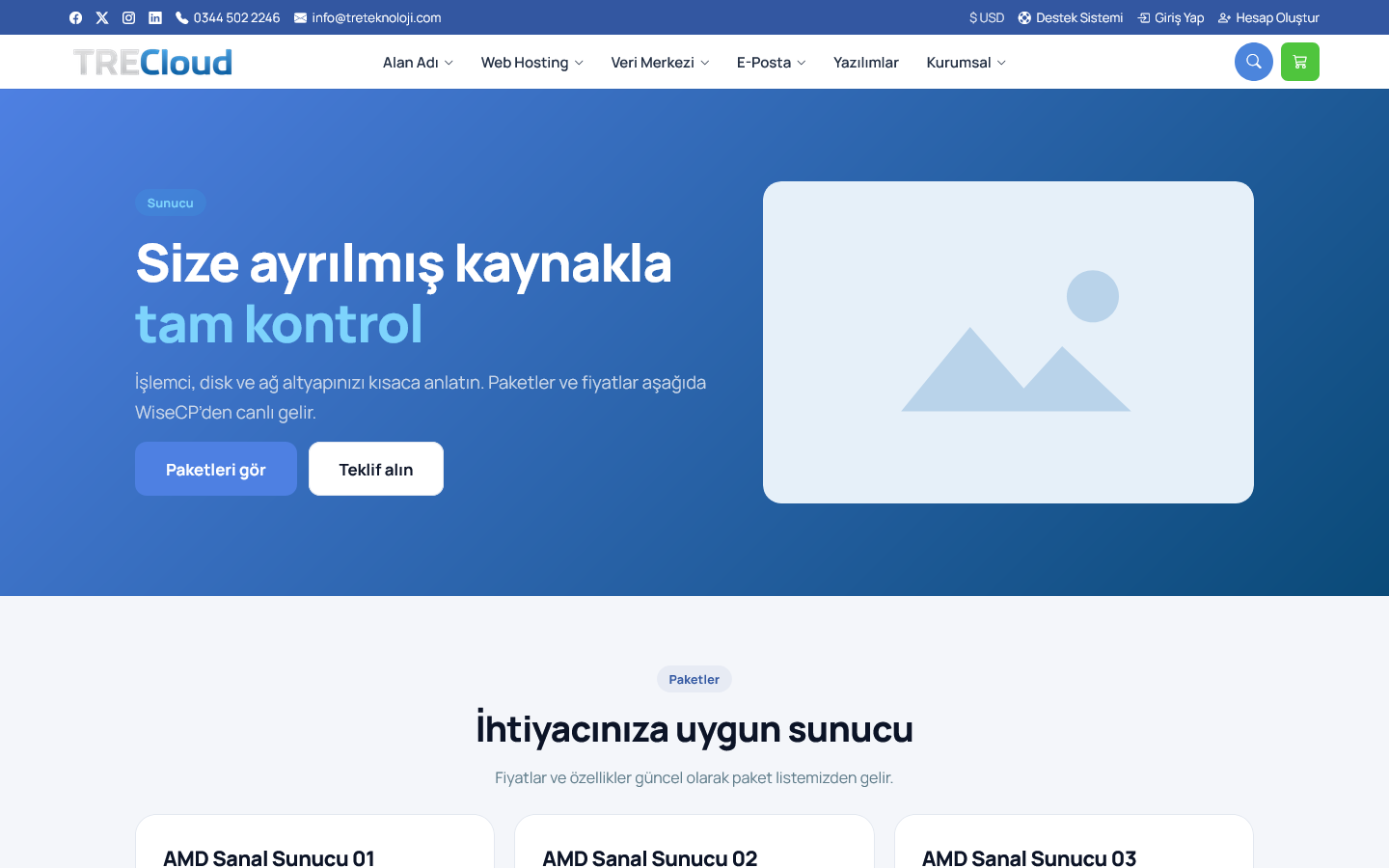
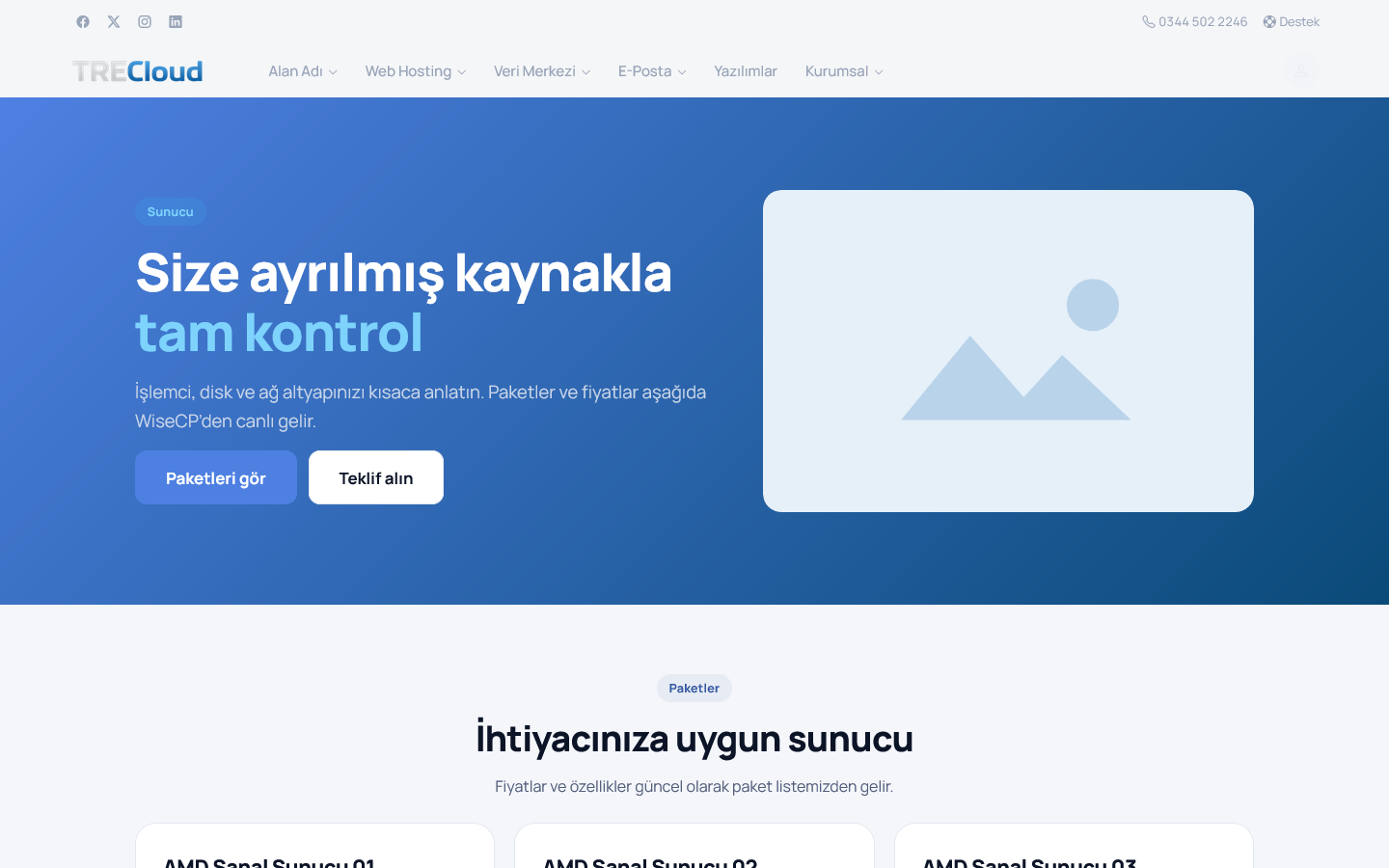
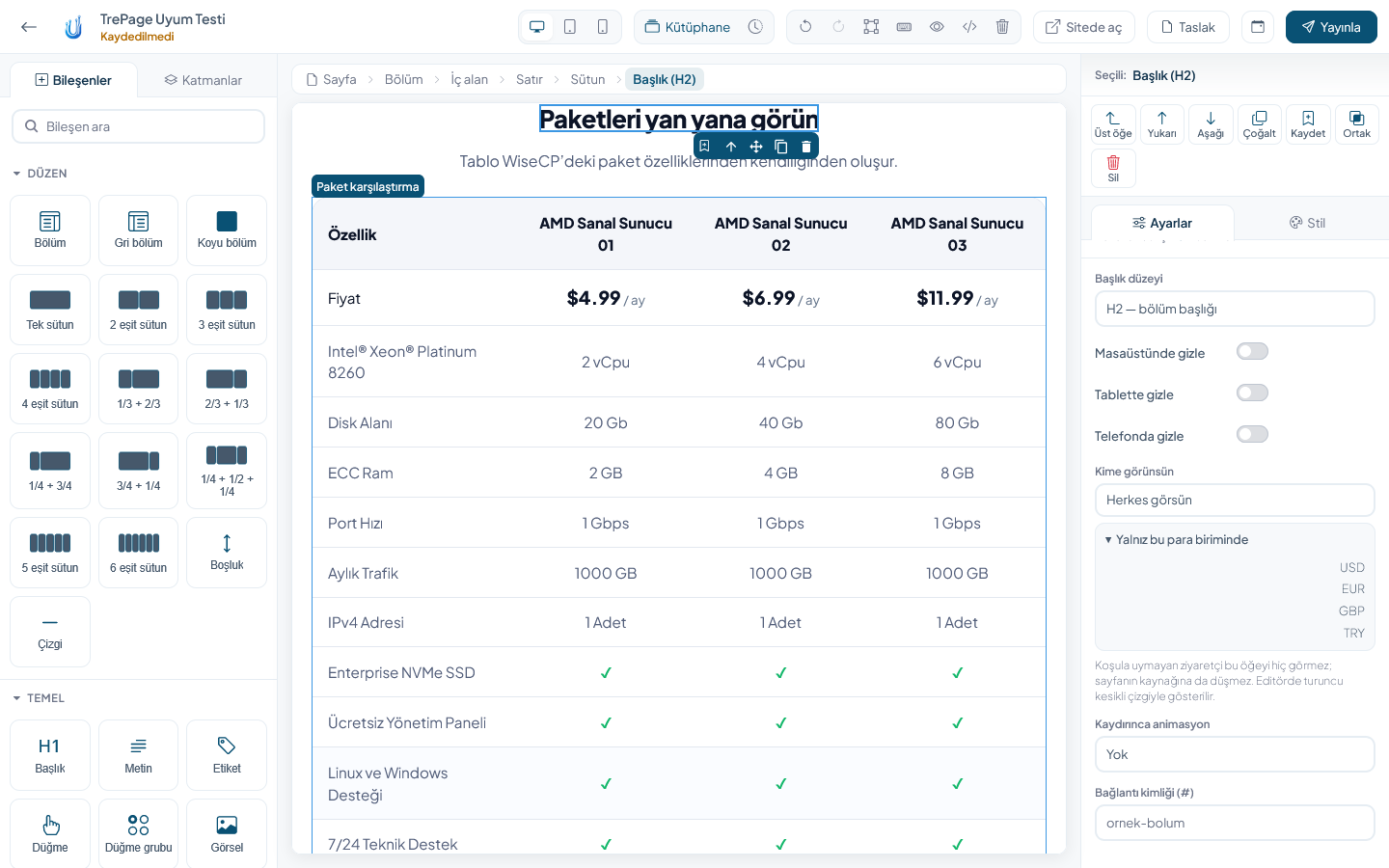
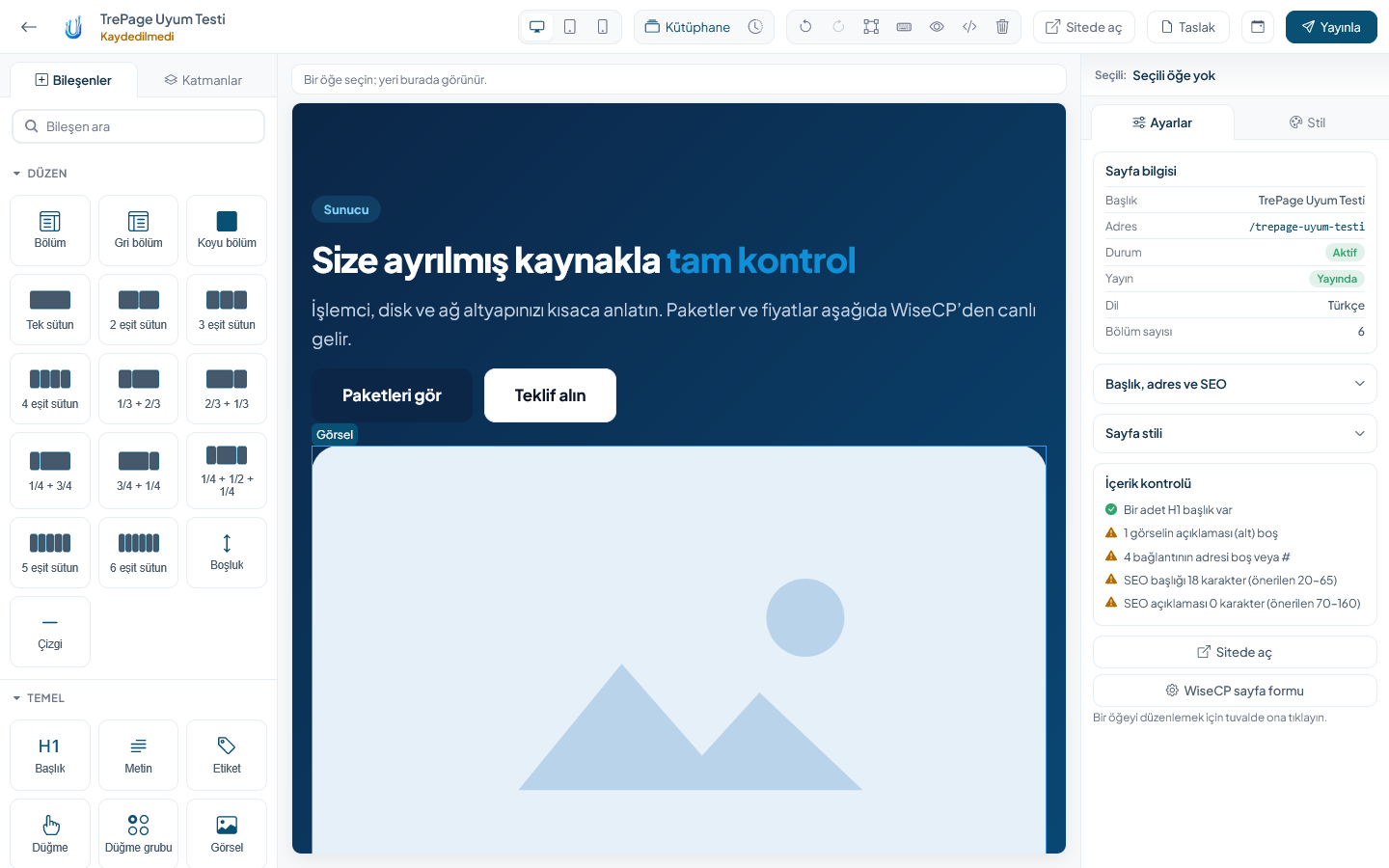
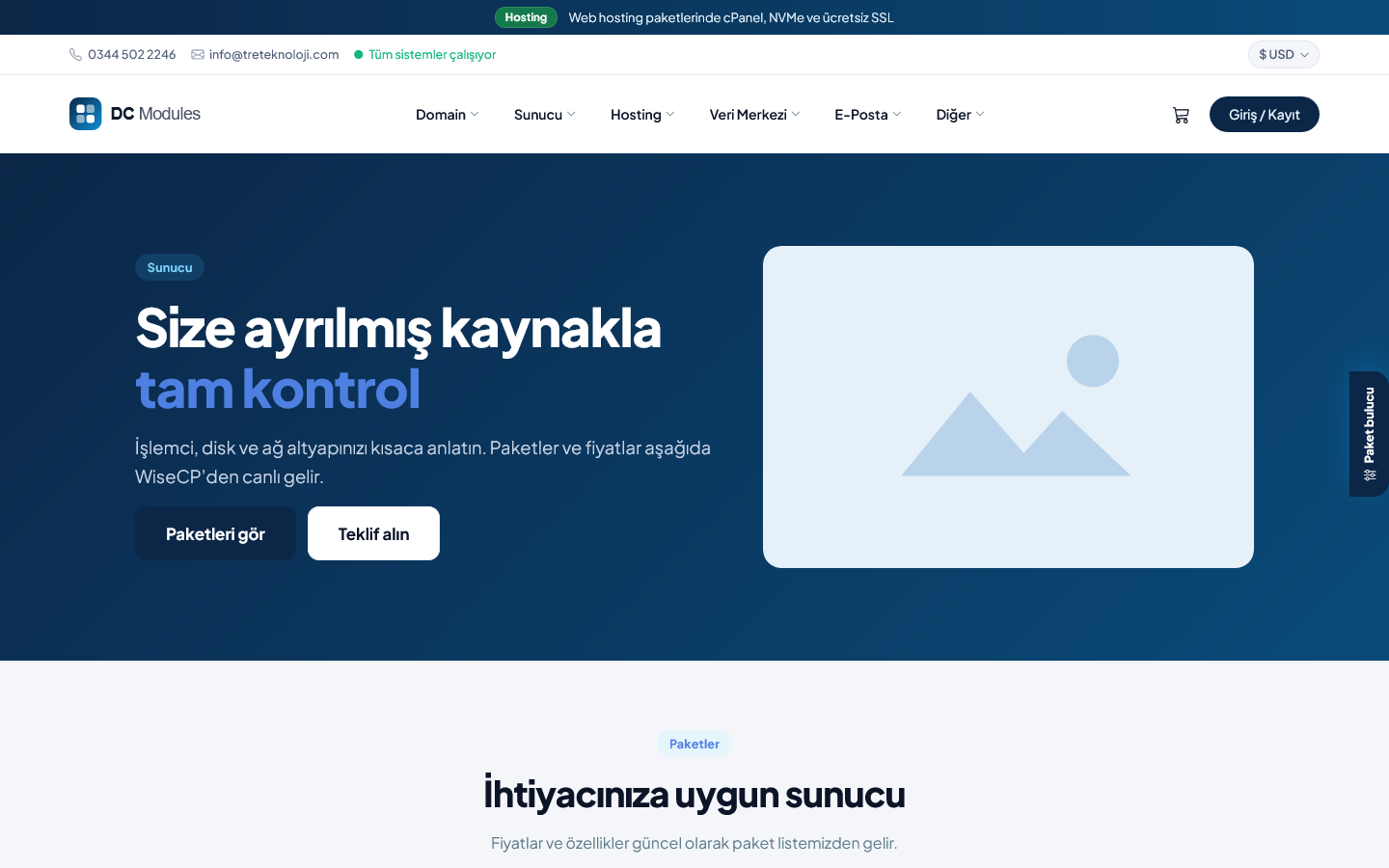
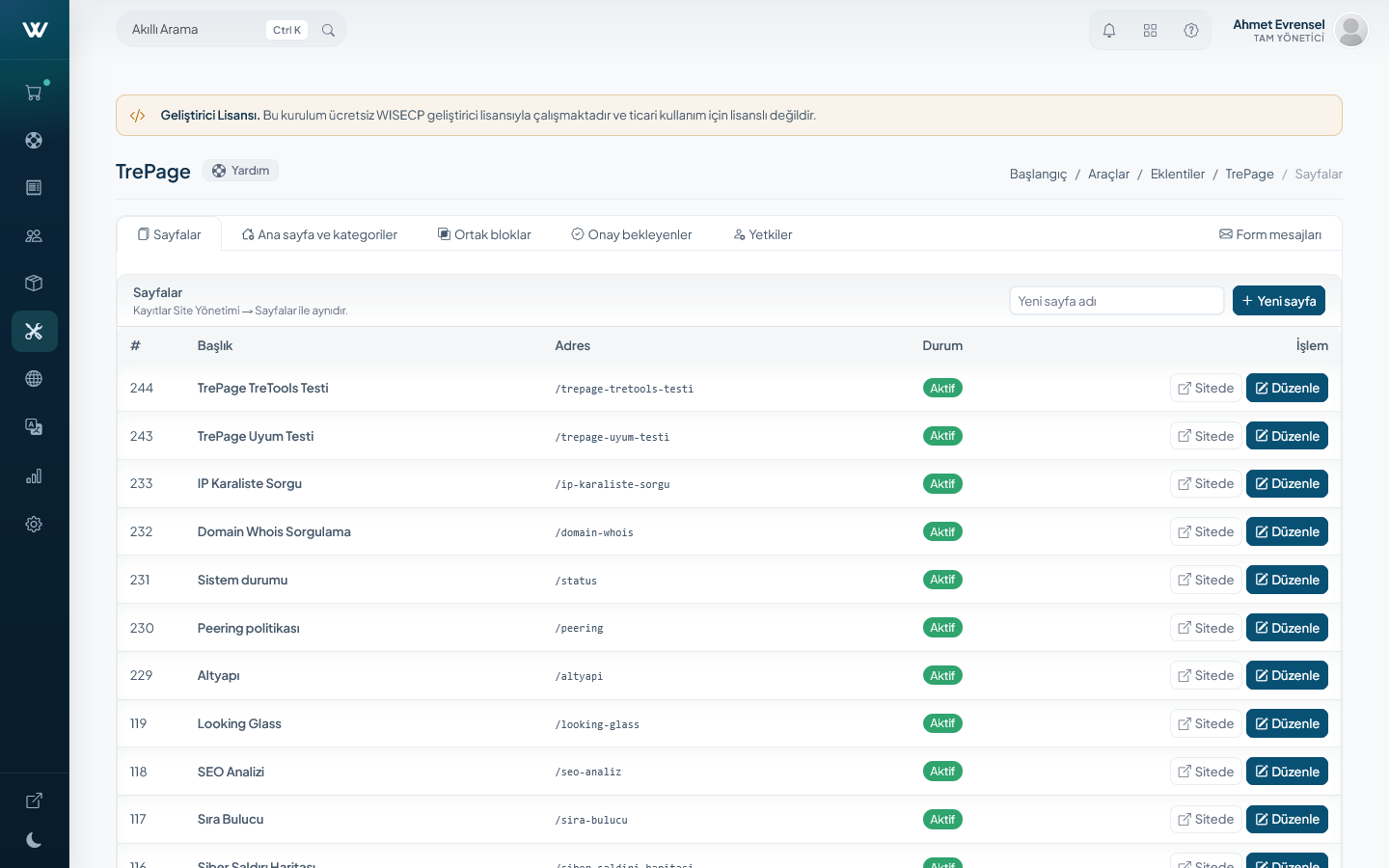
TrePage lets you build the pages of your WISECP site by dragging and dropping, without writing any code. The editor opens inside the admin area and shows the page in your own theme. What you see in the editor is what your customers see on the site.
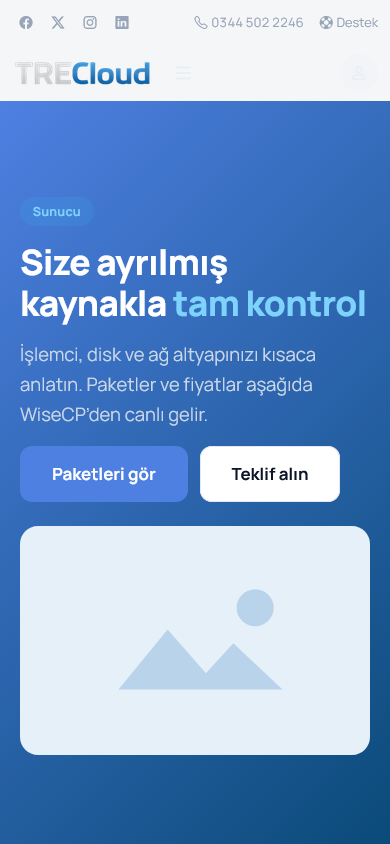
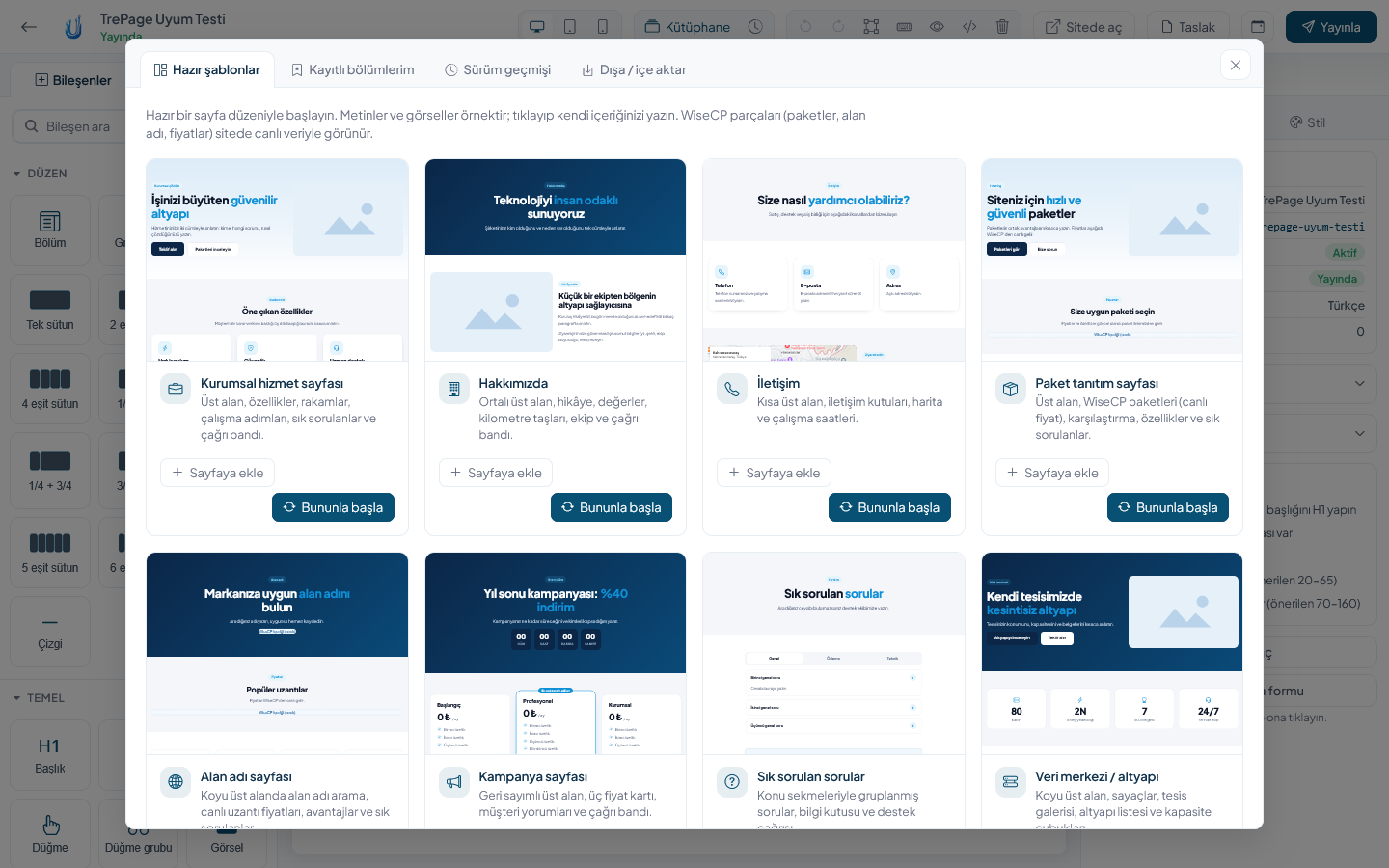
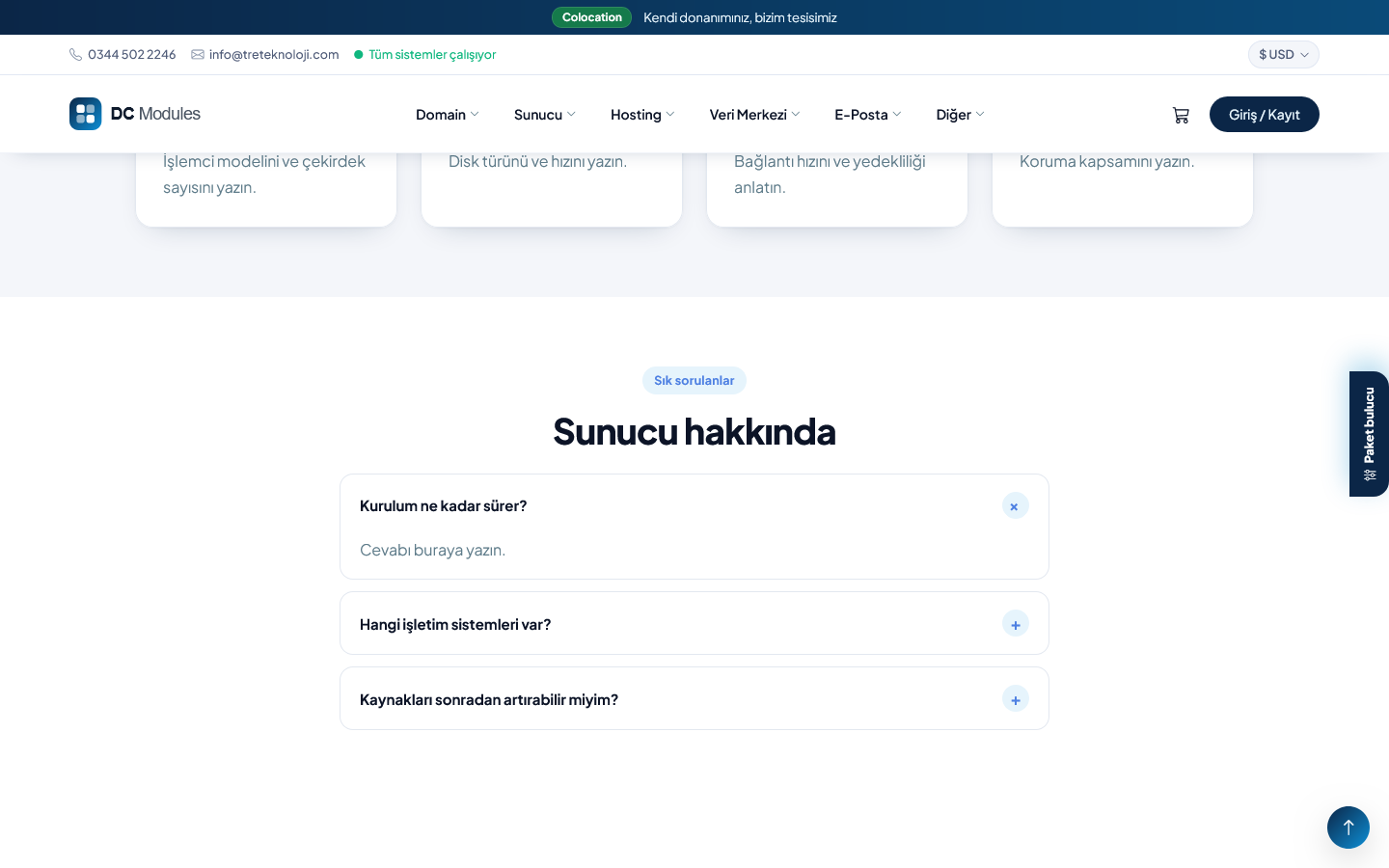
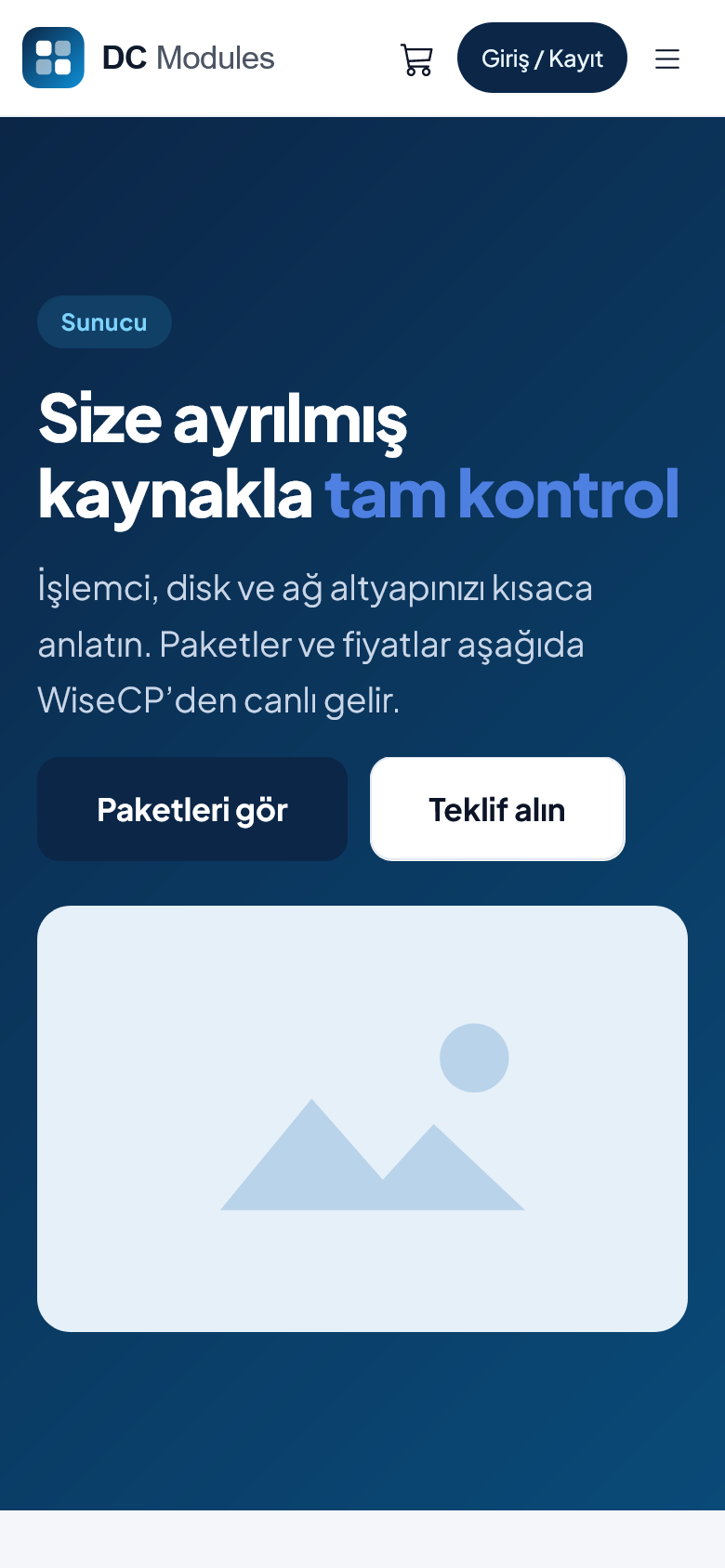
You don't have to start from a blank page. Pick one of the ready templates, such as about us, contact, campaign, server showcase or FAQ, and change the text and images to suit you. If something should look different on phones or tablets, you can adjust it separately.
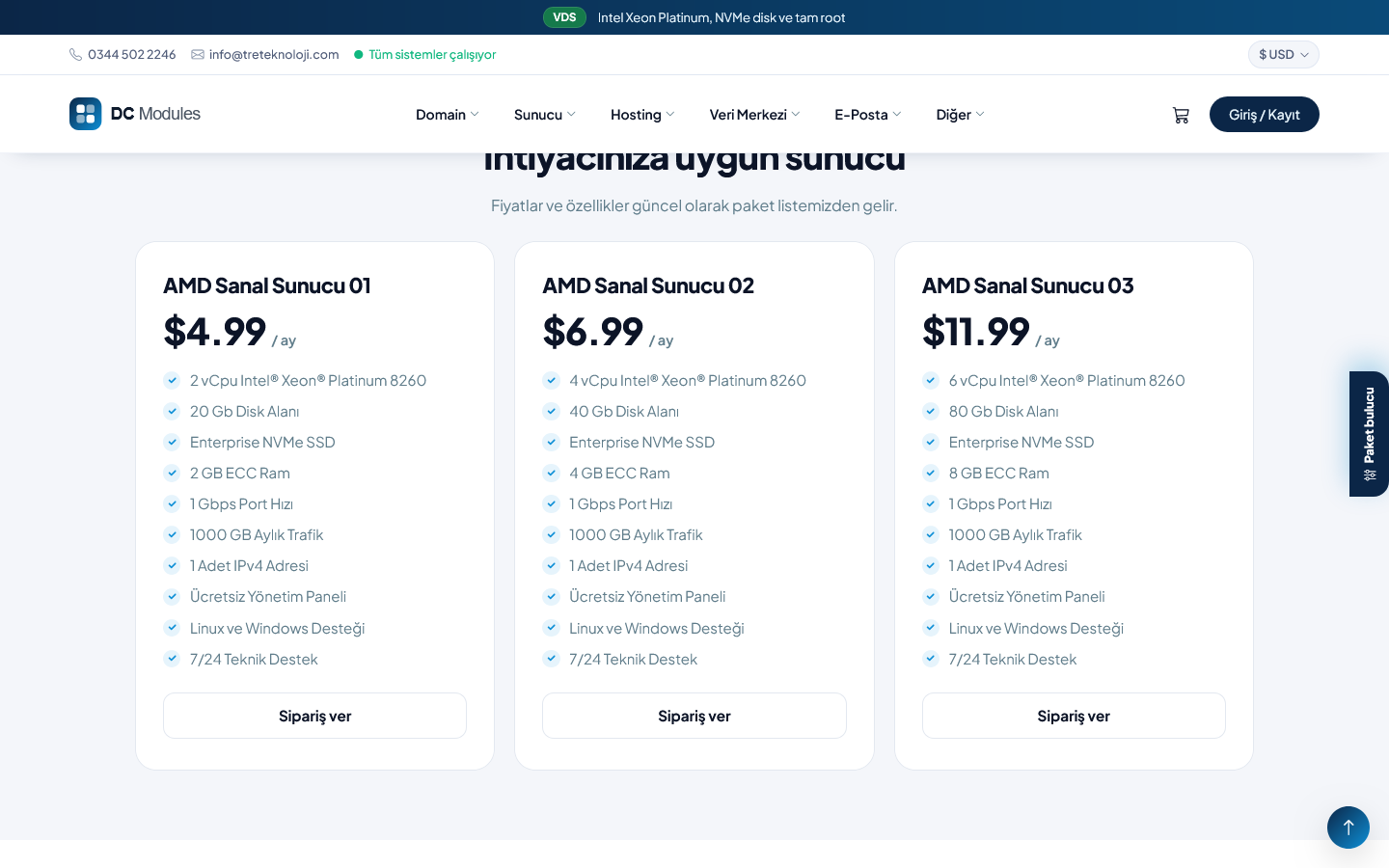
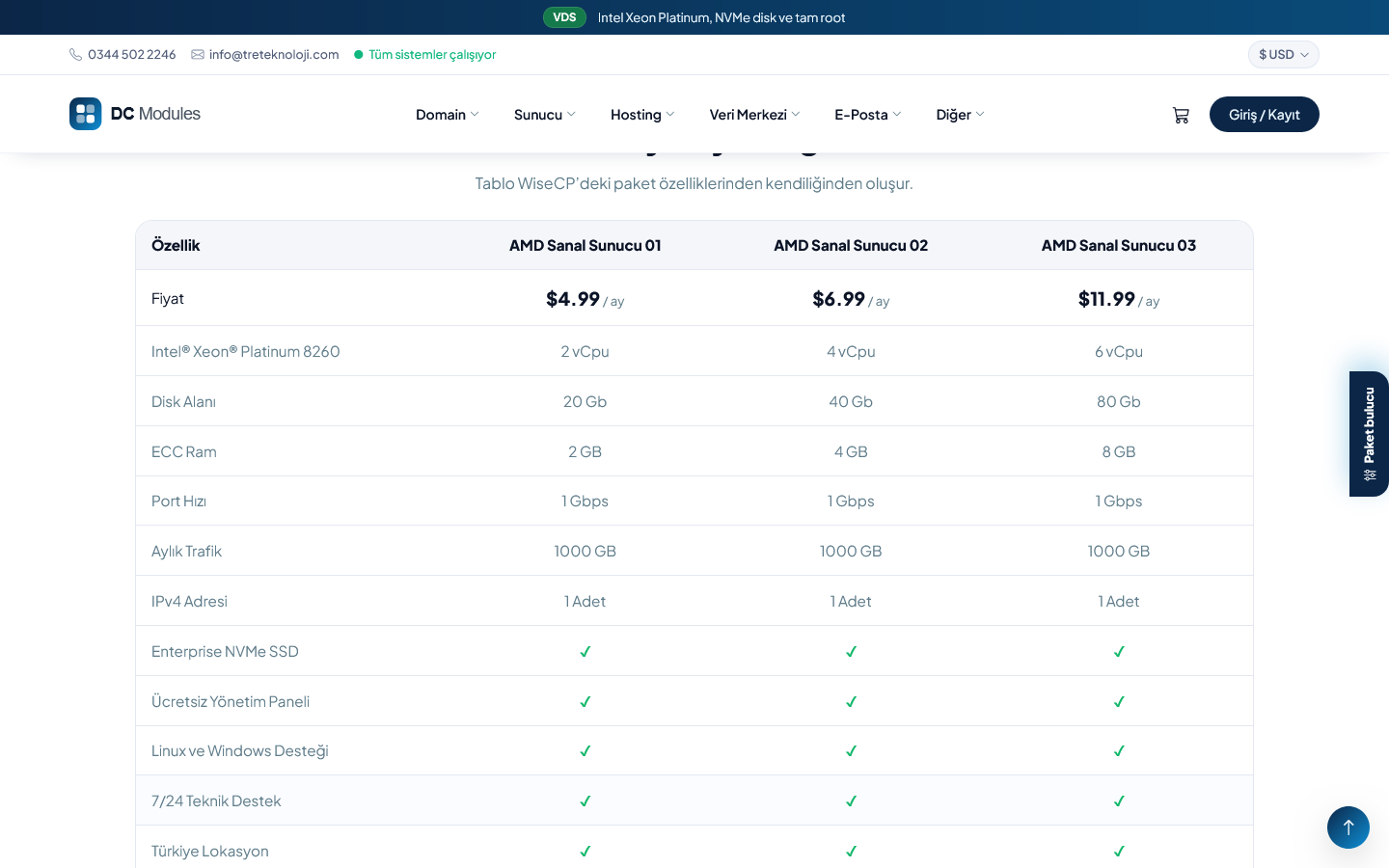
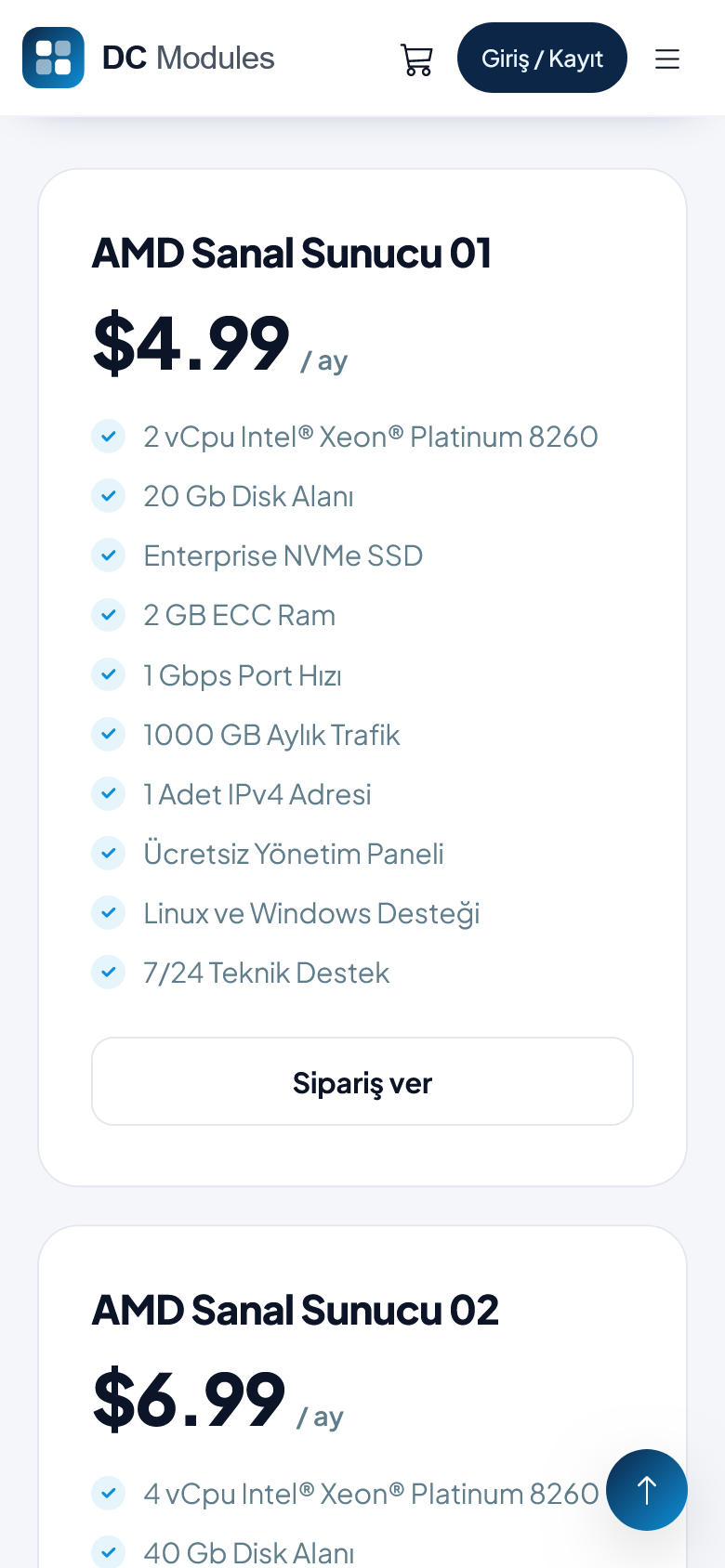
What makes it different is that it works with WISECP. When you add a package list to a page, your packages and prices come straight from WISECP. The same goes for the package comparison table, the domain search box, TLD prices, announcements and blog posts. When you change a price, you don't need to touch the page. Messages from the contact and quote forms land in your WISECP inbox.
Your changes stay as a draft first. Before publishing you can preview the page, or set it to go live at a time you choose. Older versions are kept, so undoing a wrong change is easy. If you work as a team, you can let only some people publish and have the others send pages for approval.
You can show a section only to logged-in customers, to a certain customer group, or to visitors browsing in a certain language. A section you use on many pages, like a campaign banner, only needs to be edited once and it changes everywhere. You can also add content to your home page and product category pages.
SEO settings (title, URL, description, share image) are right in the editor. It reminds you of a missing H1 heading or an image without a description. Large images are made smaller when you upload them, so pages load fast.
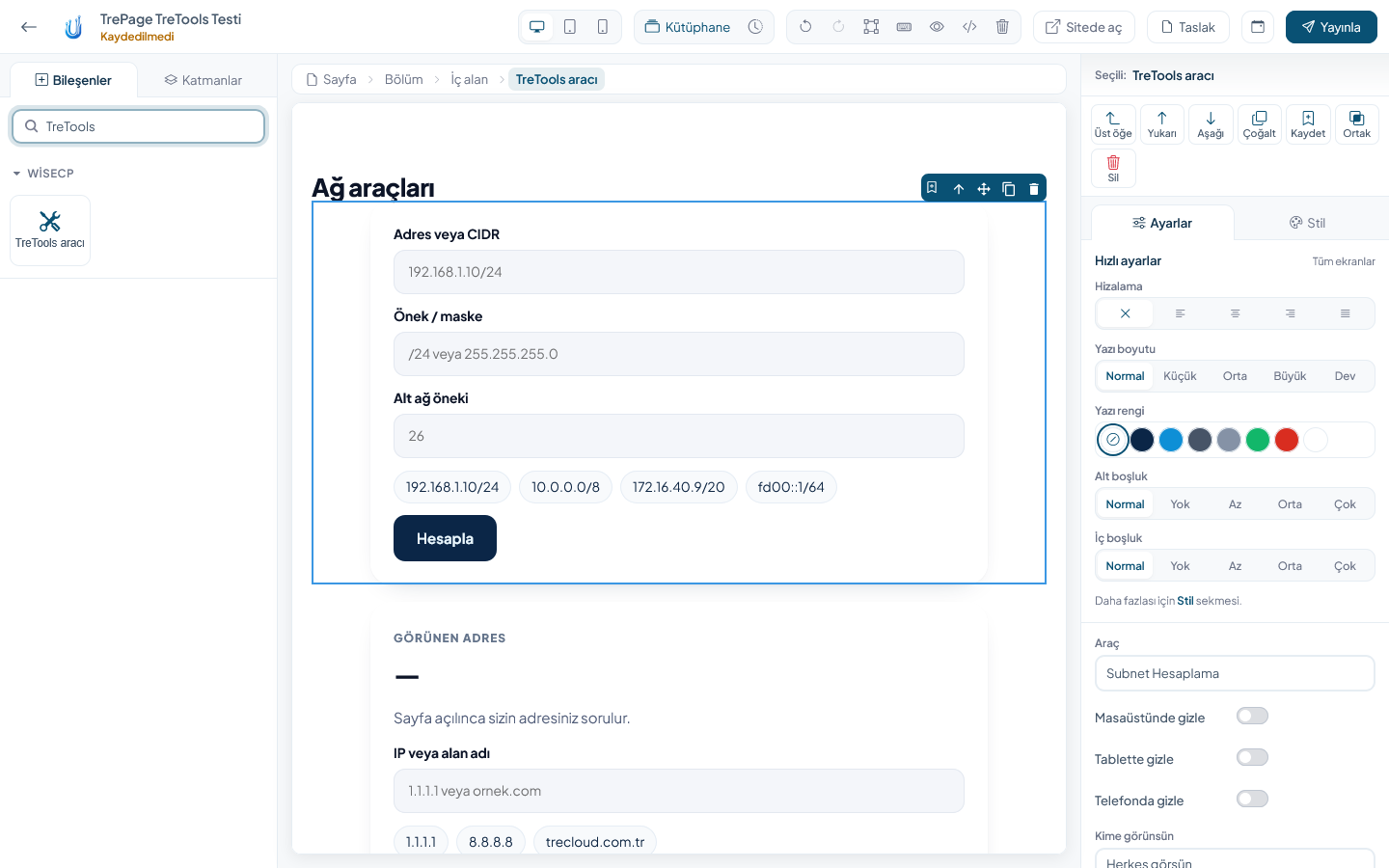
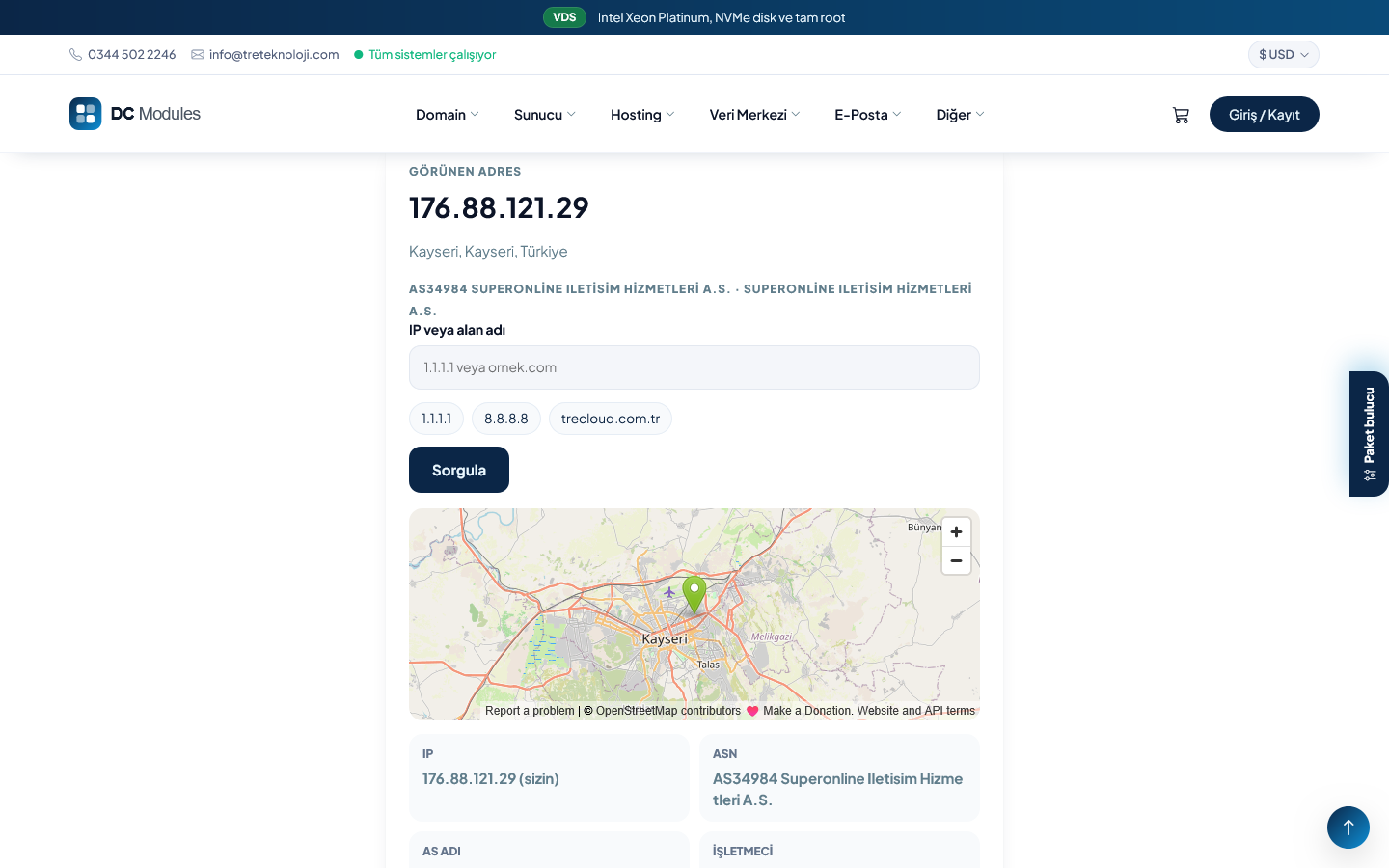
TrePage doesn't change your theme files. We tested it on WISECP's Basic and WStyle themes and on our own TreCloud theme. If you also have TreTools, you can add tools like the speed test and IP lookup to your pages.
The admin screens are in Turkish and English.
The license comes from TreCloud and is tied to your domain. There are no license checks on visitor pages, so it doesn't slow your site down. Updates come through the WISECP marketplace.