Επισκόπηση προϊόντος
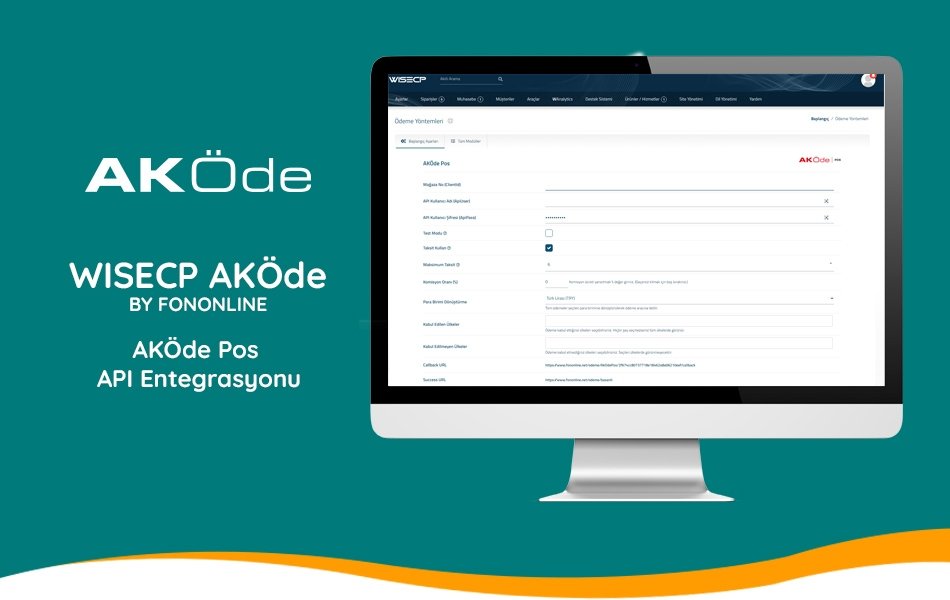
AKÖdePos payment gateway integration module for WiseCP
AKÖde, a subsidiary of AK Bank, has started its work with the goal of simplifying every stage of payment in e-commerce for both buyers and sellers by placing technology at its core with the AKÖde POS product. It contributes to the Financial Technology Ecosystem with innovative products by providing secure, fast, and uninterrupted payment infrastructure to both corporate and individual sellers in the e-commerce world.
About the Module
This module is an AKÖde Pos (AKÖde) virtual POS API integration developed by Fononline for the WISECP Automation Software.
Module Features
- Multi-Language Support (TR-EN)
- 3D Secure Option Available
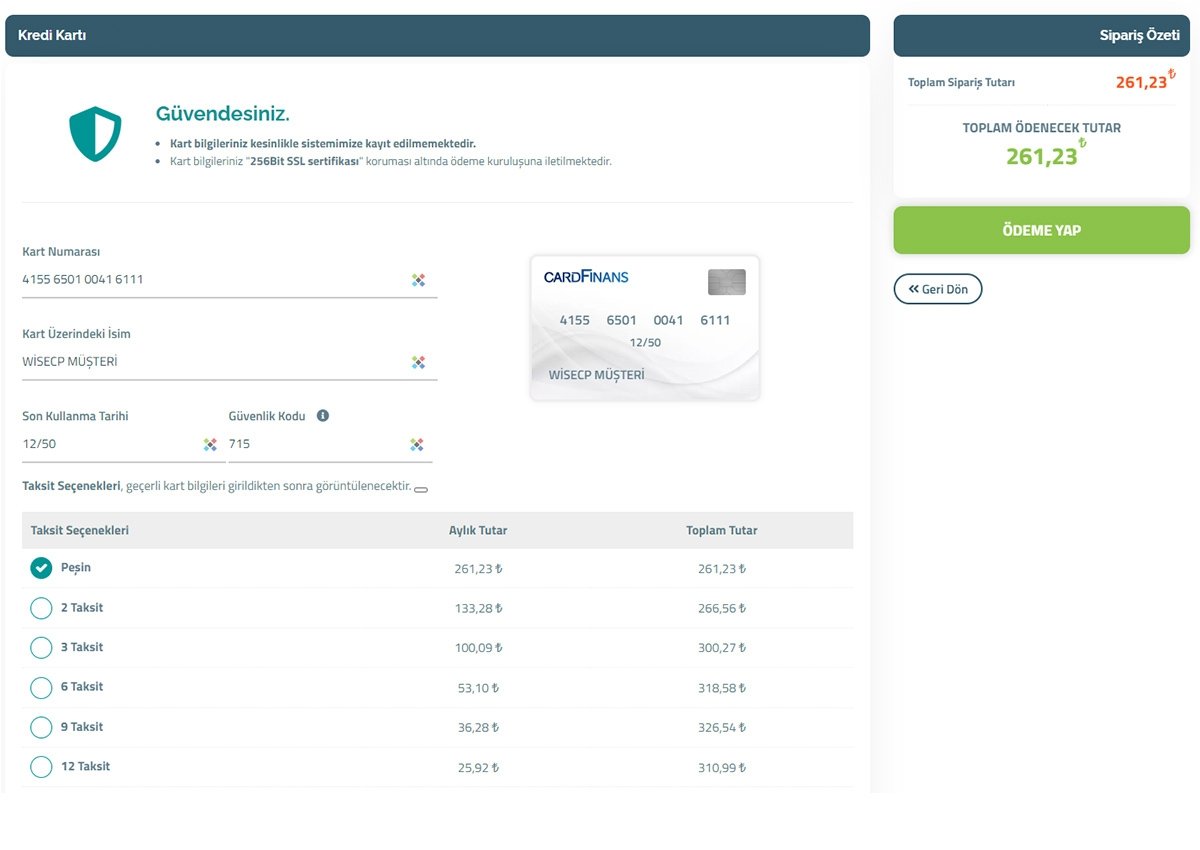
- Installment Payment Option
- Open Source Code
- All Functions are Active
- It is an on-site payment method. It uses the WISECP payment form and processes payments without leaving the site (except for 3D confirmation).
Installation
- Copy/upload the "coremio" folder from the downloaded file to the directory where the WISECP software is installed (Example: /home/public_html/WISECP/).
- Make sure the folder structure is correct. (Example: /home/public_html/WISECP/coremio/modules/Payment/AkOdePos/AkOdePos.php)
- Go to your WISECP Control Panel.
- Go to the Settings menu and select the Payment Methods menu under the Financial Settings menu.
- Go to the All Modules tab, select the AkOdePos module, and enter the required information.
Module Settings
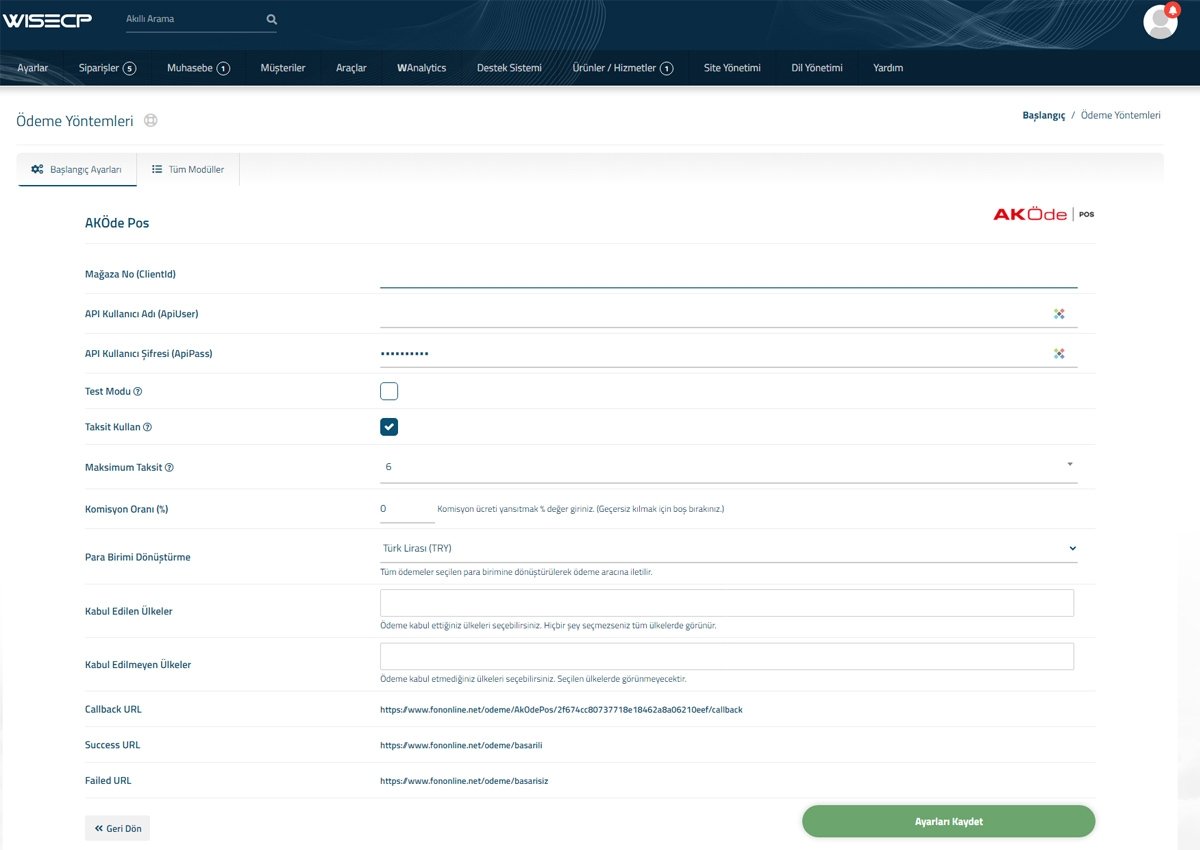
- Store No (ClientId): Enter the ClientId value that you obtain from AKÖde Pos API information.
- API Username (ApiUser): Enter the ApiUser value that you obtain from AKÖde Pos API information.
- API User Password (ApiPass): Enter the ApiPass value that you obtain from AKÖde Pos API information.
- Test Mode: You can activate it to test the module. Note: AKÖde Pos uses a fixed account for testing and may encounter errors with some test cards. You can access Test Card information at https://akodepos.com/developer/index.html#test-kart-bilgileri.
- Use Installments: Enable this if you want to use installments for payments.
- Maximum Installments: Specify the maximum number of installments to be displayed.
- Currency Conversion: You must select Turkish Lira (TRY) from the Currency List. AKÖde Pos only operates in Turkish Lira.
- Click the Save Settings button to save the settings.
Congratulations, you can now start using the module.
Requirements WISECP 3 and above