Product overview
Add instant multilingual translation to your website with the free Google Translate module! Provide your users with a seamless language experience thanks to its easy integration and fast translation feature.
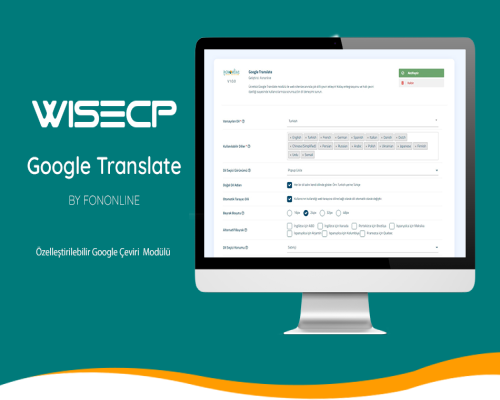
Customizable Google Translate ModuleGoogle Translate
Provide automatic translation and multilingual support on your WISECP platform with our powerful and flexible Google Translate module. Our module is free and easily customizable. Enrich your site's user experience with various language selector views!
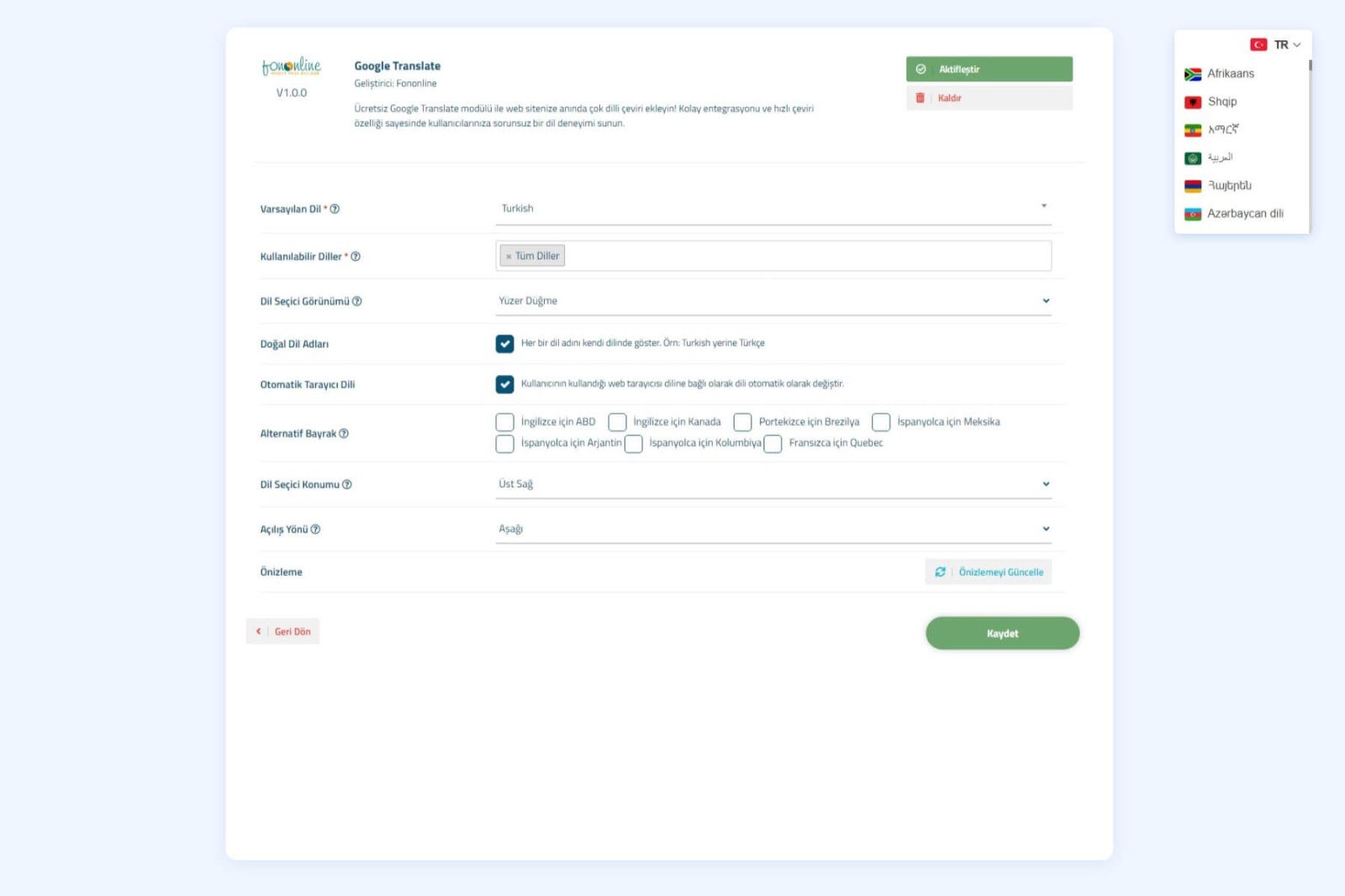
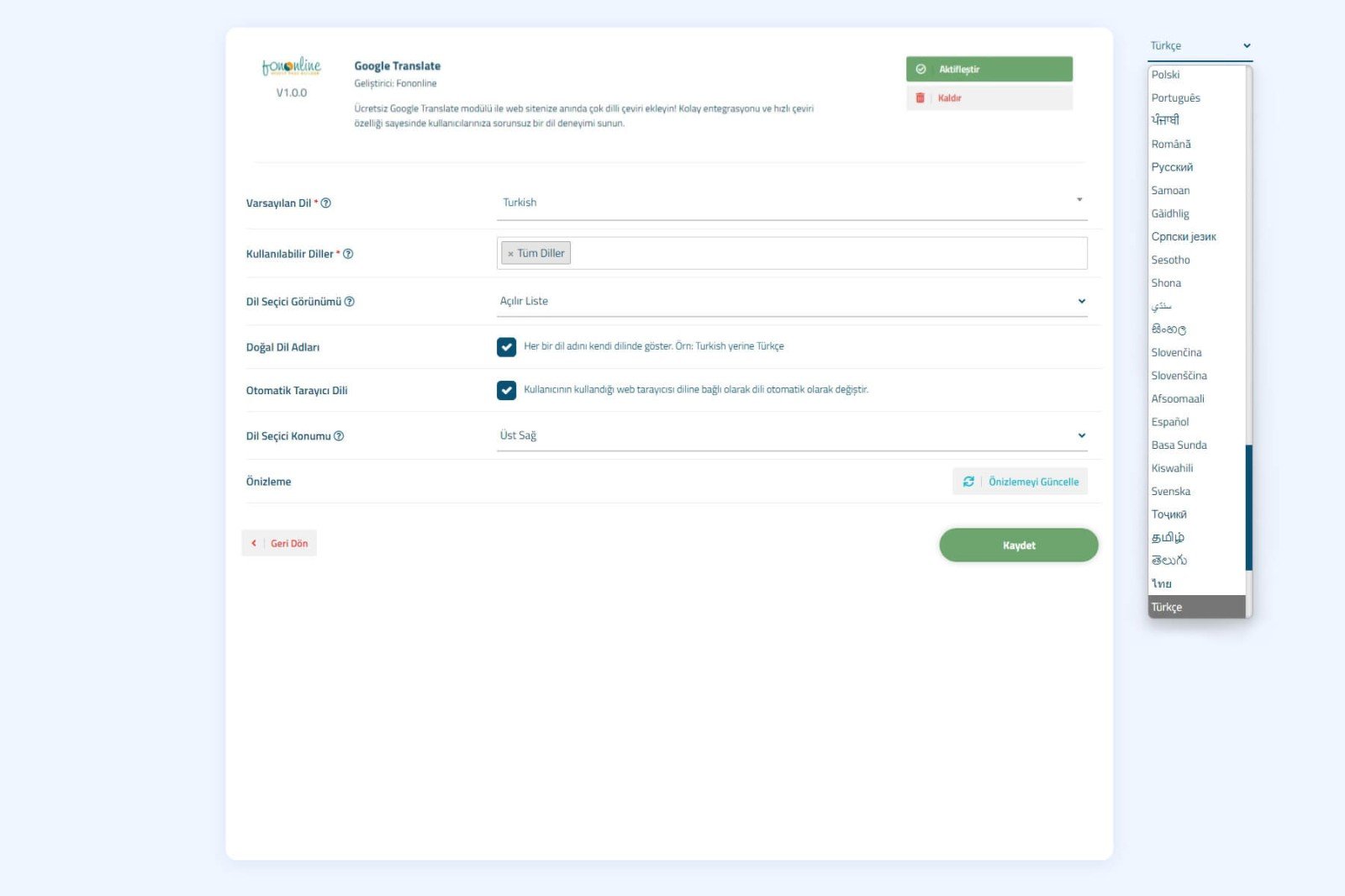
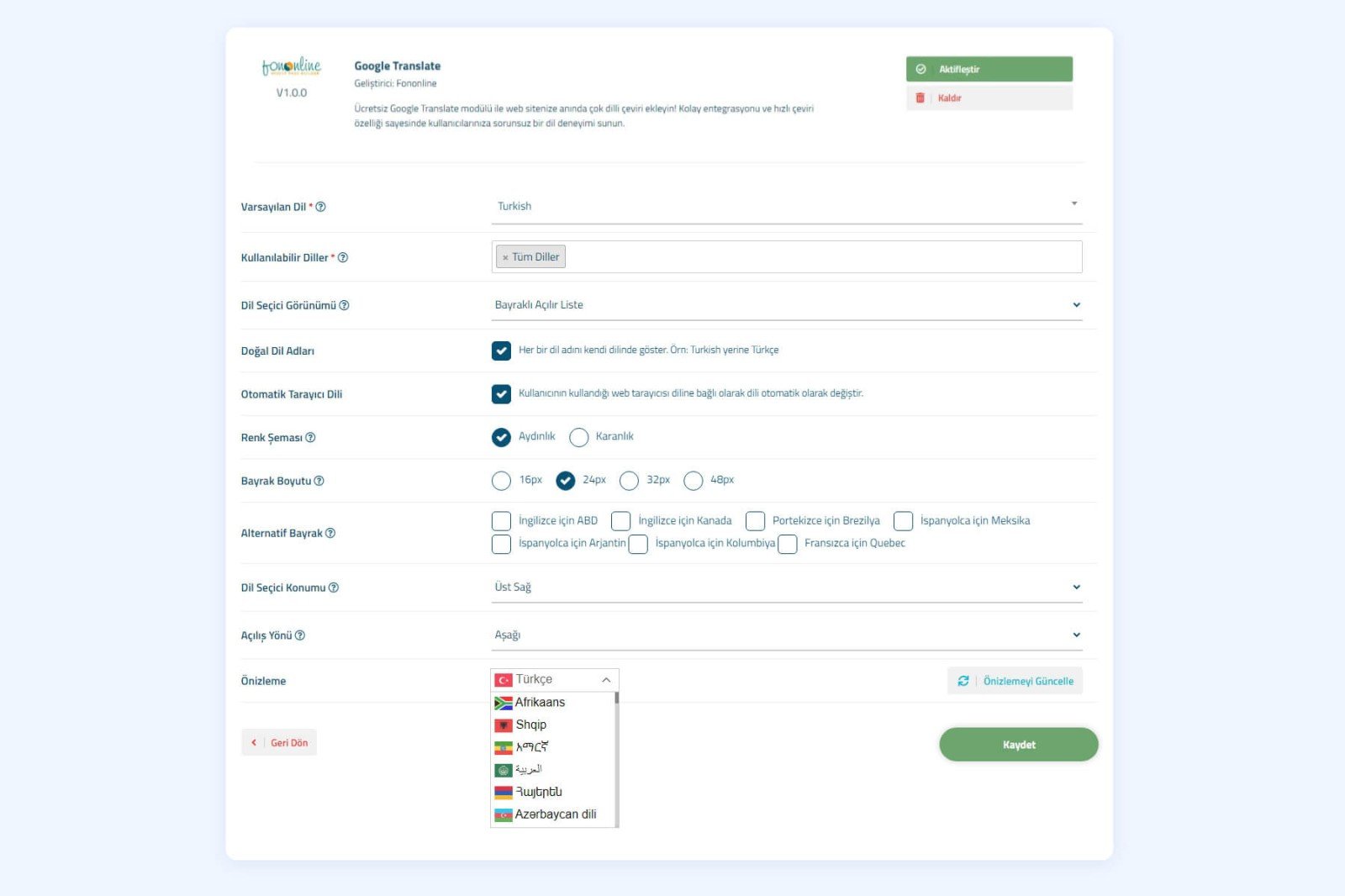
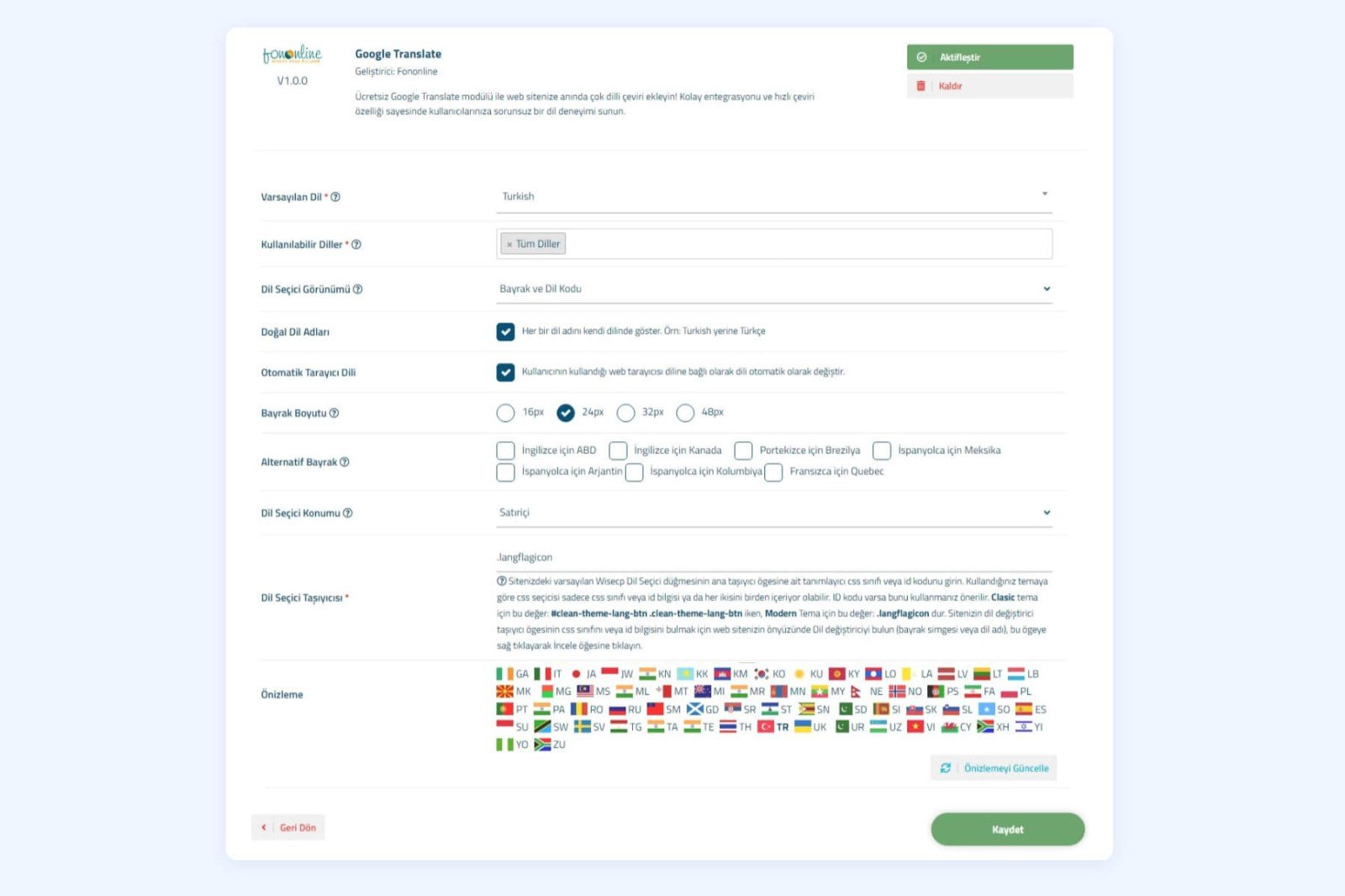
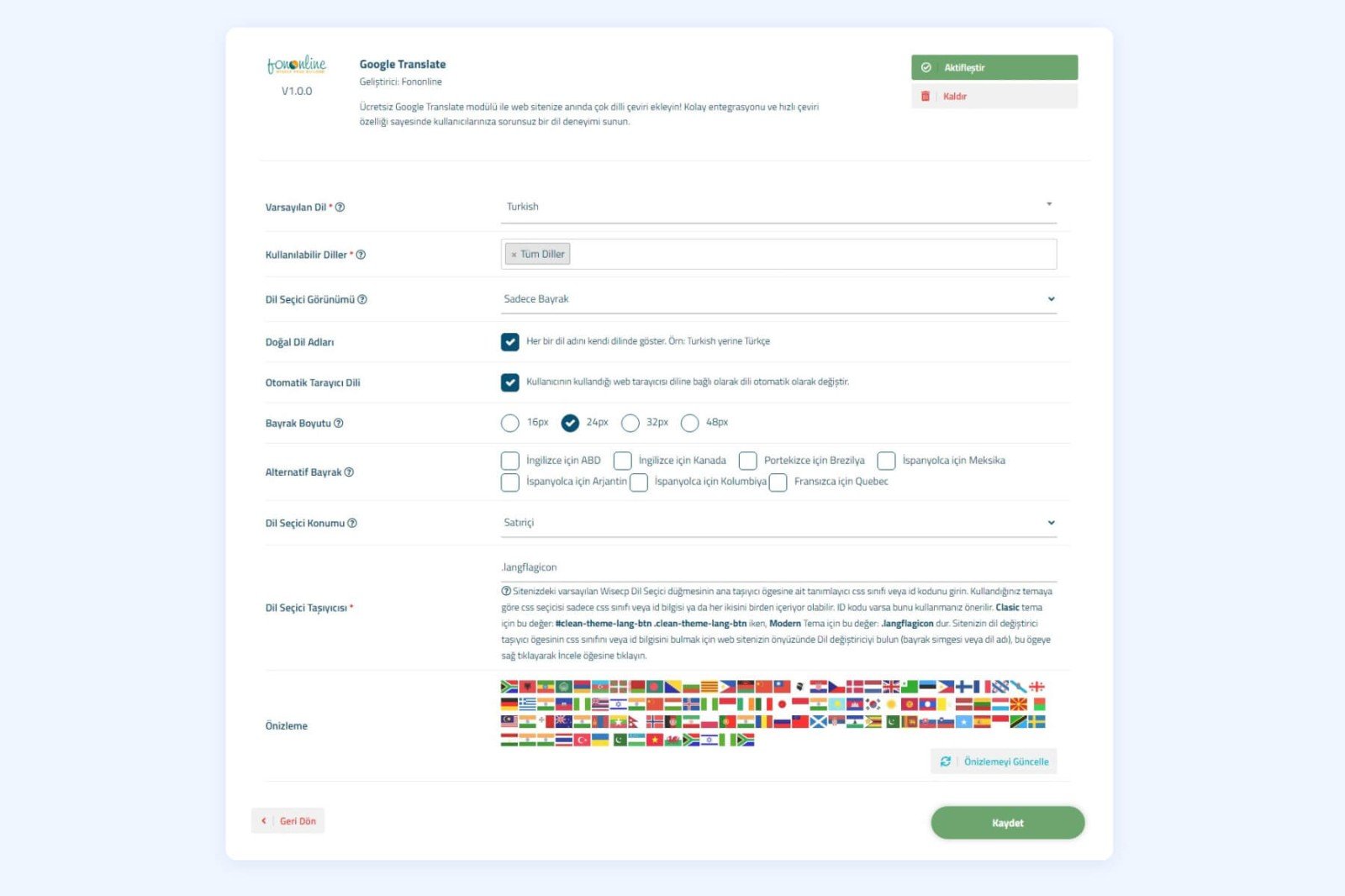
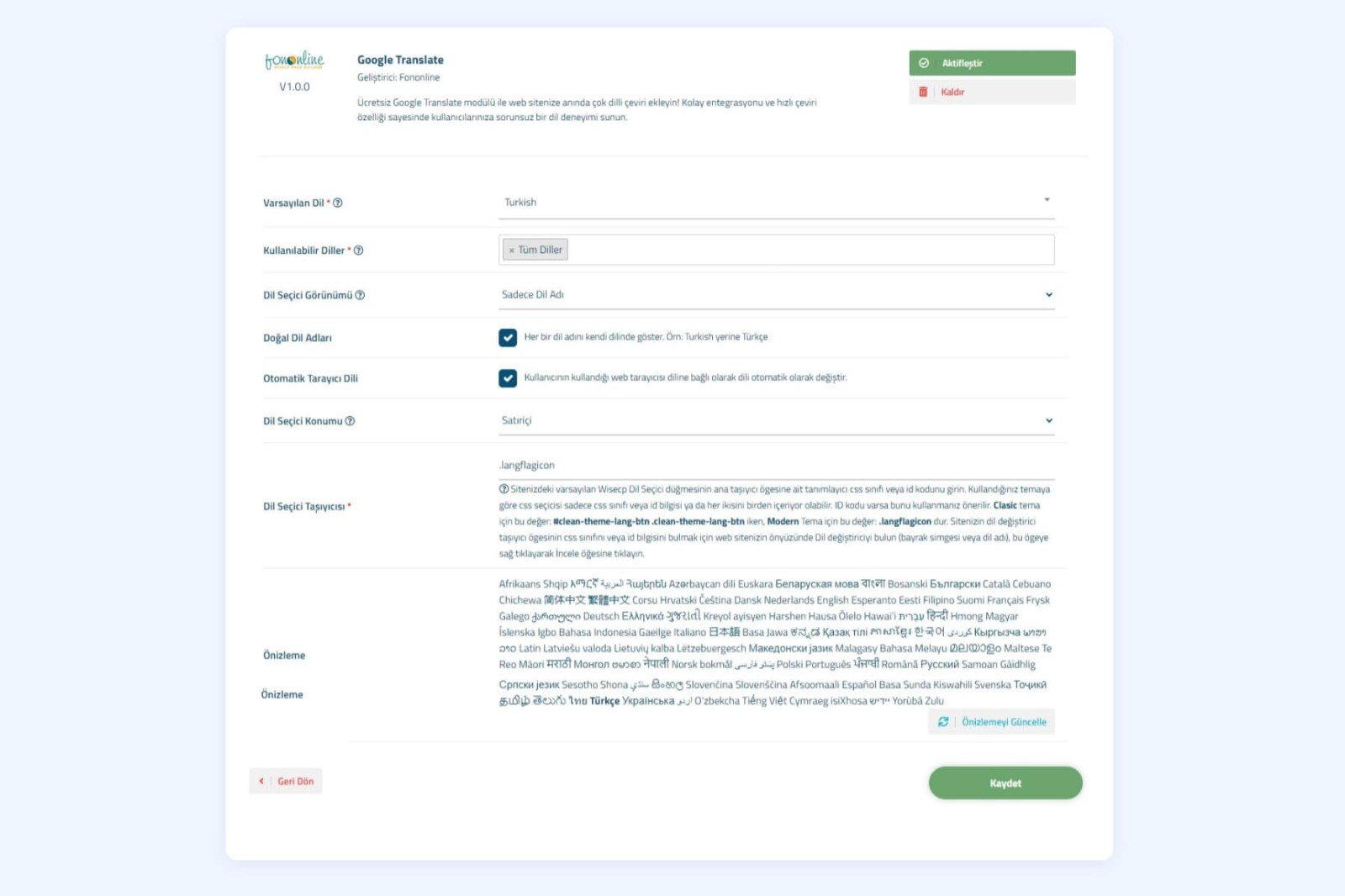
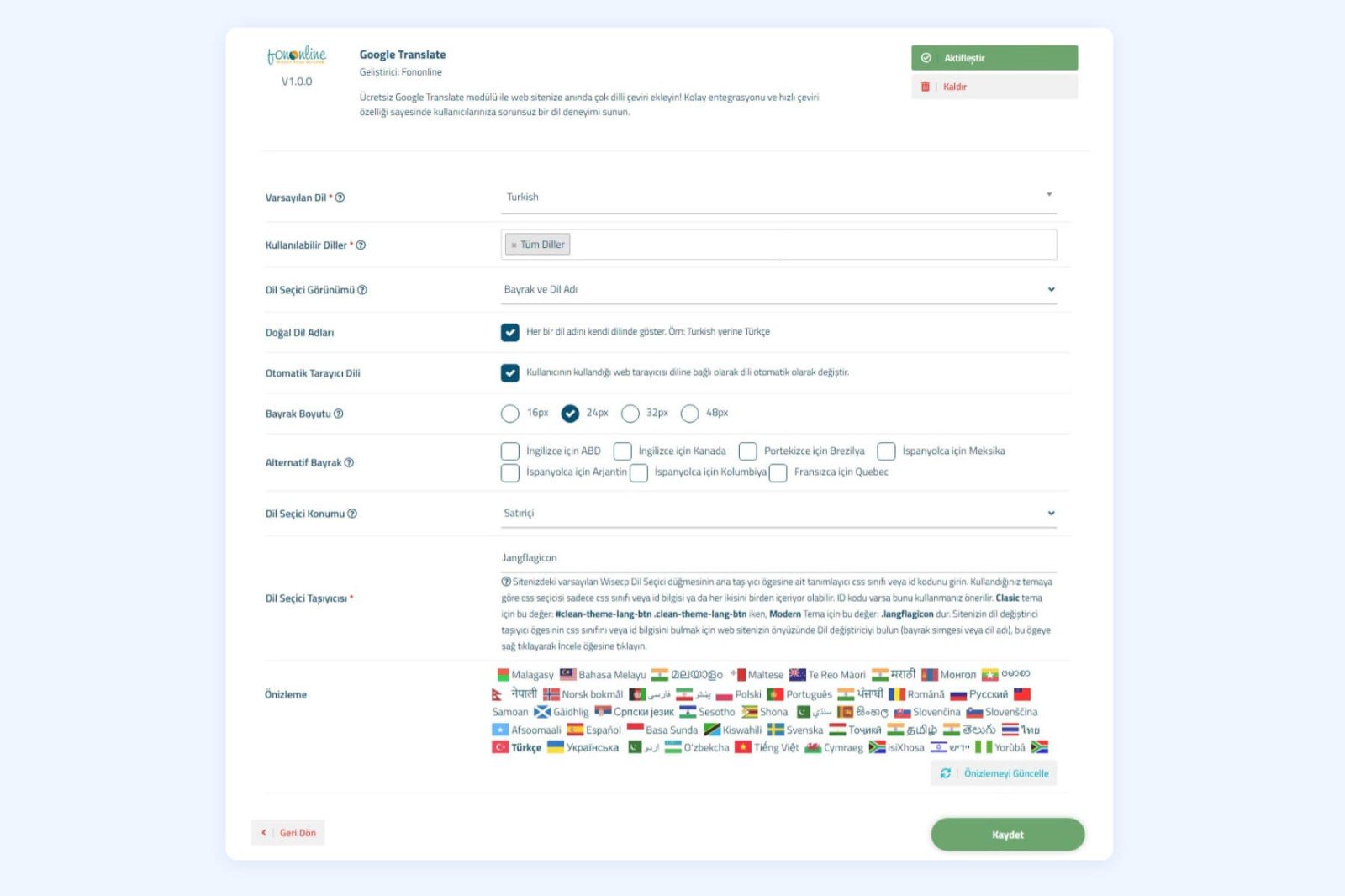
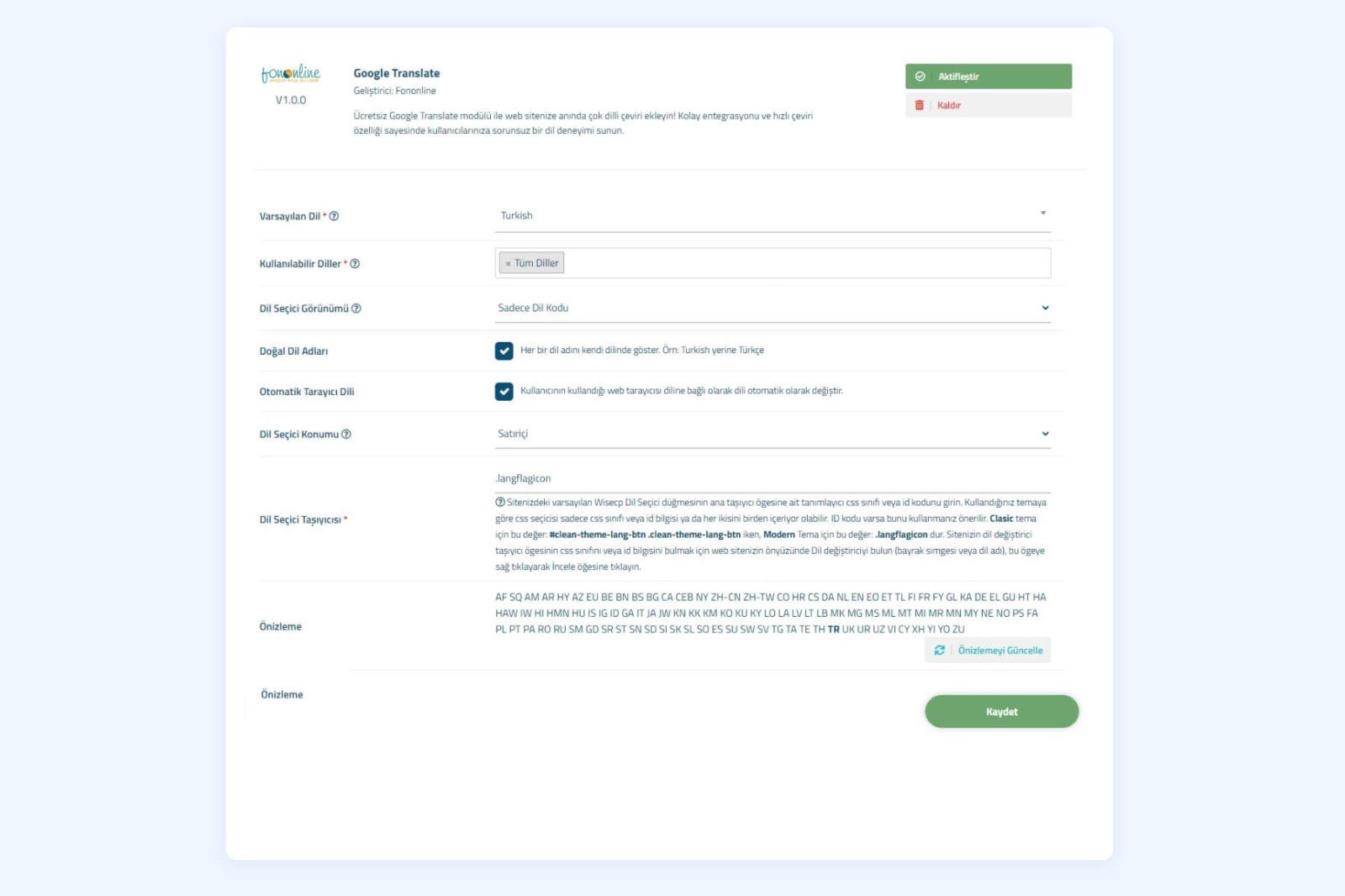
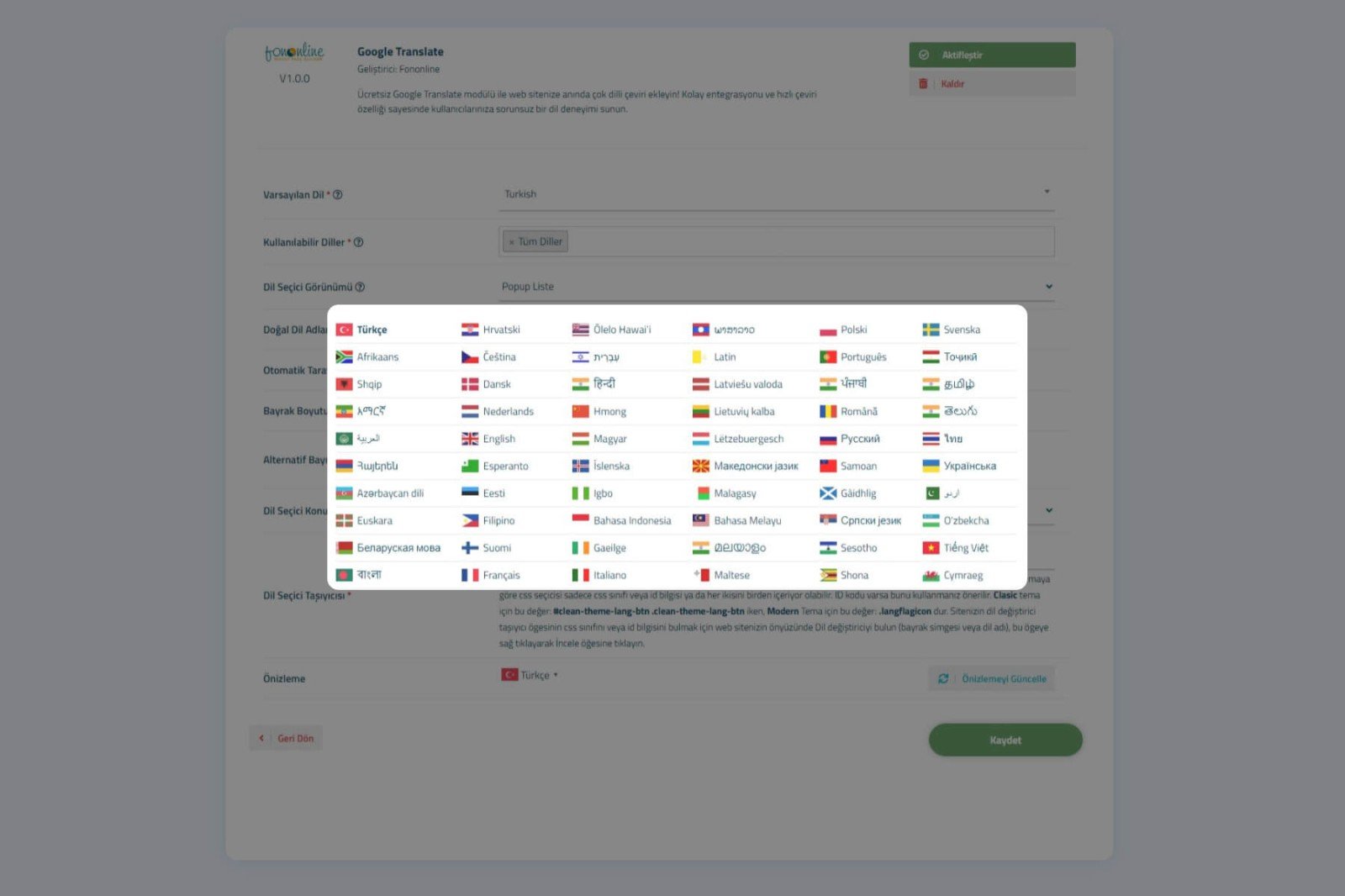
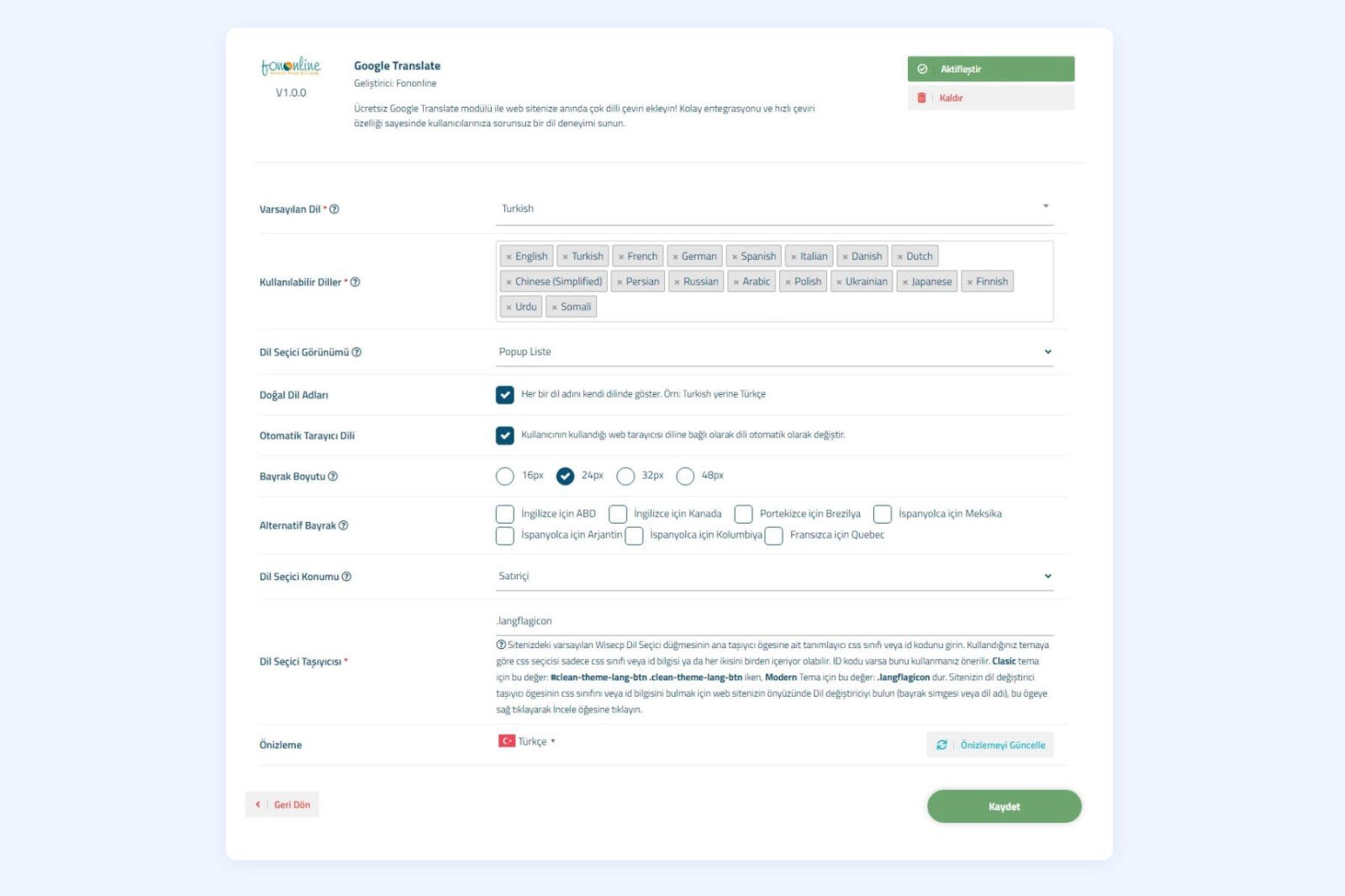
Fononline Google Translate module offers a versatile and flexible translation solution for your WISECP platform. This completely free module allows you to easily translate your site's content into many different languages. In the module settings, you can select the translation languages you want to display on your site and choose from 10 different language selector views. With the automatic translation option based on the user's browser language, you can instantly recognize your visitors' language and automatically translate your content into this language.
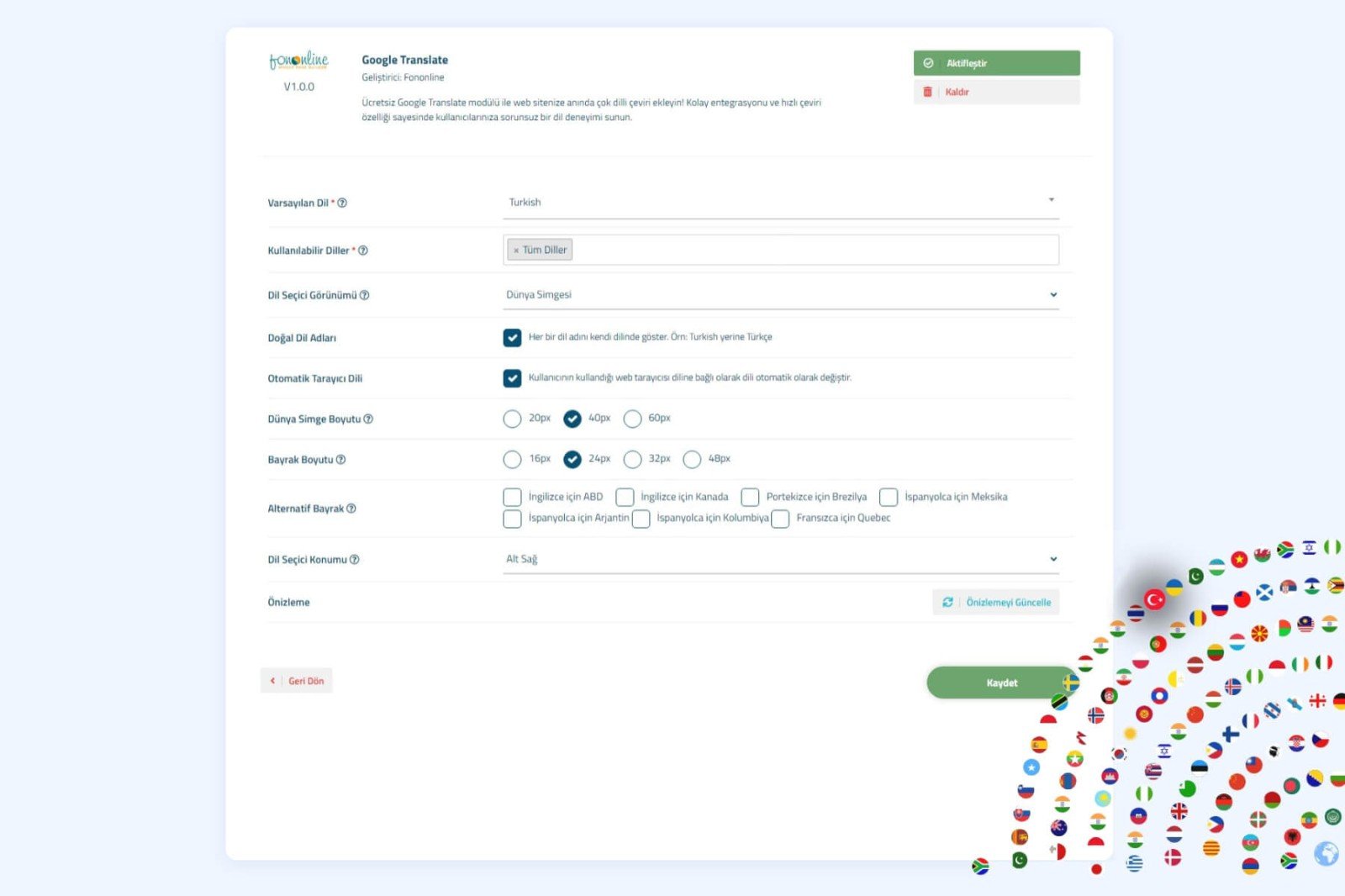
You can select the flag sizes for views with flags and provide alternative flag options for English, Spanish, Portuguese, and French languages. The language selector can be displayed inline or fixed on your site and can be positioned with various location options. Additionally, you can determine the opening direction of the language list in the language selector view. Users can preview all configurations while setting up the module in the admin panel, making it easy to achieve the desired appearance. It does not require manual intervention in WISECP theme files; the module automatically integrates into the theme files. The module supports multiple languages (Turkish and English). Language files are editable, allowing you to use the module in your own language.
You can visit Fononline.net for a DEMO.
Installation and Usage Guide
Step 1 - Download and Upload Module Files:
- Download the zip archive containing the module files.
- Extract the content of the zip archive to a folder.
- Upload the content of the upload folder directly to the root directory of your site where WISECP is installed (usually public_html).
Step 2 - Configure Module Settings:
- After the module is uploaded, navigate to the "Tools > Addons" menu and find the Google Translate module.
- Click on the "Settings" button to access the module settings.
- Configure the module according to your needs. You can preview your configuration.
- Configure the settings to place the language selector inline or fixed on your site.
- Inline: Specify the CSS or ID selector and display the language selector in this selector.
- Fixed: Choose one of the bottom left, bottom right, top left, or top right corners of web site.
- Save the settings.
- Click on the "Activate" button to activate the module.
Step 3 - Display the Module on Your Site :
- The module automatically integrates into the theme files, so no manual intervention is required.
Step 4 - Test and Use the Module:
- After completing the module settings, visit your site and test the language selector.
- Preview your settings in the admin panel and update them if necessary.
- Users can easily switch between languages on your site using the language selector.
CONGRATULATIONS! You can now start using the Fononline Google Translate Module.
Requirements WISECP v3.1.9.x